Timing
Catch overlaps and broken timestamps
Jump directly to the source block responsible for each error.
Free SRT validator
Caption QA. Open an SRT or WebVTT file, review every cue-level issue, preview timing against audio, and export a clean file. No signup and no caption upload.
Timing desk
Checks run locally. Caption text and optional preview audio stay on this device.
Timing
Jump directly to the source block responsible for each error.
Readability
Switch between Latin and CJK profiles or enter house-style limits.
Safety
No automatic retiming or rewriting. Every meaningful correction stays explicit.
The checks
Every cue is checked against the rules below. The numbers are the defaults for Latin scripts; the CJK profile changes the line and reading-speed limits, and you can type your own.
| Flag | When it fires | Usual fix |
|---|---|---|
| Invalid timestamp (error) | A time is not in HH:MM:SS,mmm (SRT) or HH:MM:SS.mmm (VTT) form. | Retype the time. A missing hour field or a colon instead of the comma is the usual cause. |
| Overlap (error) | A cue starts before the previous cue has ended. | End the earlier cue at or before the next start. Depending on the player, overlapping cues stack on screen or one of them is dropped. |
| Empty cue (error) | The cue has a time range but no readable text once formatting tags are removed. | Delete the cue or add the missing line. |
| Reading speed (warning) | More than 20 visible characters per second (12 for CJK). | Lengthen the cue into the gap after it, or shorten the wording. |
| Line too long (warning) | A line has more than 42 characters (20 for CJK). | Break the line at a natural phrase, not in the middle of a name or number. |
| Too many lines (warning) | The cue uses three or more lines. | Split it into two cues with their own times. |
| Short or long cue (warning) | On screen for under 1 second or over 7 seconds. | Under 1 second is hard to read; over 7 seconds usually means two thoughts that belong in separate cues. |
| Duplicate (warning) | The same text, ignoring case, appeared in an earlier cue. | Often a copy-paste slip after an edit. Keep it only if the line really is repeated. |
Captions made from AI narration often fail on reading speed, because a fast voice packs a long sentence into a few seconds. Slowing the voice slightly in the generator is often easier than rewriting the captions.
Still wondering? Get in touch →
Check the file before it reaches the timeline.
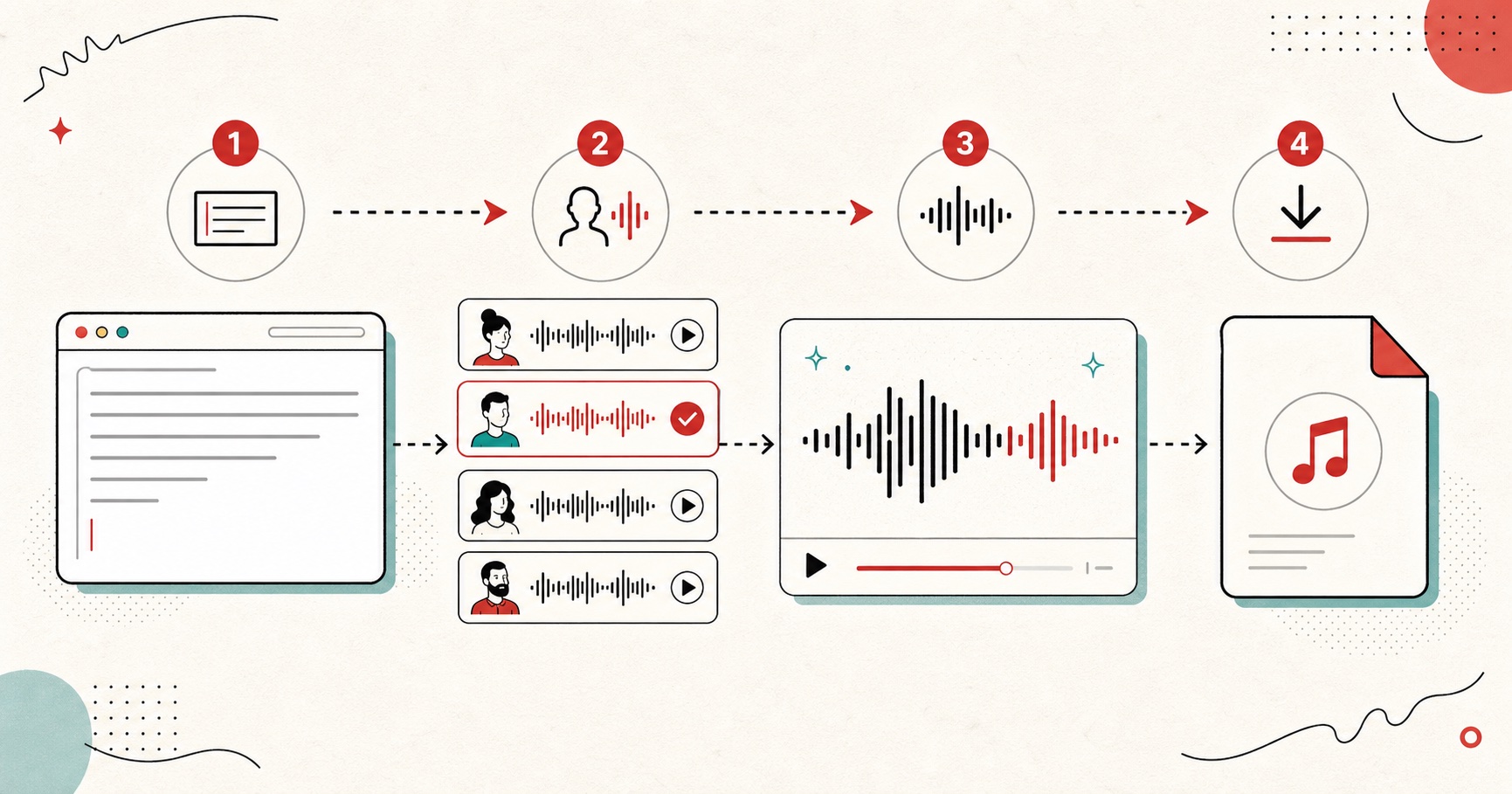
Visual guide
A visual guide to turning text into downloadable speech audio.
A tiny favor
Allow ads for this site, then check again. Prefer no ads? Paid plans remove ads and add more cloud characters, from $4 a month.
Allow ads for freetexttospeech.net, then check again.
Already on a paid plan?Sign into restore your perks.
Send feedback
Tell us what you think
Bugs, ideas, or anything that would make FreeTextoSpeech better.