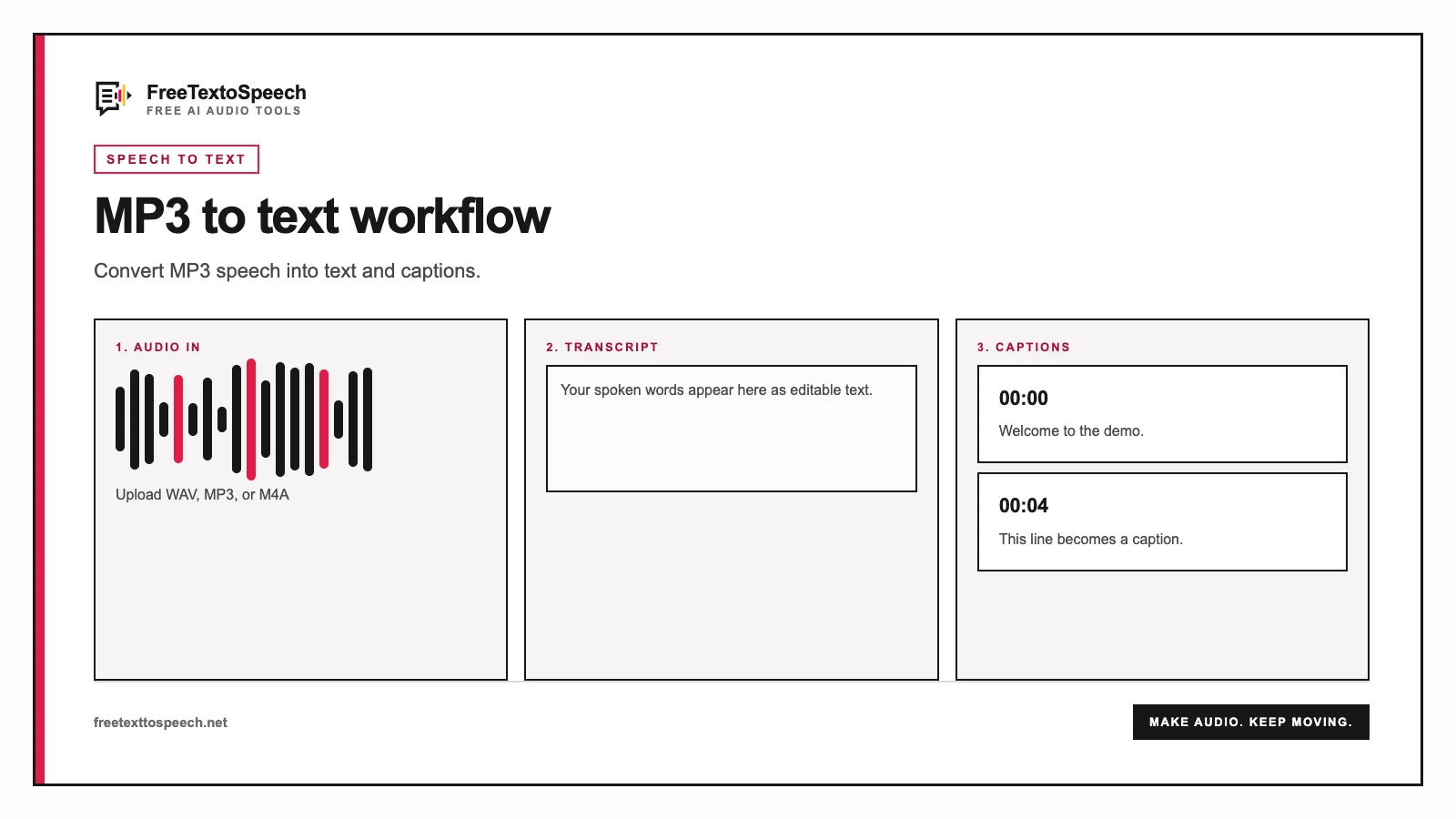
Visual guide
Transcription workflow for MP3 to text.
A practical delivery format
MP3 keeps interviews, voice memos, podcasts, and lectures manageable and easy to share, making it a convenient source for automatic transcription.
Find quotes, create notes, draft captions, or build an article. Choose TXT for editable copy and SRT when you need subtitle timing.
Speech recognition creates a strong first draft. Listen again where speakers overlap, audio clips, or the transcript contains unfamiliar names.
Choose an MP3 up to five minutes and 20 MB with the shared service, or 30 minutes and 25 MB with your own Groq key.
Select the spoken language or allow Whisper to detect it automatically.
Groq runs Whisper Large V3 Turbo and returns the recognized speech with segment timing.
Copy the result or download a plain TXT transcript and timestamped SRT subtitle file.
Visual guide
Transcription workflow for MP3 to text.
Before uploading
Use the original recording when possible. Repeated MP3 compression can blur consonants and make quiet speakers harder to recognize.
Cut long interviews at a natural pause. Shared uploads allow five minutes per file; your own Groq key raises that to 30 minutes.
Compare names, dates, prices, and technical terms with the audio before using the transcript publicly.
TXT or SRT
Open plain text in almost any writing app. Use it for summaries, searchable notes, articles, quotes, and content repurposing.
SRT pairs transcript segments with timestamps. Import it into a video editor or caption workflow, then review line breaks and timing.
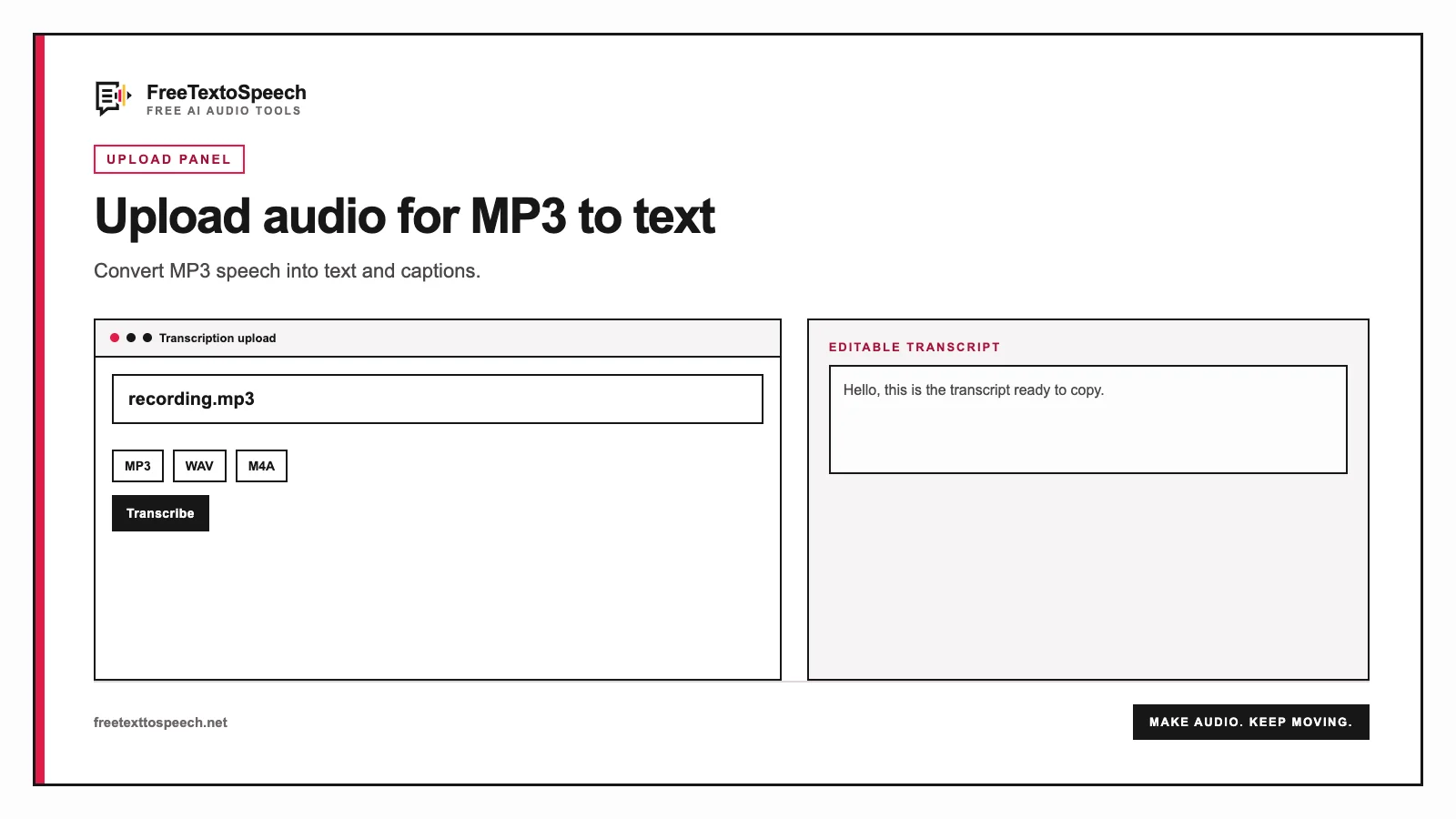
In context
How the MP3 to text tool presents input and output.
Still wondering? Get in touch →
Transcribe WAV, M4A, OGG, WEBM, FLAC, and more.
Convert a WAV recording into a smaller MP3 locally.
Arrange short clips and export one audio file.
Turn a corrected transcript into spoken audio.
A tiny favor
Allow ads for this site, then check again. Prefer no ads? Paid plans remove ads and add more cloud characters, from $4 a month.
Allow ads for freetexttospeech.net, then check again.
Already on a paid plan?Sign into restore your perks.
Send feedback
Tell us what you think
Bugs, ideas, or anything that would make FreeTextoSpeech better.