Quick answer
Use Textreader Pro when you specifically want to preview how common donation voices may sound on Twitch. Use FreeTextoSpeech for general scripts, a broader set of use cases, and downloadable MP3 or WAV output.
Textreader Pro vs FreeTextoSpeech
There is no universal winner here. The useful question is what happens after you paste the script. The facts about Textreader Pro below were checked against the official Textreader Pro website on 4 August 2026. Limits and plan terms change, so check the source again before a large or commercial job.
What the official product says
- Textreader Pro describes itself as a tool for hearing how a donation will sound on Twitch.
- Its public page provides a text field, voice selector, and audio playback.
- The project links to its source code from the official page.
- The public description does not present it as a full narration studio or document reader.
Choose Textreader Pro when
Textreader Pro has one narrow job and that is its strength: preview a common Twitch donation voice before the message goes live.
Choose FreeTextoSpeech when
FreeTextoSpeech is the general option for longer narration, study text, creator voiceovers, and audio that needs to be downloaded or edited.
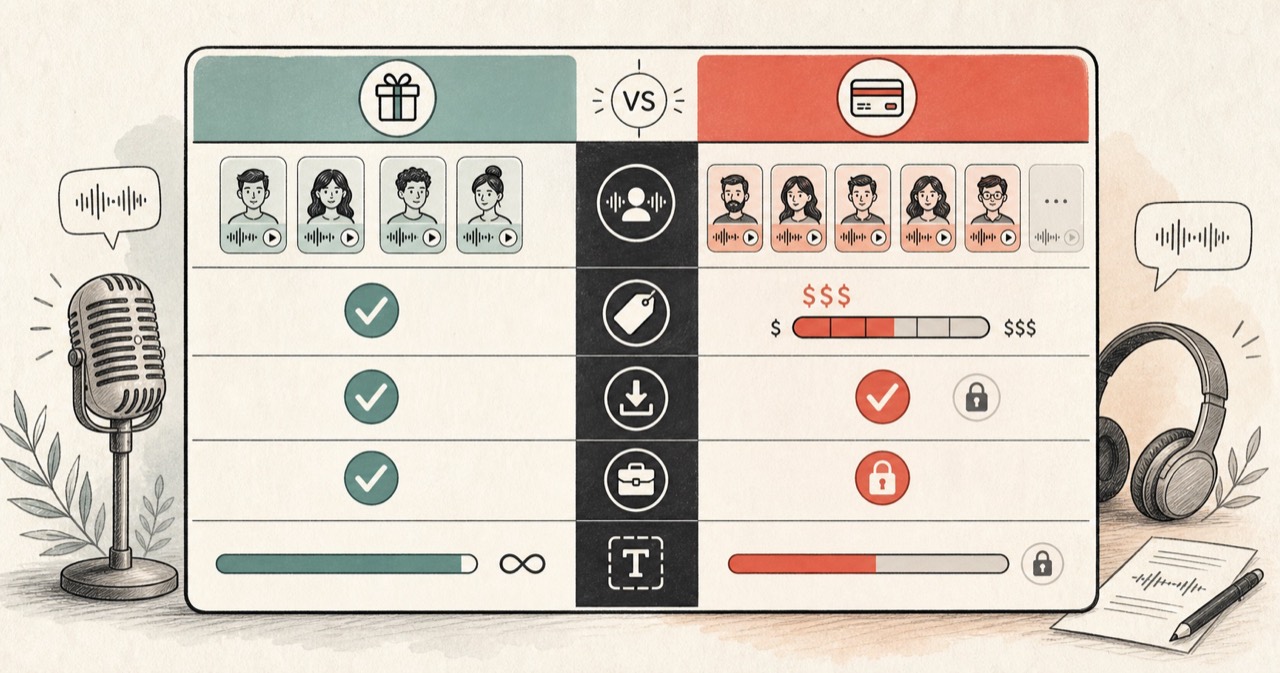
Feature comparison
| Feature | FreeTextoSpeech | Textreader Pro |
|---|---|---|
| Intended use | General text-to-speech generation and reading. | Twitch donation-voice preview. |
| Interface | Script field, voice catalog, generation, and dedicated format tools. | Text field, voice selector, and audio playback. |
| Download workflow | Dedicated MP3 and WAV pages. | Official page centers on hearing the preview. |
| Languages | 9 supported languages. | Voice choices are framed around common donation voices, not a documented language catalog. |
| Source transparency | Public website product. | Official page links to the project source code. |
How to decide
Do not replace a specialist preview without testing
If the final message will play through a Twitch donation voice, the specialist preview is directly aligned with that output. A general voice generator may sound different from the platform voice your audience eventually hears.
Use a general tool for reusable audio
Creator narration, lesson audio, prototype dialogue, and voice messages usually need a file or a broader voice choice. Those jobs extend beyond a donation preview and suit a general text-to-speech workflow.
Check names and emotes carefully
Usernames, acronyms, URLs, repeated letters, and emotes can be pronounced unpredictably. Preview the exact message and rewrite ambiguous spelling before it is played publicly.