Caption tracks for YouTube
YouTube accepts SRT, SBV and WebVTT caption files. Upload the SRT next to your video and viewers can switch the subtitles on or off.
The generator writes numbered, timed subtitle lines from the speech in your video. Download them as SRT or VTT for YouTube, Vimeo or a video editor, or style them and burn them into the picture.
Related use cases
Open the Auto Caption subtitle generator, drop the video, let it transcribe, correct the lines, then press SRT or VTT in the Export panel. For subtitles on the picture, pick a style and press Render MP4.
Drop an MP4, MOV or WebM up to 30 minutes long. Leave the language on Auto-detect, or pick it if the clip opens with music.
Your browser sends a small compressed copy of the soundtrack to the speech model, never the video. Every word comes back with its own timestamp, and the lines are built from those.
Click a subtitle to jump the video there. Fix a misheard word, adjust the start or end time, or split a line that runs too long.
Save an SRT or VTT file for your player or upload form, or render an MP4 with the subtitles drawn onto the picture.
YouTube accepts SRT, SBV and WebVTT caption files. Upload the SRT next to your video and viewers can switch the subtitles on or off.
Download the VTT and load it with a track element. Browsers show it in the standard video player with no plugin.
For a video that will autoplay without sound, render the subtitles into the MP4. They show up wherever the file goes.
Export TXT, tidy it, and paste it into our text to speech tool. Or keep the SRT and generate narration that follows the same timing.
The subtitle generator runs on Auto Caption, our free caption site. The details below cover what it costs, what it makes, and when to use which output.
You can transcribe 20 minutes of video a day without an account, or 60 minutes once you sign in. One file can run up to 30 minutes. Minutes are counted per started minute of the file and come back as each use turns 24 hours old.
Only the transcription counts. Editing lines, downloading the SRT again after a fix, and rendering a video on your device are free, and nothing gets a watermark. If all you want is the spoken text as a document, Video to Text uses the same engine with the transcript up front.
An SRT or VTT file is a separate track. The player shows it, viewers can turn it off, and you can fix a typo later without touching the video. That's the right choice for YouTube, for your own website, and for anything you might edit again.
Rendering the subtitles into the MP4 makes them part of the image. They show on every app and every phone, sound or no sound, but they can't be switched off, and a change means rendering again. The render runs in your browser and keeps the original audio. If you already have a subtitle file and only need this step, go to Burn Subtitles into Video.
The model is Whisper Large V3 Turbo, running on Groq. It returns a time for every single word, which is why the lines start and stop close to the speech instead of in fixed chunks. Vertical videos get shorter lines by default so they fit a phone screen, and you can change the line length in the Layout panel afterwards.
Clear speech near the microphone comes back almost clean. Background music, people talking over each other and rare names cause most of the errors, so plan on a quick read before you publish. Search finds a word across all the lines, and Undo covers anything you change. When you're done, Caption QA will flag lines that flash past too quickly, and Subtitle Converter changes the file format if an upload form wants something else.
Free on Auto Caption
Open the free editor on Auto Caption, drop your file, and download the result in a few minutes.
Opens auto-caption.app
Still wondering? Get in touch →
Feed your SRT to SRT to Speech and get narration that lands on the same timestamps, in any of 54 voices.
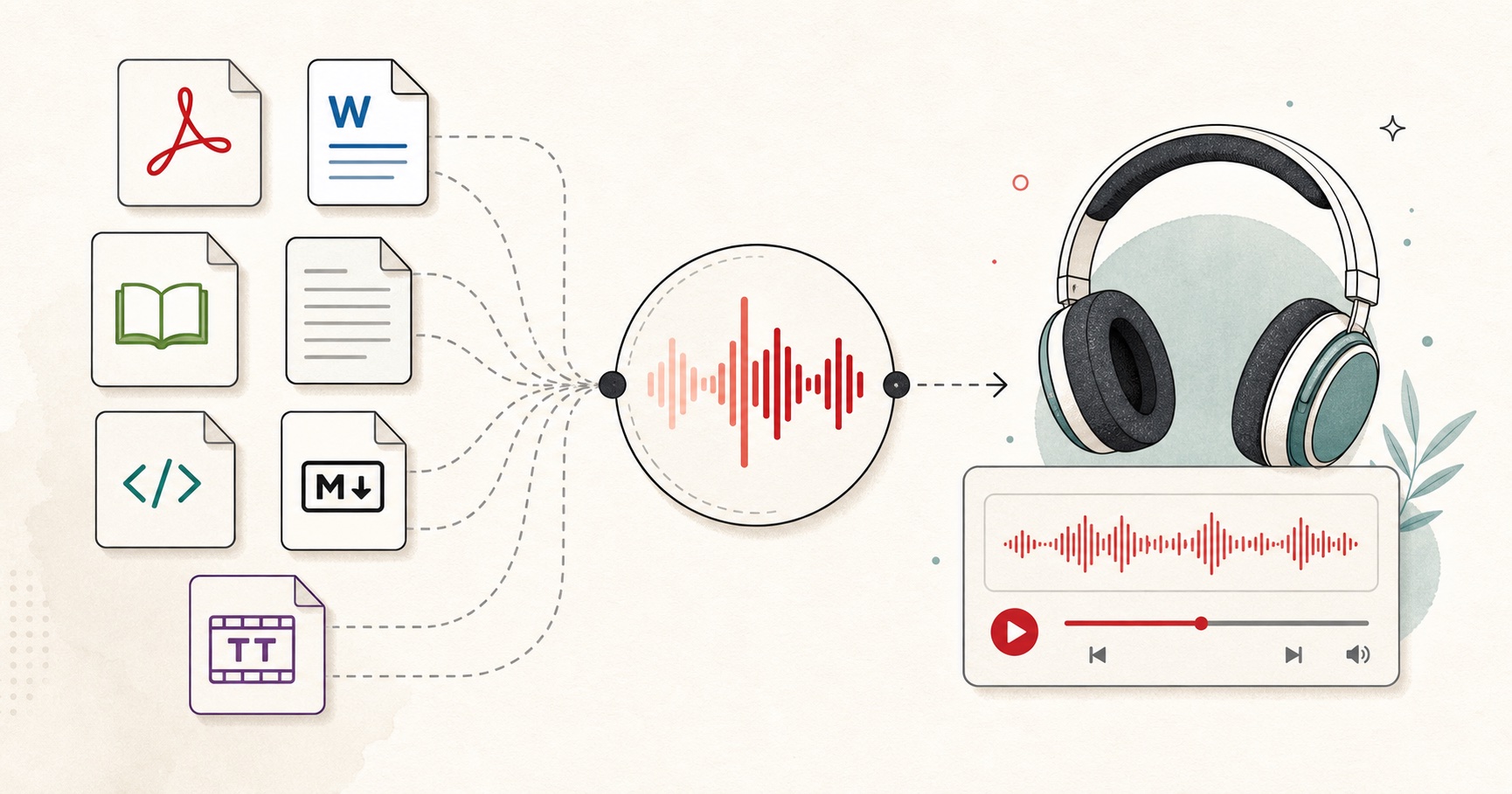
Visual guide
A document-to-audio workflow for listening to files, articles, books, and notes.
A tiny favor
Allow ads for this site, then check again. Prefer no ads? Paid plans remove ads and add more cloud characters, from $4 a month.
Allow ads for freetexttospeech.net, then check again.
Already on a paid plan?Sign into restore your perks.
Send feedback
Tell us what you think
Bugs, ideas, or anything that would make FreeTextoSpeech better.