Quick answer
TextAloud is a better fit for a dedicated Windows application that reads documents and webpages, creates audio files, and offers word highlighting. FreeTextoSpeech fits quick, cross-platform generation without installing desktop software.
TextAloud vs FreeTextoSpeech
There is no universal winner here. The useful question is what happens after you paste the script. The facts about TextAloud below were checked against the official TextAloud website on 4 August 2026. Limits and plan terms change, so check the source again before a large or commercial job.
What the official product says
- NextUp describes TextAloud 4 as text-to-speech software for Windows.
- It converts documents, webpages, PDFs, and other text into speech or audio files.
- The official site lists proofreading and assistive use with word highlighting.
- Additional commercial voice packages are sold for Windows in more than 29 languages and accents.
Choose TextAloud when
TextAloud earns its place on a Windows PC when document reading and word highlighting are daily tasks, especially if you plan to buy a particular desktop voice.
Choose FreeTextoSpeech when
FreeTextoSpeech fits people who move between devices, cannot install software, or just need to make a clip in a browser.
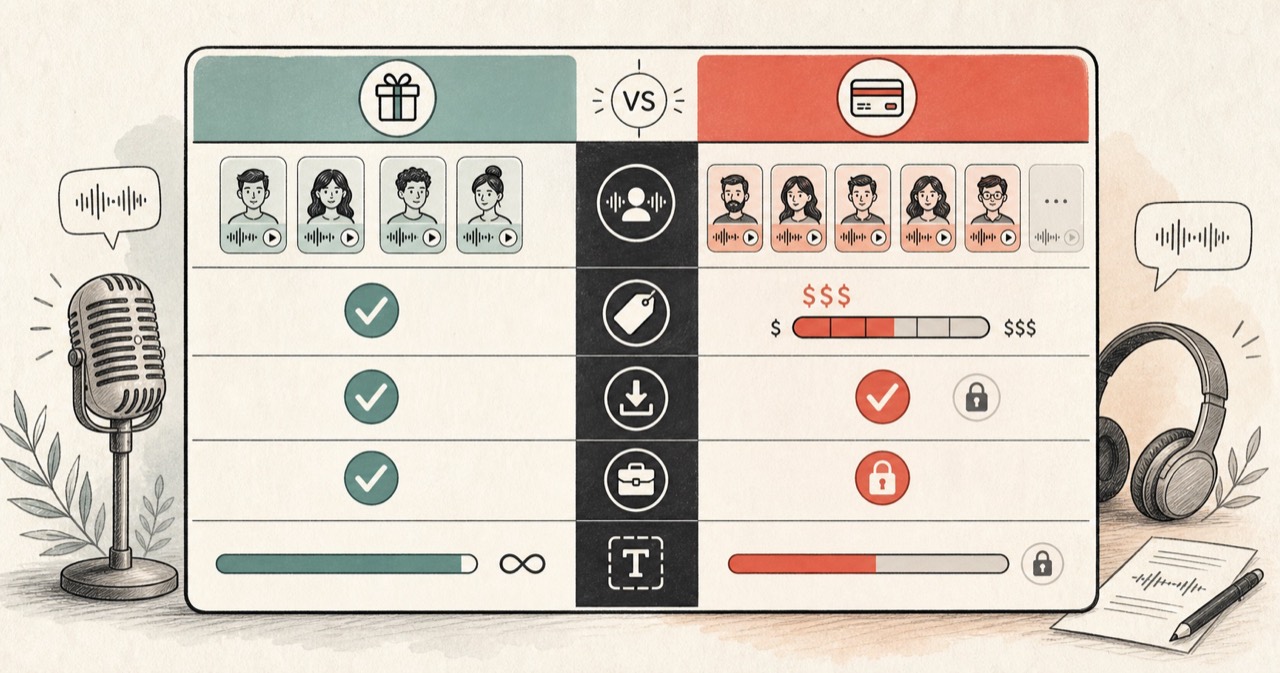
Feature comparison
| Feature | FreeTextoSpeech | TextAloud |
|---|---|---|
| Platform | Modern browser on desktop or mobile. | TextAloud 4 is Windows software. |
| Installation | No installation for the web tool. | Desktop application download and installation. |
| Document workflow | Separate PDF and conversion tools. | Reads documents, webpages, PDFs, and more inside the application. |
| Highlighting | Current live reader shows the active sentence. | Official site advertises word highlighting. |
| Pricing model | Free public tools. | Paid desktop software with a trial; optional voices are sold separately. |
How to decide
The operating system may decide for you
TextAloud is Windows software. A browser tool is easier on macOS, ChromeOS, Linux, and shared computers. On Windows, though, an installed application can sit more naturally in a desktop routine.
Count the voices you would actually buy
TextAloud and optional voices are separate purchases. Check the current NextUp store and the licence for each voice. With the browser alternative, test the included catalog first. You may find that one good voice is enough.