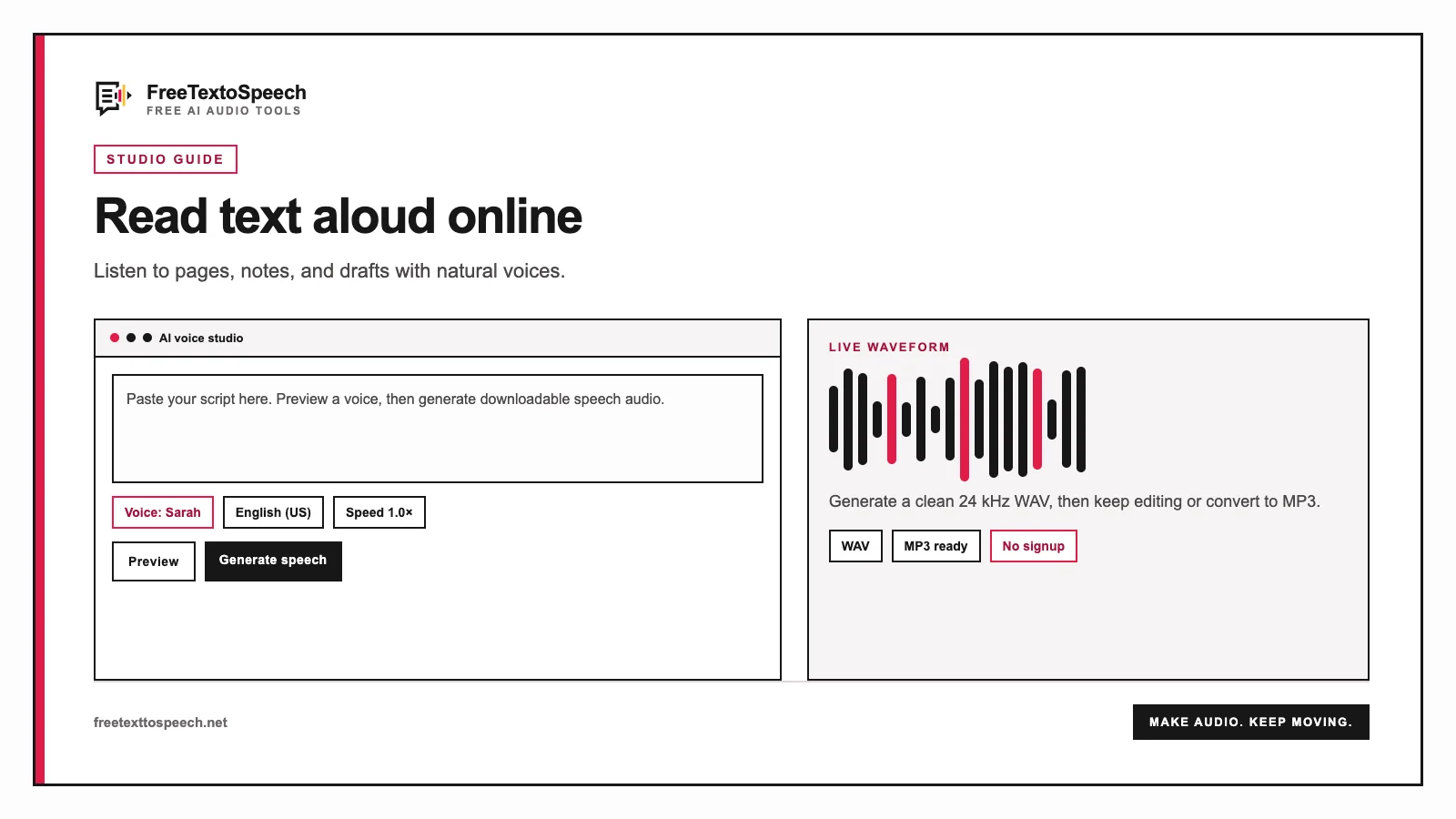
Visual guide
The online studio layout used for text reader online.
Free browser reader
Read pasted text aloud without creating an account. Pick a voice already available on your device, change the pace, and listen sentence by sentence.
A text reader online turns written material into speech immediately. Use it when your eyes need a break or a draft sounds fine on screen but somehow wrong in your head. This page is separate from our downloadable text-to-speech generator for a simple reason: listening now and making an audio file are different jobs. For a file, go to Text to MP3.
The reader speaks one sentence at a time and shows the current sentence in the status box. Pause whenever you need to take a note, then resume from the same point. Stop resets the session to the beginning.
Writers often hear repeated words and overlong sentences that looked harmless on screen. Start at normal speed and resist the urge to edit. Then listen again, pause at each rough spot, and fix the original draft.
Convert revision notes, an agenda, or a short article into a hands-free listening session. For technical material, slow the voice down and paste smaller sections so equations, abbreviations, and names are easier to check.
Listening can reduce continuous screen reading, but this browser tool is not a medical device or a replacement for assistive technology prescribed by a professional. Use the speed and voice that feel clearest to you.
Choose this reader when you want to listen now, pause frequently, and see the active sentence. Choose Text to WAV for lossless editing or Text to MP3 when you need a compact file to save and share.
Visual guide
The online studio layout used for text reader online.
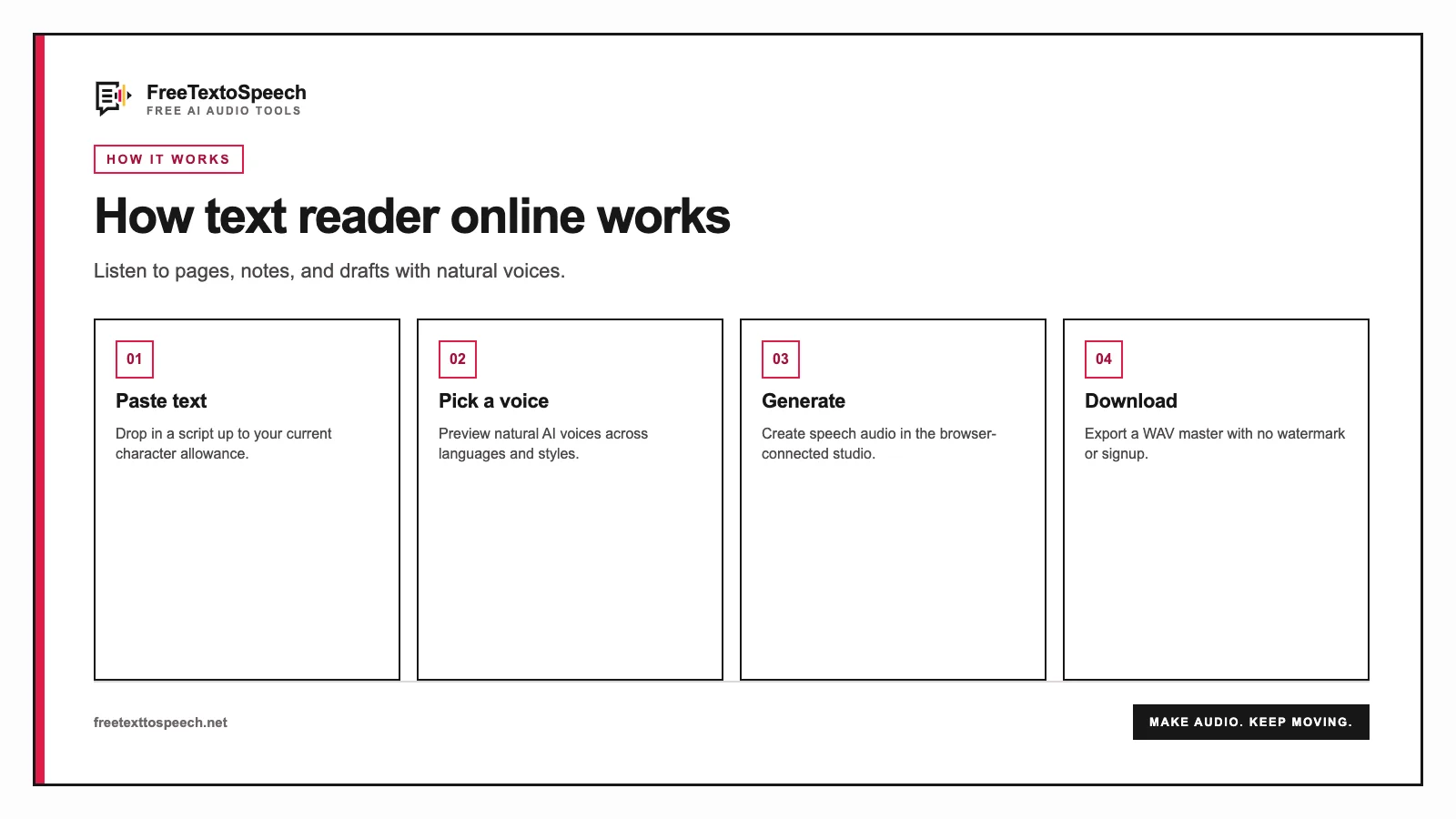
In context
A step-by-step visual guide for text reader online.
Still wondering? Get in touch →
Generate MP3 or WAV with the full text-to-speech tool.
A tiny favor
Allow ads for this site, then check again. Prefer no ads? Paid plans remove ads and add more cloud characters, from $4 a month.
Allow ads for freetexttospeech.net, then check again.
Already on a paid plan?Sign into restore your perks.
Send feedback
Tell us what you think
Bugs, ideas, or anything that would make FreeTextoSpeech better.