Visual guide
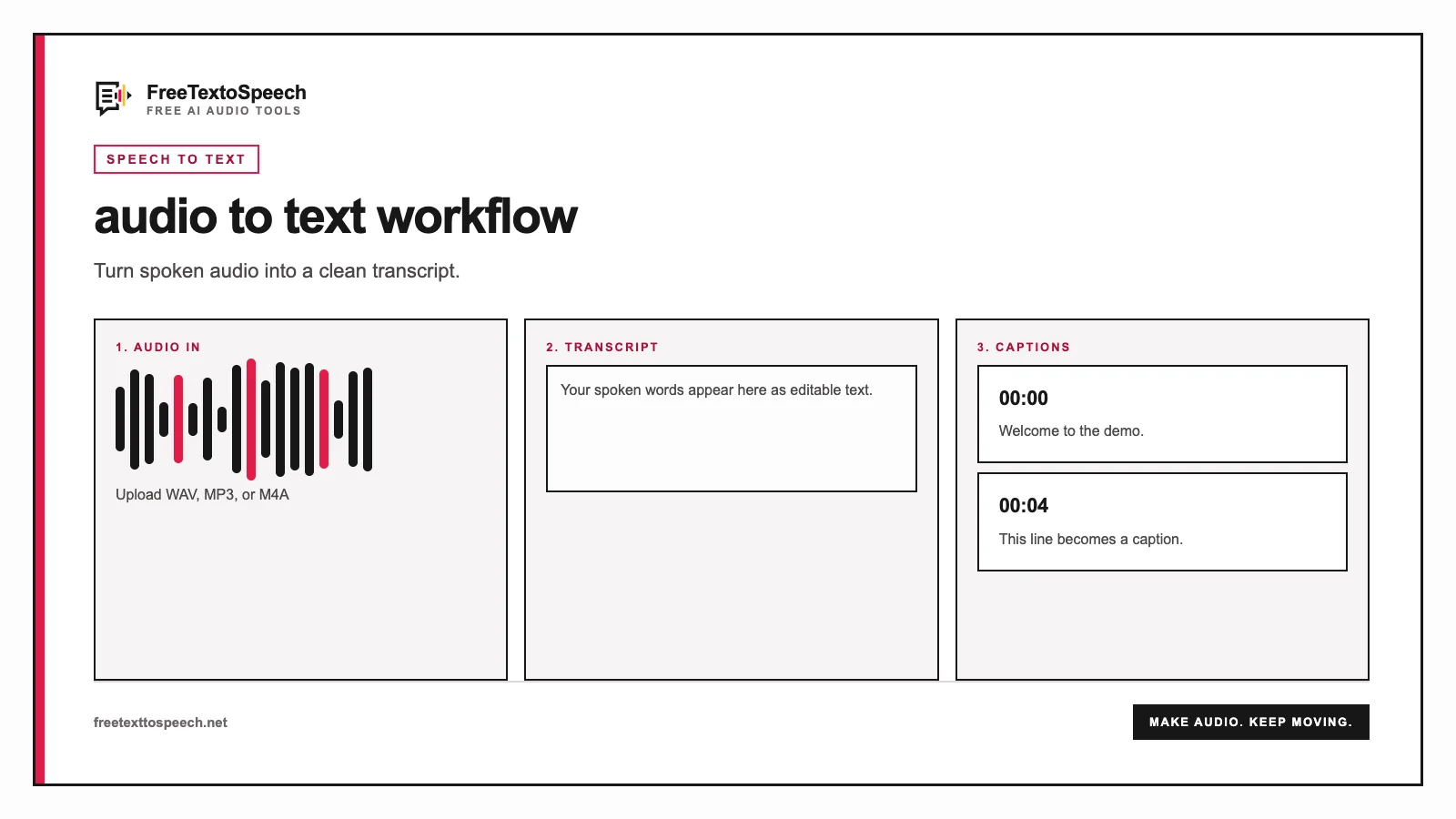
Transcription workflow for audio to text.
From recording to searchable copy
Audio is easy to record but slow to scan. A transcript makes interviews, lectures, meetings, voice notes, and podcast clips searchable—and ready for captions, show notes, quotes, summaries, and articles.
Automatic transcription creates a first draft in seconds instead of repeated listening, pausing, and rewinding. Review names and specialist terms while the mechanical work is already done.
Download TXT when you need editable copy, or choose SRT when an editor or video platform needs accurately timed subtitle segments.
Upload up to five minutes and 20 MB with the shared service, or up to 30 minutes and 25 MB with your own Groq key.
Choose the spoken language for better accuracy, or leave automatic detection selected.
The file is sent securely to Groq and processed with Whisper Large V3 Turbo.
Review the transcript, then copy it or download TXT and timestamped SRT files.
Visual guide
Transcription workflow for audio to text.
Better input, better transcript
Speech should be louder than music, fans, traffic, and room echo. A clean microphone signal helps the model separate words.
Automatic detection is convenient, but specifying the spoken language can reduce latency and improve recognition.
Names, products, acronyms, and technical terms deserve a human pass even when the surrounding transcript is accurate.
Clear data handling
Your file is processed for transcription, not added to a FreeTextoSpeech media library.
The browser uploads your file to the FreeTextoSpeech API over HTTPS. Our server validates its format, size, and duration, applies the shared daily allowance, then forwards the audio to Groq. Shared API keys remain on the server.
FreeTextoSpeech does not save the audio or transcript. Shared requests retain only limited usage metadata—file size, status, and duration—to enforce the allowance. Your own Groq key stays in the browser tab and is passed through only for that request.
In context
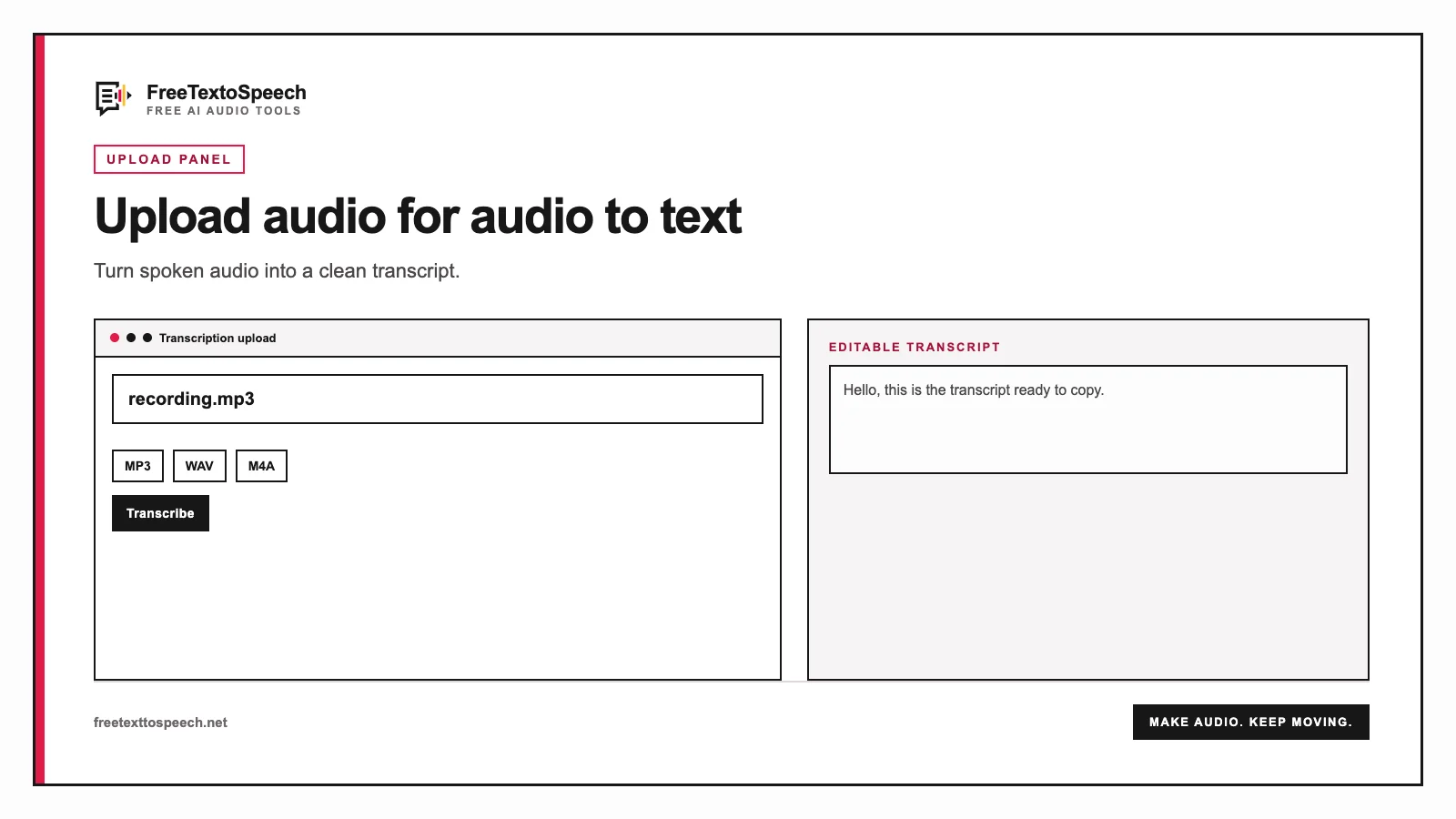
How the audio to text tool presents input and output.
Still wondering? Get in touch →
Transcribe an MP3 recording and download TXT or SRT.
Combine several short recordings before publishing.
Turn a finished transcript back into natural audio.
Estimate how long a cleaned transcript takes to read aloud.
A tiny favor
Allow ads for this site, then check again. Prefer no ads? Paid plans remove ads and add more cloud characters, from $4 a month.
Allow ads for freetexttospeech.net, then check again.
Already on a paid plan?Sign into restore your perks.
Send feedback
Tell us what you think
Bugs, ideas, or anything that would make FreeTextoSpeech better.