Go ad free
Go ad free

Free, no sign up

AI Podcast Generator

Describe an episode, get a script for two to four hosts, and hear each one in a different voice. Edit anything before you generate.

Step 1 · Write the script with AI (or skip and paste your own below)

Host names

AI can get facts wrong. Read the script before you publish it.

Go ad free
Go ad free

Hosts, segments, one mix

Working tool

Step 2 · Voice the episode

Each host name in the script becomes a speaker. Pick a voice for each one, then generate the episode.

0 characters
Show format, timing, and saving settings
Fix how a word is said

Add a word the voice gets wrong and spell it the way it should sound. The fix is used every time you generate, and your script stays exactly as you typed it. Saved in this browser only.

    Source files are parsed locally. In Cloud mode, only the selected text sections are sent for speech generation. In-browser mode keeps both the source and generated speech on this device.

    Go ad free
    Go ad free
    Four steps

    How to make an AI podcast

    1. 01

      Describe the episode

      One or two sentences is enough: the topic, who it is for, and anything the hosts must cover. Pick 2 to 4 hosts, a length and a style.

    2. 02

      Read the script

      The AI writes a back-and-forth script and drops it into the studio. Fix names, facts and jokes that miss before you spend any voice credits.

    3. 03

      Cast the voices

      Each host gets its own voice from the 54 available. Mix accents if you like: a US host and a British guest often sounds more natural than two identical voices.

    4. 04

      Generate and download

      Get the full episode as one MP3 or WAV, plus a separate file per host and captions if you want to edit it further.

    FAQ

    Ai Podcast Generator FAQs

    01

    How does the AI podcast generator work?

    It works in two parts. First, an AI language model writes a dialogue script from your topic. Then our text to speech engine reads each line in the voice you picked for that host, and the lines are joined into one episode with short pauses between turns.
    02

    Is it free?

    Yes. Free visitors can have the AI write 3 scripts a day and 10 once signed in. Voicing the episode uses your regular cloud characters: 25,000 every 30 days without an account, 500,000 when signed in. You can also paste your own script as often as you like.
    03

    Can I use my own script?

    Yes. Skip step 1 and paste a script into the studio with one line per turn, each starting with the speaker’s name and a colon, like “MAYA: Welcome back.”
    04

    Can I publish the episode on Spotify or YouTube?

    Yes. The voices are licensed for commercial use, including monetized podcasts and videos. Check the script for accuracy first. AI writing can state things confidently that are not true.
    05

    How long can an episode be?

    The AI writes about 2 or about 5 minutes per script. With your own script, the studio handles much longer episodes by generating them section by section; the limit is your cloud character allowance.
    06

    Does it do NotebookLM-style podcasts from a document?

    Not directly yet. You can paste the key points of your document into the topic box, and the hosts will discuss them. Uploading a PDF and turning it into a conversation is on our list.

    Still wondering? Get in touch →

    Try it now

    Just need one voice?

    Paste a script, pick one of 54 natural voices, and download MP3 or WAV.
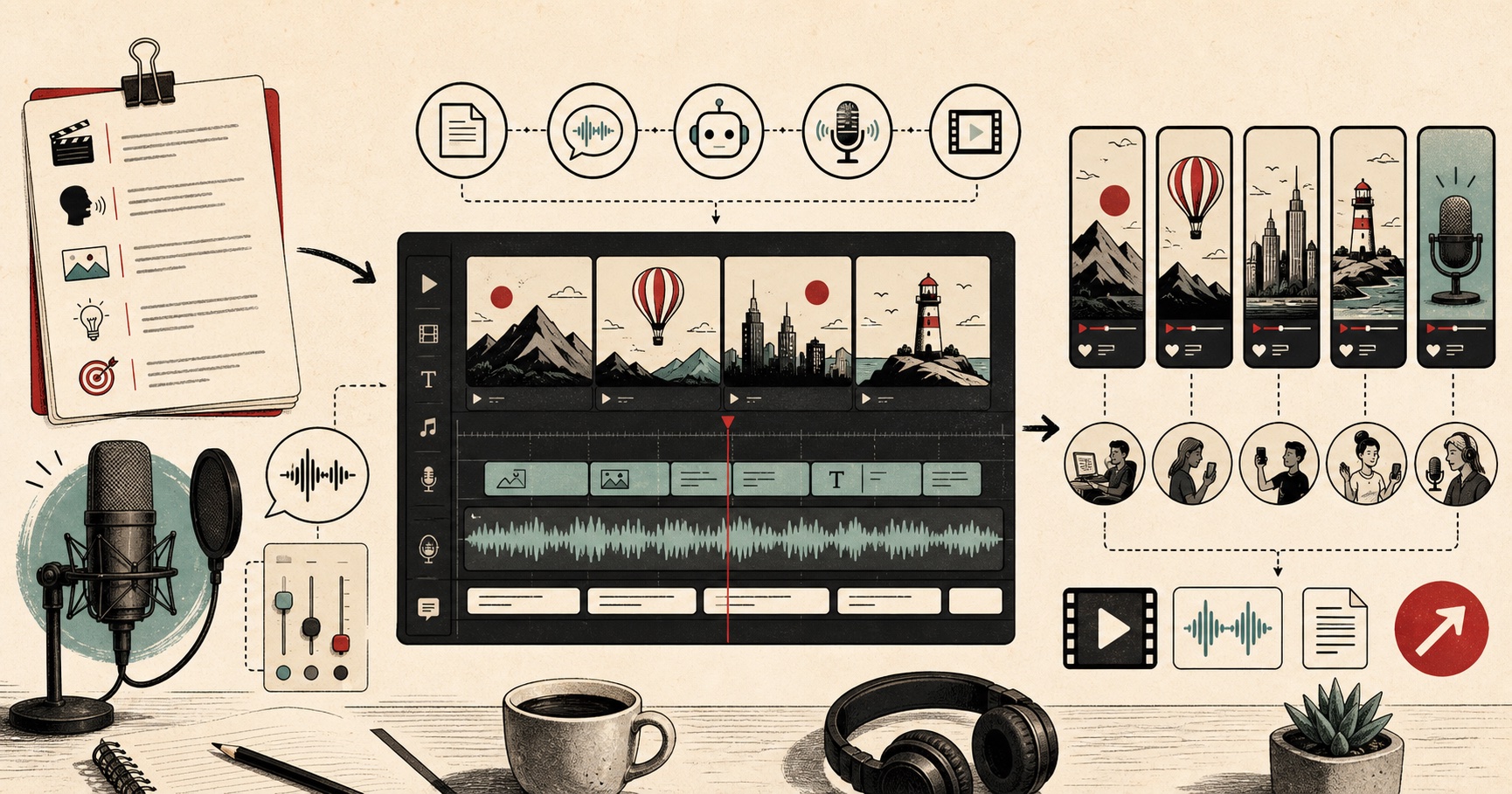
    visual guide showing a script becoming voiceovers for video, shorts, reels, and podcast content

    Visual guide

    A creator workflow for turning scripts into publishable AI voiceovers.