Quick answer
Voicertool (voicertool.com) is the better pick when you need its long language list, or pitch, speed and volume controls on one page with MP3 output. FreeTextoSpeech is an alternative when you need WAV as well as MP3 or want focused tools for documents, captions, dialogue, and video voiceover timing.
Voicertool vs FreeTextoSpeech
There is no universal winner here. The useful question is what happens after you paste the script. The facts about Voicertool below were checked against the official Voicertool website on 26 August 2026. Limits and plan terms change, so check the source again before a large or commercial job.
What the official product says
- Voicertool advertises more than 300 voices across more than 70 languages.
- Its public tool displays a 5,000-character input limit.
- It provides MP3 downloads and controls for pitch, speed, and volume.
- Voicertool says registration is not required and the public tool has no daily conversion limit.
- Its official site states that generated audio can be used commercially.
Choose Voicertool when
Choose Voicertool when its larger language catalog or pitch control covers a need that FreeTextoSpeech does not. Its public tool also keeps the basic job on one page.
Choose FreeTextoSpeech when
Choose FreeTextoSpeech when you need WAV, sectioned project output, document import, SRT timing, dialogue stems, or audio timed against a local video.
Feature comparison
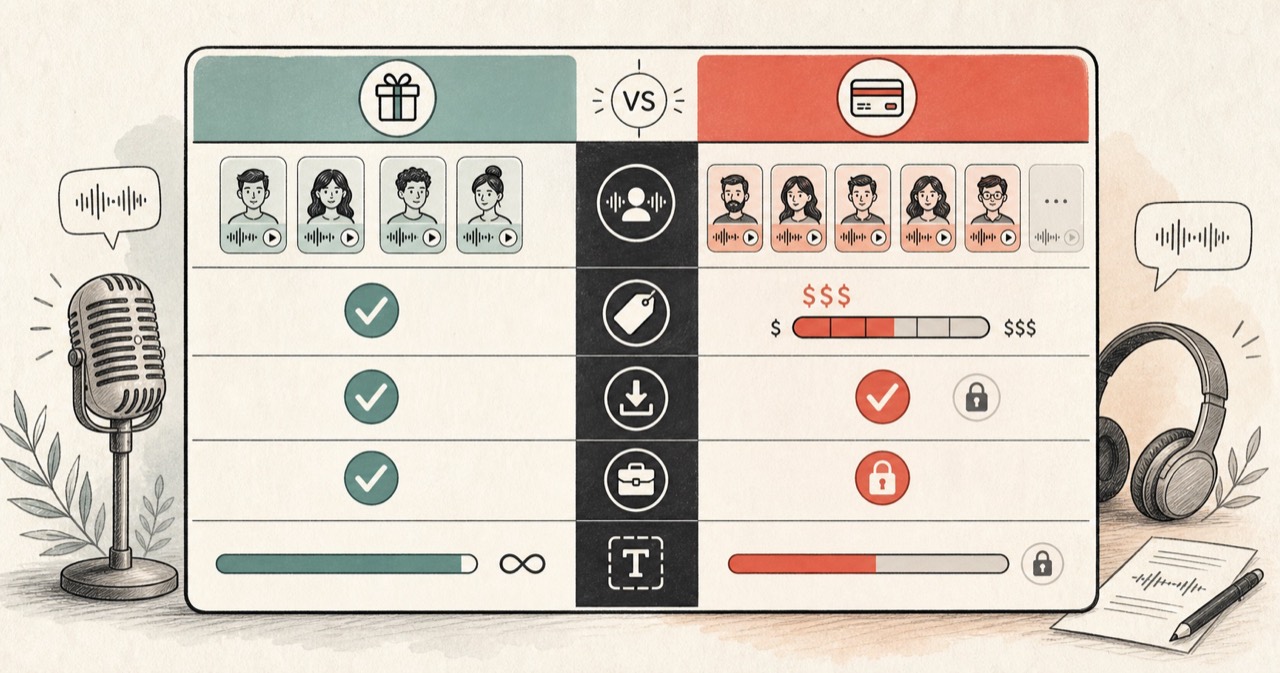
| Feature | FreeTextoSpeech | Voicertool |
|---|---|---|
| Public access | No signup for the public generator; usage controls apply. | No registration and no daily conversion limit are advertised. |
| Input per request | 5,000 characters per Generate without an account, 10,000 signed in, 20,000 on a paid plan. | The public tool displays 5,000 characters. |
| Voice and language catalog | 54 voices across 9 supported languages. | Advertises 300+ voices and 70+ languages. |
| Downloads | MP3 and WAV through dedicated workflows. | MP3 download. |
| Controls | Voice and speed controls, with project timing in focused tools. | Pitch, speed, and volume controls. |
| Project workflows | Document, subtitle, dialogue, and audio-only video voiceover tools. | The official page centers on direct text-to-MP3 generation. |
How to decide
Language coverage may decide it
Voicertool lists far more languages. If your script needs one that FreeTextoSpeech does not support, test Voicertool first instead of forcing a voice from another language.
Choose the file your next step needs
MP3 is compact and easy to share. WAV is a better source when you expect to edit, mix, or process the narration. FreeTextoSpeech provides both workflows, while Voicertool advertises MP3.
Compare the same sentence
Use names, numbers, and the punctuation from your real script. Catalog size matters less than how the chosen voice reads the material you plan to publish.