VTT to Speech
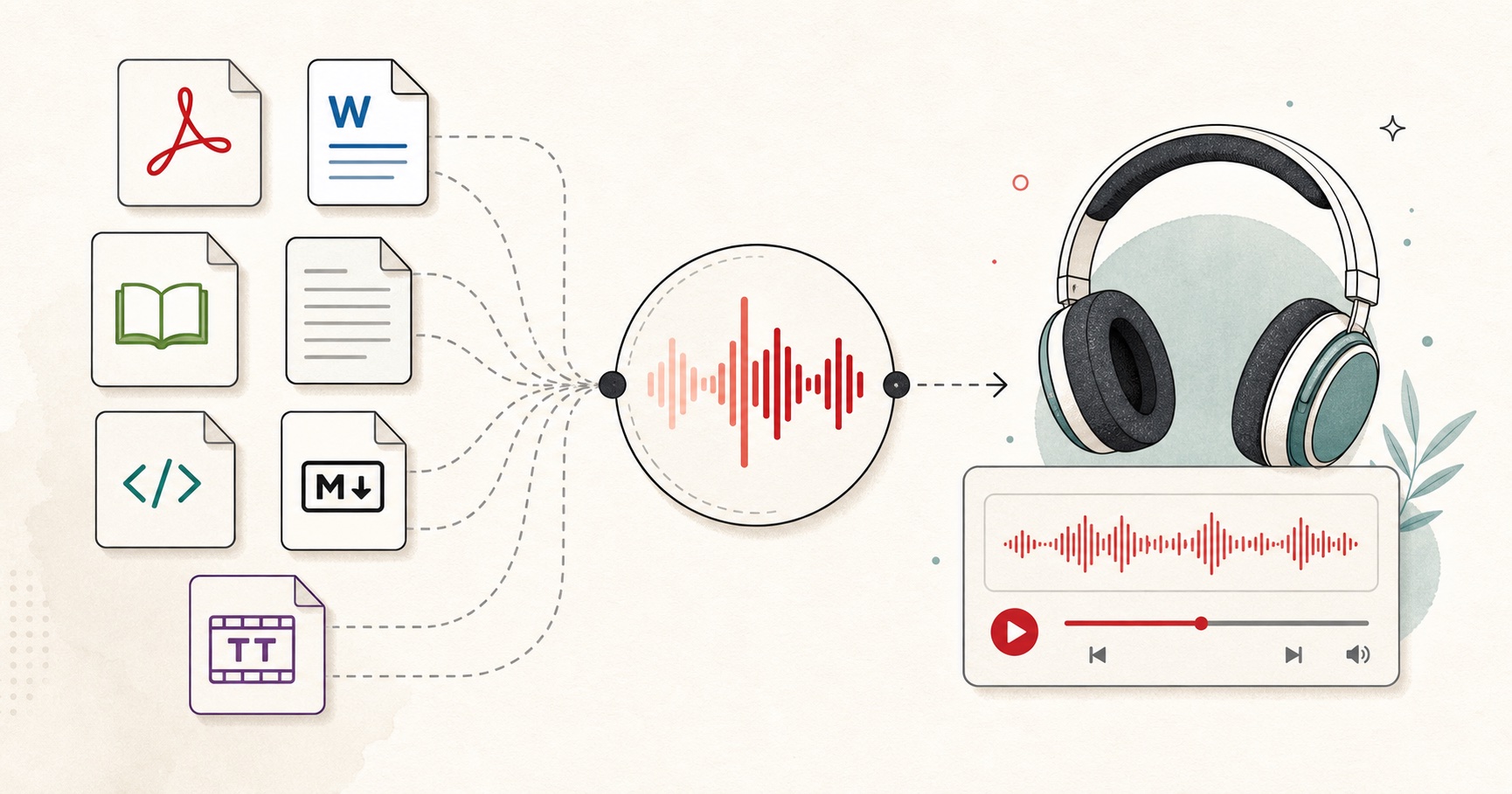
Upload a WebVTT file, keep original cue timing or use natural pauses, and export joined speech or separate cue files for video dubbing, podcasts, and review.
The WebVTT subtitle workflow
- Upload your .vtt subtitle file directly into the studio.
- Review the imported lines. HTML tags, styling, and voice markers are stripped automatically.
- Select original subtitle timing or switch to natural conversational gaps.
- Choose a natural AI voice in any of 9 supported languages.
- Download the joined audio track or a ZIP of individual cue audio clips.
Why convert WebVTT to speech?
WebVTT is the standard caption format used by web video players, YouTube downloads, and educational platforms. Converting VTT into spoken audio allows creators to quickly generate audiobooks, translate video tracks into voiceovers, create accessibility tracks for visually impaired viewers, or proofread video scripts by ear before publishing.
Automatic tag cleaning
Unlike basic text readers that stumble over WebVTT headers (`WEBVTT`), cue identifiers, and inline voice markers like `<v Narrator>`, our importer isolates only the spoken dialogue so your voice tracks sound completely natural.
VTT to Speech FAQs
01 How do I convert a WebVTT (.vtt) file to speech?
02 Can I preserve the original subtitle cue timing?
03 Does this tool strip VTT cue settings and styling tags?
04 Can I download separate audio files for each subtitle cue?
05 Is an account or subscription required?
Still wondering? Get in touch →
Tools for subtitle and video creators
SRT to Speech
Convert standard .SRT subtitle files into natural spoken audio.
Caption QA
Detect timing overlaps, reading speed issues, and caption formatting problems.
Text to Speech for TikTok
Generate voiceovers optimized for short-form video pacing and CapCut.
Audio Joiner
Combine multiple voice clips into a single continuous track with custom pauses.
Turn your subtitles into spoken audio
Generate high-quality WAV or MP3 audio with 54 voices in 9 languages.