Turn a talk into a script
Transcribe a webinar or a YouTube video, tidy the text, and use it as the script for a new narration in our text to speech voices.
Whisper Large V3 Turbo listens to the audio track and returns every spoken line with its start and end time. You check it against the video, fix what it misheard, and keep the result as plain text or as caption files.
Related use cases
Open Video to Text on Auto Caption, drop your MP4, MOV or WebM, wait for the lines to appear, fix any wrong words, then download TXT for a transcript or SRT and VTT for captions.
Drop an MP4, MOV or WebM up to 30 minutes. Your browser opens it on your device; the video file itself is never uploaded.
The browser pulls out a small, compressed copy of the speech and sends only that to Whisper Large V3 Turbo. Most clips come back in under a minute.
Every line is timed. Click one to jump the video there, listen again, and correct a name or a word the model misheard.
Take a plain TXT transcript, or SRT and VTT files with timestamps for captions. Downloading again after edits is free.
Transcribe a webinar or a YouTube video, tidy the text, and use it as the script for a new narration in our text to speech voices.
Find the exact sentence someone said without scrubbing through the timeline. Search the transcript, click, and the video jumps there.
The same timed lines export as SRT or VTT for YouTube, Vimeo or LinkedIn. Need them on the picture? Style them and render an MP4.
Product demos and tutorials become help articles faster when the spoken steps are already typed out.
Video to text runs on Auto Caption, our free caption and transcription site. It uses the same Whisper engine as our Audio to Text tool, with an editor built for video.
Without an account you can transcribe 20 minutes of video a day, and 60 minutes once you sign in. A single file can be up to 30 minutes long. A 12-minute video uses 12 minutes; the allowance refills as each use turns 24 hours old. Everything after the transcription is free and unlimited: reading, correcting, searching and downloading the text again.
The speech model is Whisper Large V3 Turbo running on Groq, the same engine behind our Audio to Text tool. Clear speech close to the microphone comes back nearly clean. Music under the voice, two people talking at once, and unusual names cause most mistakes, which is why the transcript opens in an editor rather than a text box you can only copy.
MP4 to text is the common case, but MOV from an iPhone and WebM from a screen recorder work the same way. When the words are ready, the Export panel offers four files:
Before you publish captions, run the SRT through Caption QA to catch lines that flash by too fast or overlap.
A transcript is often the first step of a re-voice: a talk recorded in a noisy room, a tutorial with a script that changed, or a clip you want in a clearer voice. Fix the transcript on Auto Caption, paste it into free text to speech, and download the narration. If you kept the SRT, SRT to Speech generates narration that follows the original timing, and Voiceover for Video lets you place it back over the picture.
Free on Auto Caption
Open the free editor on Auto Caption, drop your file, and download the result in a few minutes.
Opens auto-caption.app
Still wondering? Get in touch →
Transcribe MP3, WAV and M4A recordings into editable text and captions.
Check an SRT or VTT for overlaps, fast lines and long rows before you publish.
Turn a subtitle file into timed narration in 54 natural voices.
Add new narration to your video and preview the timing before you export.
Paste your edited script into the text to speech tool, pick one of 54 natural voices, and download MP3 or WAV.
Visual guide
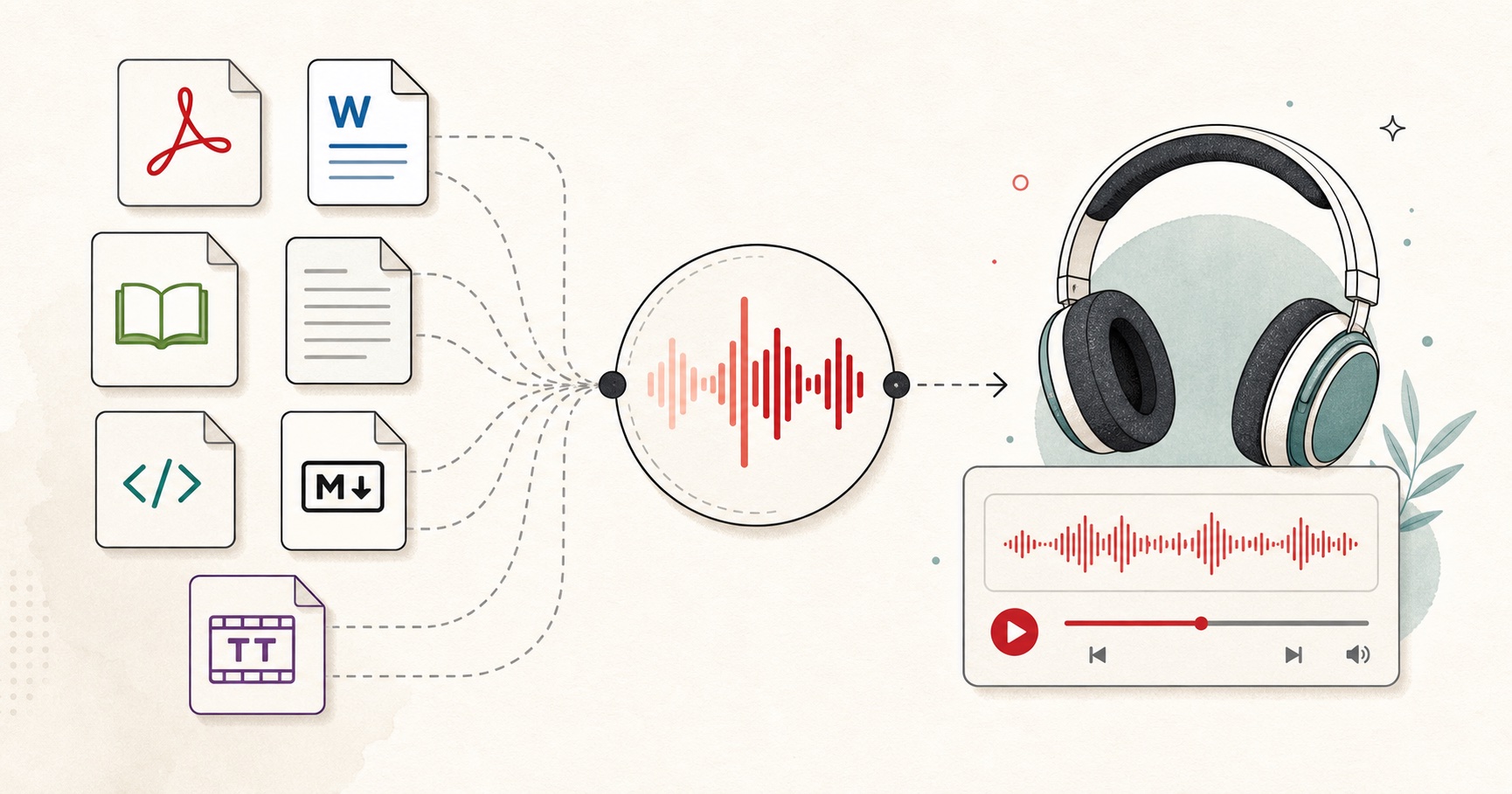
A document-to-audio workflow for listening to files, articles, books, and notes.
A tiny favor
Allow ads for this site, then check again. Prefer no ads? Paid plans remove ads and add more cloud characters, from $4 a month.
Allow ads for freetexttospeech.net, then check again.
Already on a paid plan?Sign into restore your perks.
Send feedback
Tell us what you think
Bugs, ideas, or anything that would make FreeTextoSpeech better.