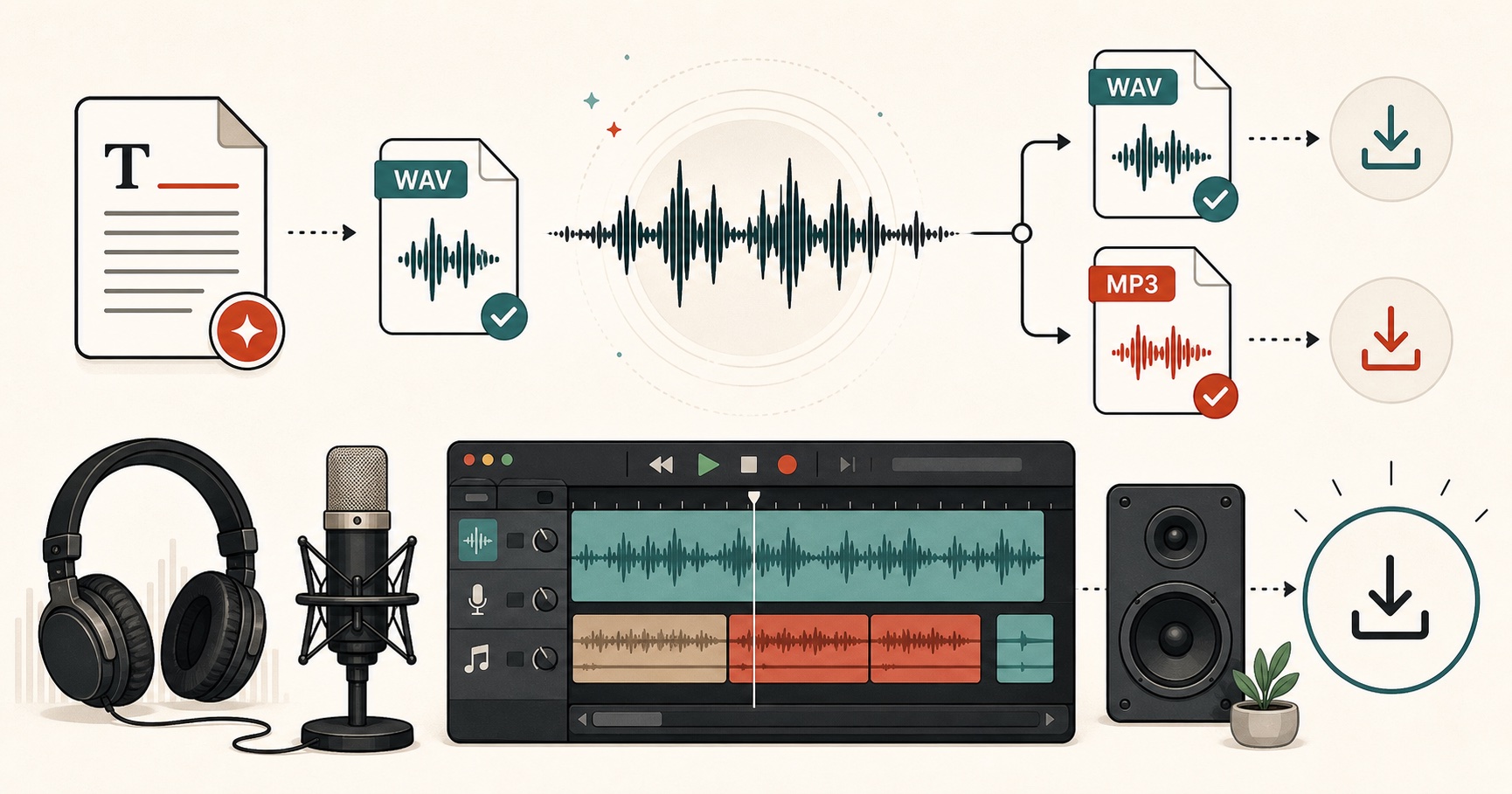
How to cut an audio file online
- 01
Open the file
Drop an MP3, WAV, M4A, OGG or FLAC file on the box. It is read by your browser, so a 90-minute podcast opens without an upload bar.
- 02
Mark the part
Drag the Start and End sliders, click the waveform, or use the ±0.1 s buttons when you need to land right between two words.
- 03
Keep it or cut it out
Keep the highlighted part for a ringtone or a quote. Or cut it out to drop an ad read, a false start or a long pause from the middle.
- 04
Fade and save
Add a fade in or out if the edit sounds abrupt, pick MP3 or WAV, and download. Play the selection first so there are no surprises.
What people cut
Common reasons to trim audio
Ringtones and alert sounds
Pick the 20 seconds you like, add a short fade out, and save an MP3. Android takes it directly; on iPhone, import it through GarageBand.
Voiceover and podcast clean-up
Remove the breath before the first word, the “um” in the middle, or the dead air after you forgot to hit stop.
Quotes for social posts
Pull one sentence out of an interview and pair it with an audiogram or a video clip.
AI narration you want shorter
Generated a clip with text to speech and the ending runs long? Trim it here instead of generating again.
Audio Cutter FAQs
01 Is my audio uploaded?
02 Will cutting an MP3 lower the quality?
03 Can I remove a section from the middle?
04 What is the largest file it can open?
05 Which formats can it open?
06 Can I make an iPhone ringtone with it?
Still wondering? Get in touch →
Keep editing
Audio Joiner
Put several clips back together in order, with gaps or crossfades.
Online Voice Recorder
Record a new take from your mic and trim it on the spot.
WAV to MP3
Shrink finished WAV files without re-editing them.
Free Text to Speech
Make narration in 54 voices, then trim it here.
Need the words first?
Type a script, pick one of 54 natural voices, and download MP3 or WAV. Then trim it here.