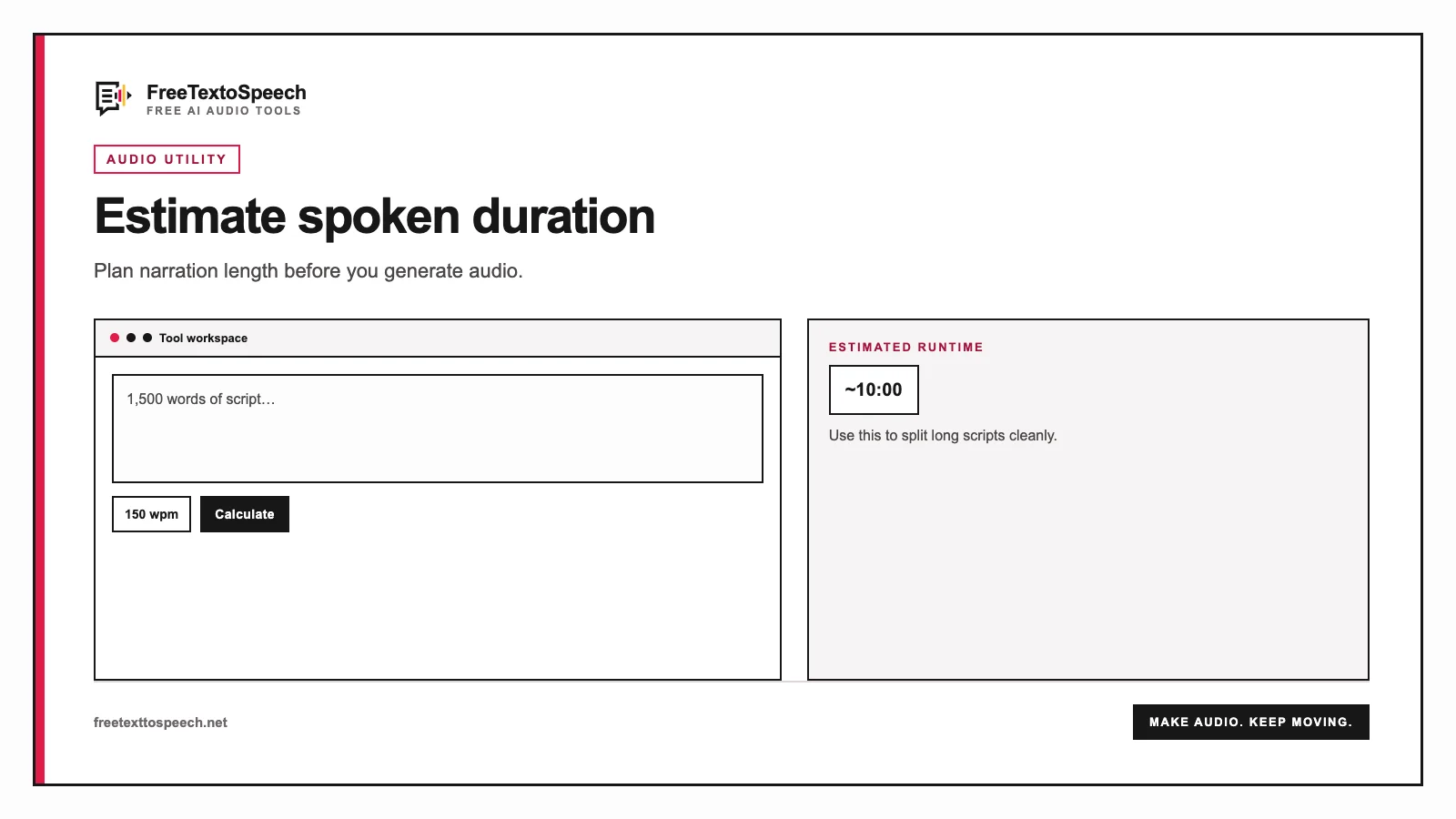
Visual guide
How the speech time calculator tool presents input and output.
Capacity planner
Enter your own provider rate. The calculator does not maintain a price list, so the result stays transparent and does not go stale when plans change.
Why calculate first
A script can look short on a page and still overrun a speaking slot. Word count alone does not answer the question people actually have: how long will my speech take? Converting words to minutes gives you a realistic target before rehearsal.
That matters when a conference gives you exactly five minutes, a teacher limits a presentation to ten minutes, or an editor needs a voice-over to fit a video timeline. A quick duration estimate shows whether to cut a paragraph, slow down for clarity, or leave more room for pauses.
The calculation also makes text-to-speech production easier. Estimate the narration length, generate the audio, and compare the real result with your target. You can then adjust the script or voice speed without guessing.
Add a speech, presentation, podcast script, video voice-over, or narration. The word count updates as you type.
Use 100 WPM for a slow delivery, 130 WPM for a deliberate speech, 150 WPM for conversation, or enter your own rate.
Keep the pause allowance on for live speeches and presentations. Turn it off when timing continuous narration or an edited voice-over.
Use the result to trim your script, plan slides, estimate voice-over length, or choose a faster text-to-speech speed.
Visual guide
How the speech time calculator tool presents input and output.
Useful starting points
| Script length | Slow, 100 WPM | Speech, 130 WPM | Conversation, 150 WPM |
|---|---|---|---|
| 500 words | 5:00 | 3:51 | 3:20 |
| 750 words | 7:30 | 5:46 | 5:00 |
| 1,000 words | 10:00 | 7:42 | 6:40 |
| 1,500 words | 15:00 | 11:32 | 10:00 |
| 2,000 words | 20:00 | 15:23 | 13:20 |
These baseline times exclude extra pauses. Live presentations normally need an additional 5 to 15 percent.
Match the estimate to the job
Start near 120 to 140 WPM. Keep pause allowance on for emphasis, audience reactions, and breathing.
Allow time for slide changes and demonstrations. A spoken pace near 130 WPM is usually safer than conversational speed.
Use 140 to 160 WPM for natural scripted delivery, then add space for music, guests, or ad transitions.
Start at 150 WPM for explainers. Turn pause allowance off when the final narration will be tightly edited to picture.
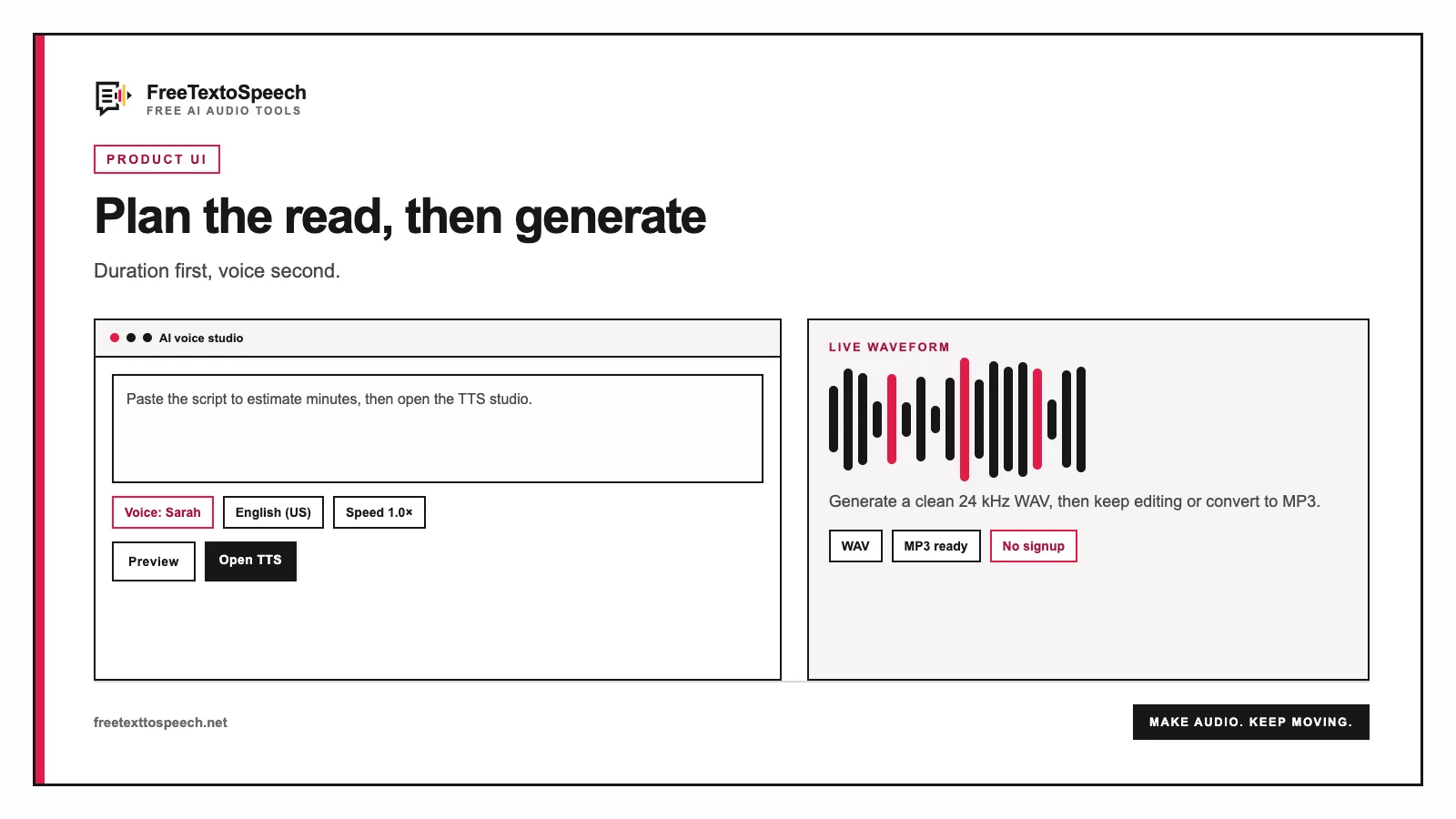
In context
The online studio layout used for speech time calculator.
Still wondering? Get in touch →
Turn the timed script into natural speech and download the audio.
Create a clean WAV master for editing and production.
Plan intros, explainers, and complete spoken segments.
Time a script, generate the voice-over, and edit it into video.
Turn your timed script into natural speech with 54 voices, free.
A tiny favor
Allow ads for this site, then check again. Prefer no ads? Paid plans remove ads and add more cloud characters, from $4 a month.
Allow ads for freetexttospeech.net, then check again.
Already on a paid plan?Sign into restore your perks.
Send feedback
Tell us what you think
Bugs, ideas, or anything that would make FreeTextoSpeech better.