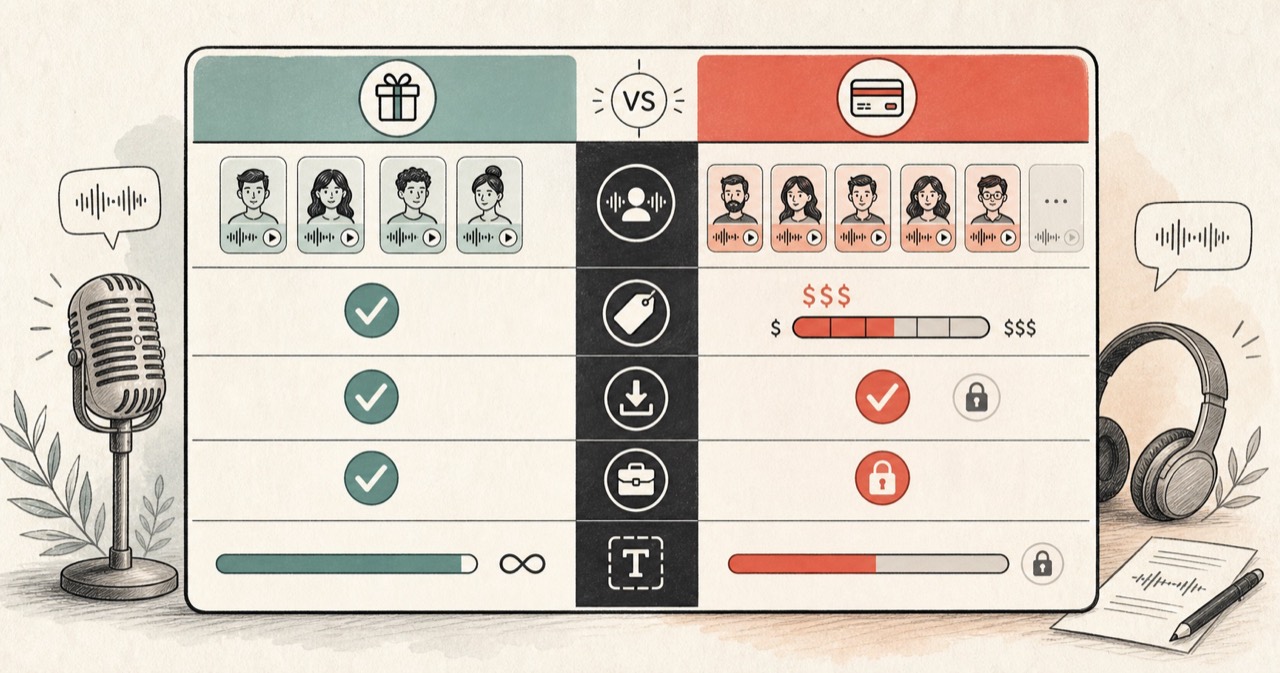
Quick answer
Use From Text To Speech for lightweight nostalgia or if you still rely on its classic robotic voices. Use FreeTextoSpeech for natural modern AI voices, faster generation, and clean audio downloads with no registration.
From Text To Speech vs FreeTextoSpeech
There is no universal winner here. The useful question is what happens after you paste the script. The facts about From Text To Speech below were checked against the official From Text To Speech website on 4 August 2026. Limits and plan terms change, so check the source again before a large or commercial job.
What the official product says
- From Text To Speech provides a simple online text-to-speech converter.
- It advertises input up to 50,000 characters per conversion.
- The service offers four classic robotic voices in English, plus a few European options.
- Audio output is provided as an MP3 file.
- The site does not require registration.
Choose From Text To Speech when
From Text To Speech is fine if you specifically want retro synthetic speech or need to paste very long plain text without worrying about natural inflection.
Choose FreeTextoSpeech when
FreeTextoSpeech is the better choice when you want natural-sounding AI voices, fast generation, and lossless WAV or lightweight MP3 files.
Feature comparison
| Feature | FreeTextoSpeech | From Text To Speech |
|---|---|---|
| Voice realism | 54 natural Kokoro AI voices across 9 languages. | Classic robotic synthesized voices. |
| Generation speed | Fast generation in seconds. | Server-side queue that can take minutes on long scripts. |
| Audio formats | Dedicated MP3 and WAV workflows. | Direct MP3 download. |
| Character limits | 5,000 characters per Generate without an account (10,000 signed in, 20,000 on a paid plan), with project tools for longer scripts. | Up to 50,000 characters per single form submit. |
| Account required | No account or sign up required. | No account required. |
How to decide
Voice quality makes the difference
The old robotic voices sound outdated in modern videos and podcasts. Modern listeners expect natural cadence and breathing, which Kokoro neural voices deliver without sounding robotic.
Download speed matters for creator workflows
Waiting in an old server queue for a 2-minute MP3 slows down editing. FreeTextoSpeech renders voice clips in seconds.