Talking-head shorts
One person talking to camera says nothing at all with the sound off. Moving captions give the viewer something to follow.
Every word gets its own timestamp, so the active word can light up as it is spoken. Pick a style, place the captions clear of the app buttons, and render a vertical MP4 ready to post.
Related use cases
Open Auto Caption, drop your clip, choose the Karaoke or Bold pop style, drag the captions to where you want them, then open Export and press Render MP4.
Drop an MP4, MOV or WebM up to 30 minutes. A vertical video gets short caption lines automatically, sized for a phone screen.
Only a compressed copy of the audio leaves your browser. Each word comes back with its own start and end, which is what drives the highlight.
Start from Karaoke, Bold pop, Boxed or Classic. Change the font, size, colors and outline, then drag the captions up or down on the preview.
Render an MP4 with the captions burned in, then upload it to your app of choice. No watermark on the file.
One person talking to camera says nothing at all with the sound off. Moving captions give the viewer something to follow.
Steps stay readable on mute. Use Boxed so the text sits on a dark band and stays clear over a busy kitchen or a screen recording.
Cut a strong minute from an episode, caption it in Bold pop, and post it as a teaser. Quotes land harder when each word appears as it is said.
Make a voiceover with our text to speech, lay it over your clip with Voiceover for Video, then caption the result on Auto Caption.
The auto caption generator lives on Auto Caption, our free site for animated captions. Here is what it does and how to get the most out of it.
The editor opens on Karaoke, but each preset is only a starting point. Change anything and it becomes your own style.
Under Style you can switch the highlight between Box, Color and Off, pick Space Grotesk or DM Sans, and set the size, colors, outline and background. Under Layout, drag the text on the preview or snap it to the top, middle or bottom.
A vertical frame is narrow, so a caption line that fits a widescreen video wraps into two or three rows on a phone. When the video is taller than it is wide, the editor splits the speech into short lines from the start. The Layout panel has Punchy, Short and Standard lengths if you want fewer or more words on screen. Changing the length re-splits every line from the word timings and replaces earlier text edits, so pick it before you start fixing typos. Undo brings everything back if you change your mind.
Captioning a clip costs transcription minutes: 20 a day without an account and 60 with one, for files up to 30 minutes. A 45-second Reel uses one minute. Everything after that is free, including as many renders as you like.
The MP4 is made on your device with WebCodecs, so the video never travels to a server. Most browsers can render up to 10 minutes; Chrome and Edge on a computer reach 30. That covers short-form easily. If your phone struggles, pick Cloud in the Export panel: our GPU renders the same captions (videos up to 15 minutes, one daily minute per video minute). For long videos where you want plain subtitles rather than animated ones, the Subtitle Generator is the better fit, and Caption QA can check the exported SRT for lines that go by too fast.
Free on Auto Caption
Open the free editor on Auto Caption, drop your file, and download the result in a few minutes.
Opens auto-caption.app
Still wondering? Get in touch →
Type the script, pick one of 54 natural voices, and download the audio. Then caption it on Auto Caption.
Visual guide
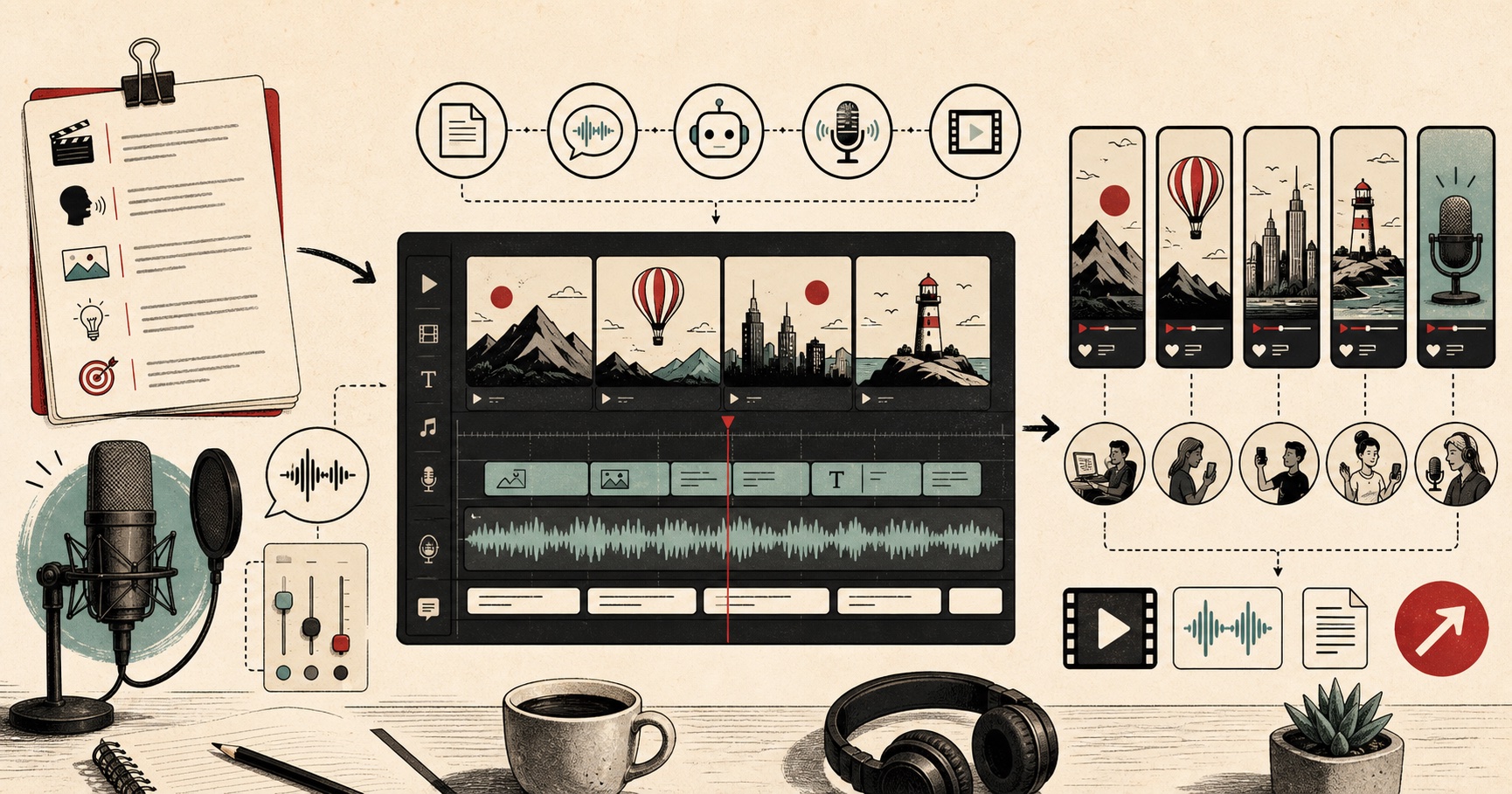
A creator workflow for turning scripts into publishable AI voiceovers.
A tiny favor
Allow ads for this site, then check again. Prefer no ads? Paid plans remove ads and add more cloud characters, from $4 a month.
Allow ads for freetexttospeech.net, then check again.
Already on a paid plan?Sign into restore your perks.
Send feedback
Tell us what you think
Bugs, ideas, or anything that would make FreeTextoSpeech better.