Quick answer
TTSMP3 is a strong choice when you want its 28-language catalog and inline SSML-style controls. FreeTextoSpeech is the simpler alternative when you want natural Kokoro voices, no account, and either MP3 or lossless WAV workflows.
TTSMP3 vs FreeTextoSpeech
There is no universal winner here. The useful question is what happens after you paste the script. The facts about TTSMP3 below were checked against the official TTSMP3 website on 4 August 2026. Limits and plan terms change, so check the source again before a large or commercial job.
What the official product says
- TTSMP3 describes its free tool as text-to-speech with downloadable MP3 output.
- Its US English page displays a 3,000-character daily input limit.
- It documents inline controls for breaks, emphasis, speed, pitch, whispers, and speaker changes.
- The site lists 28 supported voice-language pages.
Choose TTSMP3 when
Its edge is the inline speech markup and the wider language list. It also makes sense if you already know its MP3-only workflow.
Choose FreeTextoSpeech when
Our tool is the shorter route to a Kokoro voice when you do not want an account and may need WAV for editing instead of MP3.
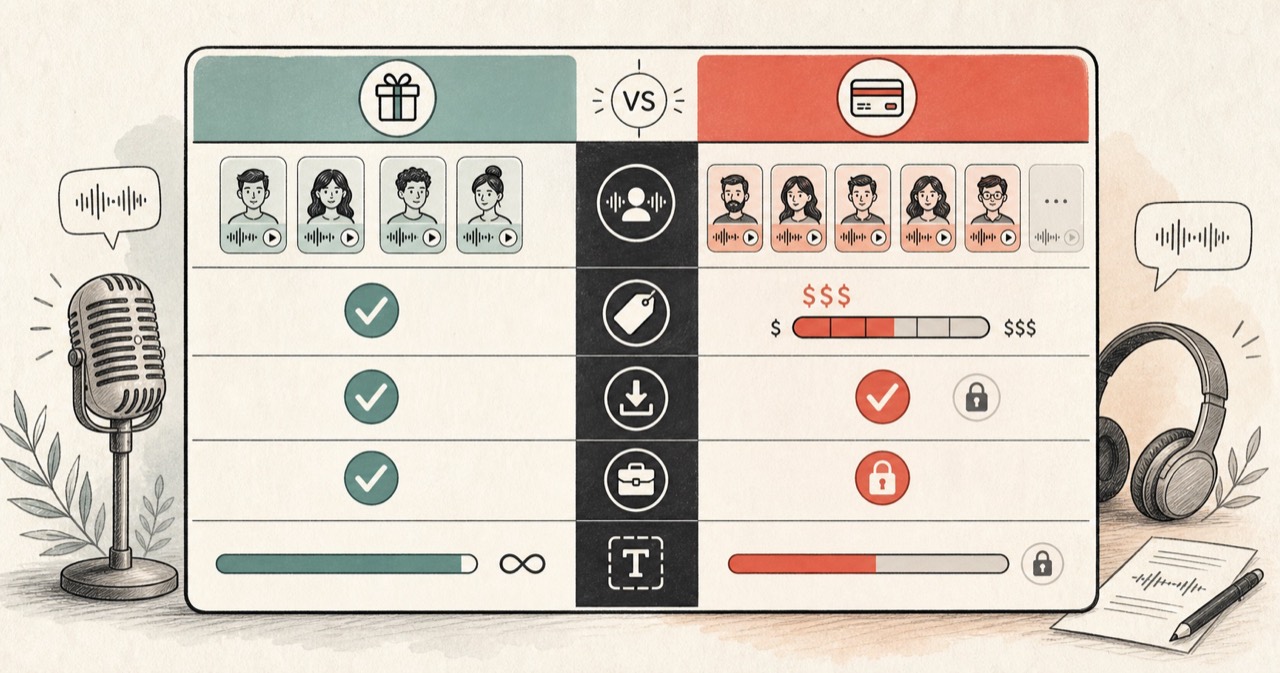
Feature comparison
| Feature | FreeTextoSpeech | TTSMP3 |
|---|---|---|
| Free-page input | Up to 5,000 characters per request without an account, 10,000 signed in, 20,000 on a paid plan. | The official US English page displays 3,000 characters per day. |
| Download formats | Dedicated MP3 and WAV tools. | MP3 download. |
| Speech markup | Punctuation and voice settings; no SSML editor. | Documents break, emphasis, prosody, whisper, and speaker tags. |
| Language breadth | 9 supported languages with regional English options. | 28 voice-language pages listed. |
| Account | No account required for the public generator. | Free generation is available on the public page; premium access is offered separately. |
How to decide
The controls feel quite different
TTSMP3 puts controls inside the script. That is handy when a pause or pitch change must land on one exact word. FreeTextoSpeech keeps the writing box cleaner and leans on punctuation, voice choice, and speed.
Think about what happens after download
MP3 is small and easy to send. WAV is the better starting point for an editor or audio workstation because it avoids an early lossy encode. If the clip is going straight into a chat, that distinction probably does not matter.