How to record your voice online
- 01
Press the red button
Your browser asks for the microphone once. Allow it and the timer starts. Pause any time if you need a breath or a glass of water.
- 02
Stop when you are done
The take appears as a waveform, so you can see the silence at the start and the cough at the end before you listen.
- 03
Trim the edges
Drag the start and end sliders, or click the waveform, to cut the dead air. Press Play to hear only the part you are keeping.
- 04
Save it or turn it into text
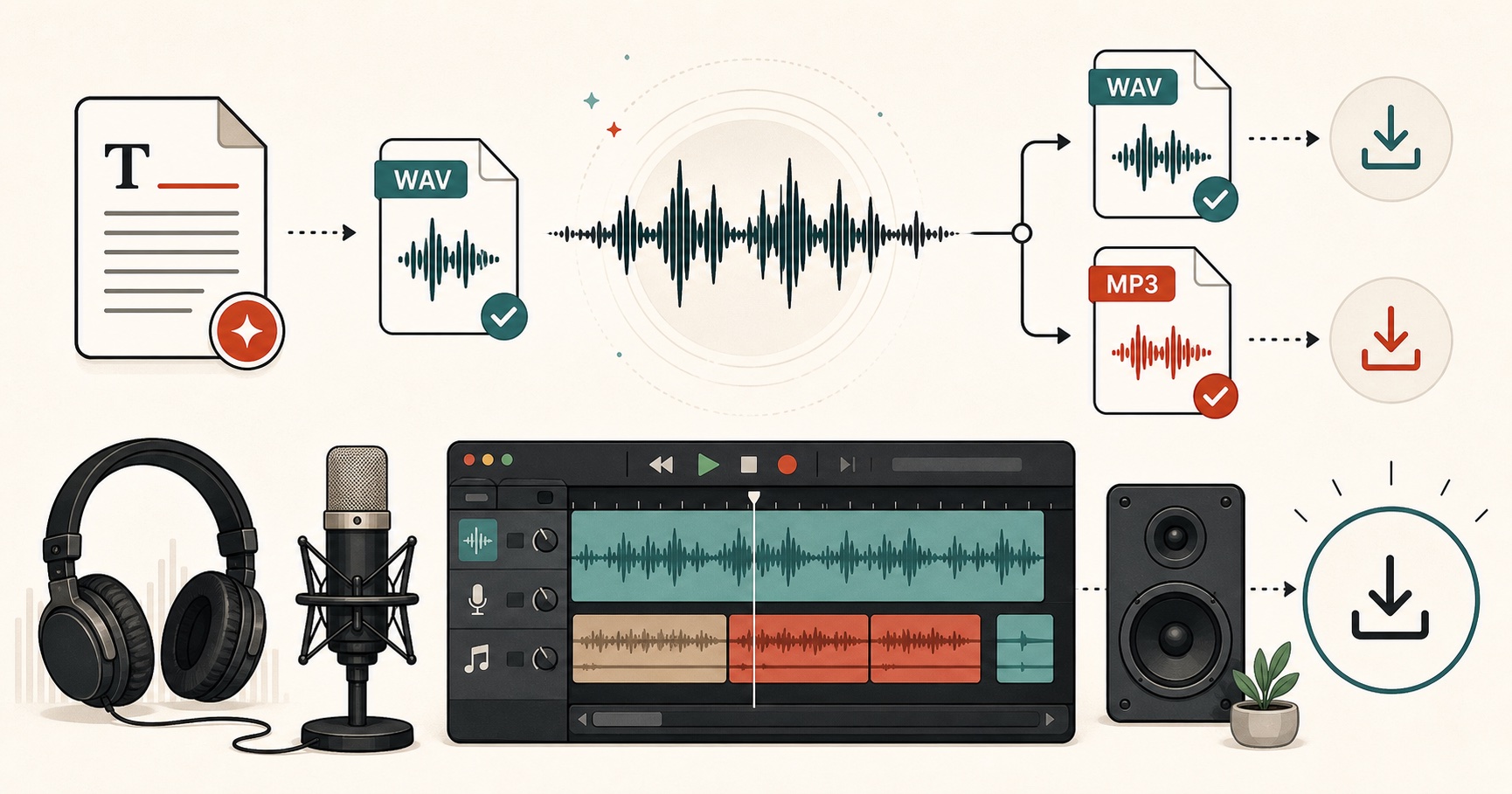
Download an MP3 for sharing or a WAV for editing. Or send the recording straight to the transcription tool.
Sound better without buying a mic
Four habits for a cleaner recording
Get closer than feels normal
About a hand’s width from a laptop or phone mic. Most bad home recordings are too quiet and too roomy, not too loud.
Pick a soft room
A bedroom with curtains beats a kitchen with tiles. Soft surfaces soak up the echo that makes a voice sound far away.
Leave a second of silence
Wait a beat before you speak and after you finish. It gives you clean handles to trim, and the fade at each cut stays inaudible.
Watch the meter, not the waveform
While recording, the bars should dance around the middle. If they hit the top on every word, move back a little.
Online Voice Recorder FAQs
01 Is my recording uploaded anywhere?
02 How long can I record?
03 Does it work on iPhone and Android?
04 MP3 or WAV: which should I download?
05 The microphone is blocked. How do I fix it?
06 Can I record a voice message and send it on WhatsApp or email?
Still wondering? Get in touch →
Do more with your recording
Free Speech to Text
Turn a recording into editable text, subtitles or a JSON transcript.
Audio Joiner
Stitch several takes into one file with clean gaps between them.
Free Text to Speech
Type what you want to say and download it in a natural AI voice.
M4A to MP3
Convert iPhone voice memos you already recorded into MP3.
Would rather not use your own voice?
Type the message and pick one of 54 natural voices. Free, no sign up, MP3 or WAV.