Text-to-speech engines often bungle years, prices, fractions, and phone numbers. This tool translates digits into exact, natural spoken words that every voice engine will read reliably.
Instant client-side formatting. Click any example to test:
General / Standard
Enter a value above
Year / Era Reading
-
Currency / Financial
-
Digit-by-Digit (Phone/Codes)
-
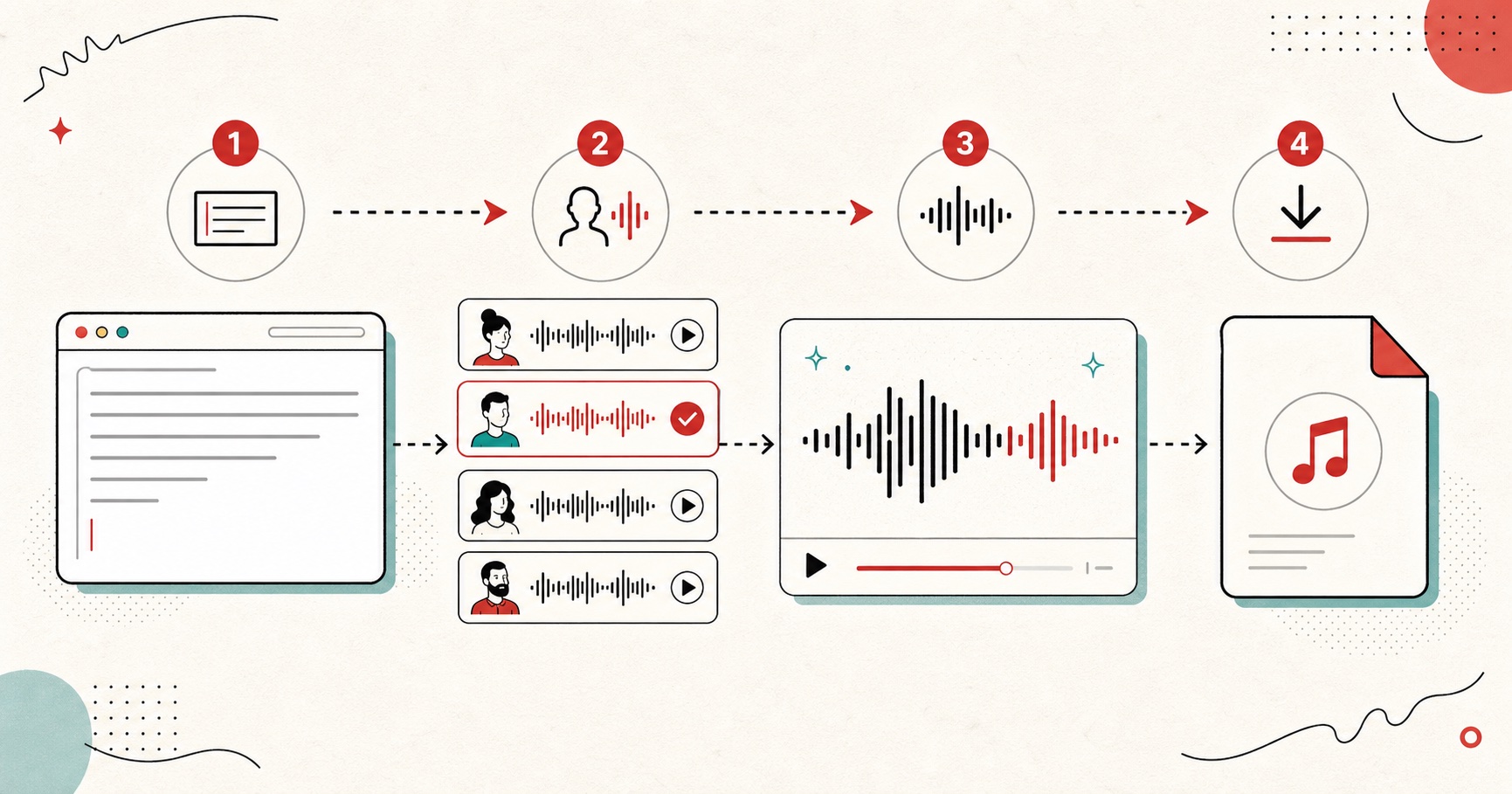
Hear the pronunciation
Listen via your browser speech engine before copying into your voiceover script.
Type raw numbers like 1998, $450.75, 3.14, 1/2, or +1-800-555-0199 into the input box.
02
Select pronunciation mode
Choose whether the number represents a year, standard quantity, currency amount, phone digits, or fraction.
03
Listen to the browser audio preview
Press play to verify how the speech engine pronounces the converted wording.
04
Copy the phonetic text into your script
Paste the spelled-out words directly into FreeTextToSpeech or your voiceover project to guarantee accurate pronunciation.
Rules for writing numbers in text-to-speech scripts
Speech models interpret raw digits inconsistently. By following three baseline rules, you will never get a mispronounced number in your voice tracks:
Rule 1
Spell out years as pairs
Write "nineteen ninety-two" instead of "1992", and "twenty twenty-four" instead of "2024".
Rule 2
Add currency words
Never leave lone $ or € symbols. Replace "$25" with "twenty-five dollars" and "$25.50" with "twenty-five dollars and fifty cents".
Rule 3
Separate phone digits
Add commas or spaces between phone groups so the AI breathes naturally between numbers.
Common examples & quick cheatsheet
Raw Expression
How TTS often reads it
Recommended phonetic fix
1999
"One thousand nine hundred ninety-nine"
"Nineteen ninety-nine"
$350.25
"Dollar sign three fifty point two five"
"Three hundred fifty dollars and twenty-five cents"
2nd
"Two nd"
"Second"
3/4
"Three slash four"
"Three fourths"
1-800-555-0199
"One eight hundred five million..."
"One, eight hundred, five five five, zero one nine nine"
Questions
Frequently Asked Questions
01
Why do text-to-speech engines mispronounce numbers and years?
Most TTS models rely on normalization rules that guess context. When an engine encounters "1995," it often guesses "one thousand nine hundred ninety-five" instead of the year "nineteen ninety-five." Writing numbers out phonetically removes this ambiguity.
02
How do you force text-to-speech to say a year correctly?
Write the year as two pairs of words. For example, write "nineteen ninety-five" instead of "1995", and "twenty twenty-four" instead of "2024".
03
How should currency symbols like $ and € be formatted for TTS?
Spell out both the main unit and fractional cents. For example, rewrite "$49.99" as "forty-nine dollars and ninety-nine cents" so the voice doesn't say "dollar sign forty-nine point nine nine."
04
How do you format phone numbers so TTS reads them digit by digit?
Separate every digit with a space or hyphen, or spell out each digit ("five five five, zero one nine nine"). Grouping digits with commas adds natural conversational pauses.
05
What about fractions and percentages?
Write "1/2" as "one half" or "half", "3/4" as "three fourths", and "15%" as "fifteen percent." This prevents engines from reading the slash literally as "one slash two."
06
Does this tool work with any text to speech engine?
Yes. Once you convert numbers into plain English words, every text-to-speech engine (including Kokoro, ElevenLabs, Amazon Polly, and browser speech) will read them with complete consistency.