Quick answer
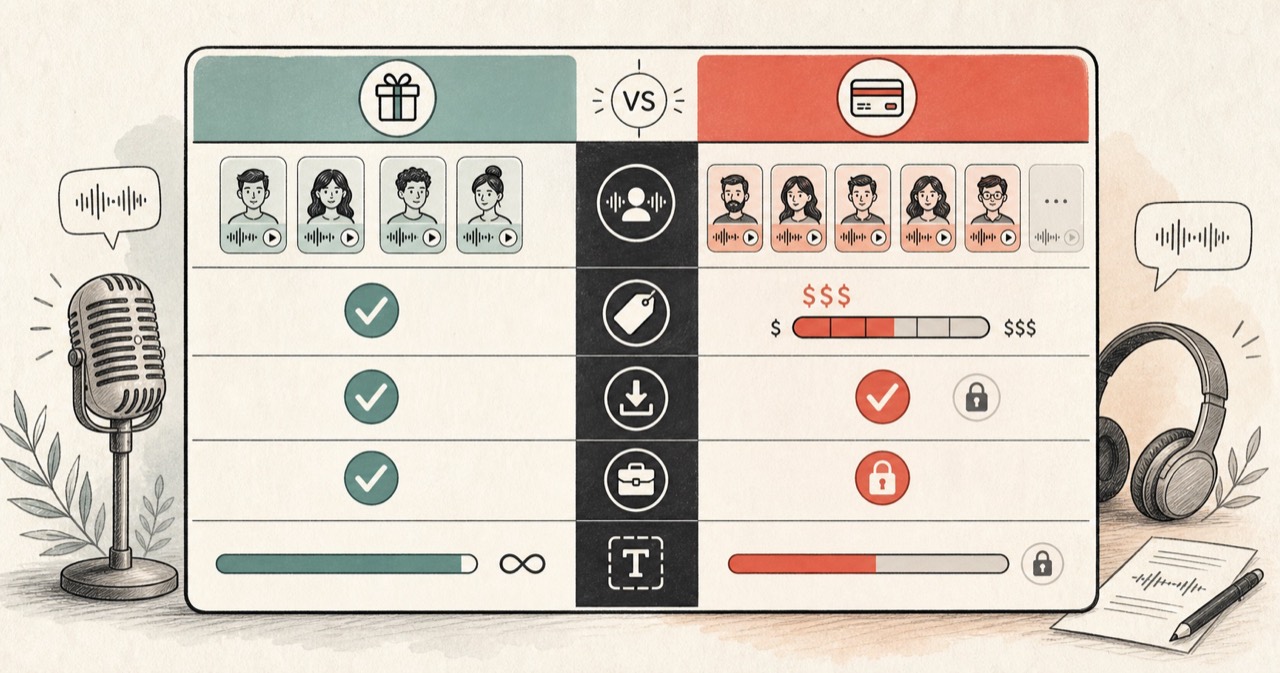
Choose Voicemaker for its larger language catalog, detailed controls, subtitles, and API-oriented workflow. Choose FreeTextoSpeech for a focused free generator with 54 Kokoro voices and no account requirement on the public tool.
Voicemaker vs FreeTextoSpeech
There is no universal winner here. The useful question is what happens after you paste the script. The facts about Voicemaker below were checked against the official Voicemaker website on 4 August 2026. Limits and plan terms change, so check the source again before a large or commercial job.
What the official product says
- Voicemaker exposes pitch, speed, pause, volume, and other voice controls.
- Its current interface includes subtitle generation and audio metadata options.
- The platform offers text-to-speech alongside API and other speech products.
- Current pricing and trial access are tied to registration and plan allowances.
Choose Voicemaker when
Voicemaker is the more serious production workspace. Its subtitles, API, language coverage, and delivery controls justify the extra setup for the right project.
Choose FreeTextoSpeech when
FreeTextoSpeech is for the smaller job: make a natural voice clip now, without setting up an account or configuring a studio.
Feature comparison
| Feature | FreeTextoSpeech | Voicemaker |
|---|---|---|
| Workflow depth | Focused paste, voice, generate, and download flow. | Studio controls, metadata, subtitles, projects, and additional speech products. |
| Voice controls | Voice and speed controls; punctuation guides delivery. | Fine controls for pauses, pitch, speed, volume, and settings. |
| Subtitles | Not generated by the core TTS page. | Interface offers SRT and TXT subtitle output. |
| API | Public web tools; no public production API promised here. | Commercial API offering is available. |
| Registration | No signup for the public generator. | Trial and paid workflows use an account. |
How to decide
More controls mean more setup
Voicemaker's controls help when delivery needs precise shaping or subtitles must follow the audio. They can feel like extra furniture when the script already reads naturally and you only need a clean file.
A prototype and a production pipeline are different purchases
For one voiceover or an early concept, start with the lowest-friction tool. For automated volume or team work, compare quotas, support, licensing, and failure handling. That boring operational stuff matters more than the demo voice.
Voice count can be a distraction
A huge catalog helps only if it has the accent and tone your script needs. Shortlist a few voices in each product. Test your awkward names and longest sentence, not the polished sample supplied by the vendor.
A fair two-minute test
- Write a 75–100 word sample that contains a name, a number, a question, and one long sentence.
- Generate that exact text in both products with the closest matching voice and speed.
- Listen on headphones for pronunciation, pacing, harsh consonants, and unnatural pauses.
- Check the output format and licence you need before generating the full script.
One small rule: use the same script. A polished vendor demo tells you almost nothing about how your odd surname or product code will sound. For FreeTextoSpeech, use Text to MP3 for a small file or Text to WAV when you plan to edit.