Skip to main content Home / Tools The complete audio toolkit
Free audio and voice tools. Finish the audio. Create narration, transcribe recordings, time scripts, fix pronunciation, convert documents, and prepare finished audio—without hunting through unrelated features.
focused tools 41
workflows 5
to start Free
Text to speech tools 7 tools Write, time, pronounce, and generate spoken audio from a finished script.
Text to speech
Convert text into natural speech with 54 voices in 9 languages.
Create and prepare speech →
Text to speech
Convert a script from words to minutes for speeches and voice-overs.
Create and prepare speech →
Text to speech
Estimate monthly characters, audio hours, and your own provider rate without stored price data.
Create and prepare speech →
Text to speech
Create easy pronunciation, IPA, ARPABET, and NATO spelling.
Create and prepare speech →
Text to speech
Host and Guest already have voices. Write the conversation and download one file.
Create and prepare speech →
Text to speech
Audition several voices on the same line before rendering the final script.
Create and prepare speech →
Text to speech
Render named script blocks as a batch, joined track, or clip archive.
Create and prepare speech →
Speech to text tools 11 tools Turn recorded speech into editable transcripts and timestamped subtitle files.
Speech to text
Transcribe MP3, WAV, M4A, OGG, WEBM, and FLAC recordings into editable TXT and timestamped SRT.
Transcribe spoken audio →
Speech to text
Turn a short spoken recording into editable words and four downloadable transcript formats.
Transcribe spoken audio →
Speech to text
Convert an MP3 recording into text with multilingual Whisper recognition.
Transcribe spoken audio →
Speech to text
Find broken timestamps, overlaps, fast reading, long lines, and invalid subtitle blocks.
Transcribe spoken audio →
Speech to text
Compare a narration transcript to its approved script and review likely word differences.
Transcribe spoken audio →
Speech to text
Turn the speech in an MP4, MOV or WebM into a timed transcript. The video stays on your device.
Transcribe spoken audio →
Speech to text
Make timed SRT and VTT subtitles from any video in 50+ languages, or burn them into an MP4.
Transcribe spoken audio →
Speech to text
Styled word-by-word captions for TikTok, Reels and Shorts, burned into the video in your browser.
Transcribe spoken audio →
Speech to text
Hardcode an SRT or VTT into an MP4 with your own font, colors and position. No upload.
Transcribe spoken audio →
Speech to text
Open an SRT, VTT or SBV, fix lines and timing, shift every cue at once, and save it again.
Transcribe spoken audio →
Speech to text
Convert SRT to VTT, VTT to SRT, SBV to SRT, or any of them to plain text, in your browser.
Transcribe spoken audio →
Audio editing and conversion tools 9 tools Convert, combine, and prepare generated or recorded audio for publishing.
Audio tools
Create a smaller MP3 locally with 128, 192, or 320 kbps output.
Finish the audio workflow →
Audio tools
Browse every audio, subtitle, and document converter in one place.
Finish the audio workflow →
Audio tools
Record from your mic, trim both ends, and save MP3 or WAV without uploading.
Finish the audio workflow →
Audio tools
Trim the ends or cut a section out of MP3, WAV or M4A, add fades, save MP3 or WAV.
Finish the audio workflow →
Audio tools
Make audio faster or slower from 0.5x to 2x while keeping the pitch.
Finish the audio workflow →
Audio tools
Type a topic, get a script for 2 to 4 hosts, and voice each host differently.
Finish the audio workflow →
Audio tools
Arrange clips, add optional gaps, and export one WAV or MP3.
Finish the audio workflow →
Audio tools
Generate a lossless 24 kHz WAV master for editing.
Finish the audio workflow →
Audio tools
Generate speech and download a 128, 192, or 320 kbps MP3 directly.
Finish the audio workflow →
Document to speech tools 7 tools Turn document content, ebooks, subtitles, and web copy into spoken audio.
Documents
Upload a PDF, select extracted pages, and create chaptered speech.
Listen to documents →
Documents
Import the EPUB spine and render selected chapters as an audiobook.
Listen to documents →
Documents
Upload Word documents and generate sectioned or joined audio.
Listen to documents →
Documents
Batch-import text files, split long sections, and export audio.
Listen to documents →
Documents
Parse cues and speakers into continuous or timing-aware speech.
Listen to documents →
Documents
Upload HTML and extract its readable article content for speech.
Listen to documents →
Documents
Strip Markdown formatting while preserving headings and readable sections.
Listen to documents →
Creator voice tools 7 tools Practical workflows for platforms and formats where the finished narration will be used.
Creator tools
Time narration against a local video and export audio, captions, and cue files.
Match a publishing format →
Creator tools
Target a video duration and export narration, stems, captions, and cues.
Match a publishing format →
Creator tools
Fit a hook, body, and CTA to 15–90 seconds with ready-to-edit captions.
Match a publishing format →
Creator tools
Assign host and guest voices, then export a joined MP3 and separate stems.
Match a publishing format →
Creator tools
Import a manuscript, map narrator and character voices, and export chapters.
Match a publishing format →
Creator tools
Upload PPTX, extract notes, and export one named clip per slide with a manifest.
Match a publishing format →
Creator tools
Read and listen together with adjustable type, spacing, theme, and speed.
Match a publishing format →
Visual guide
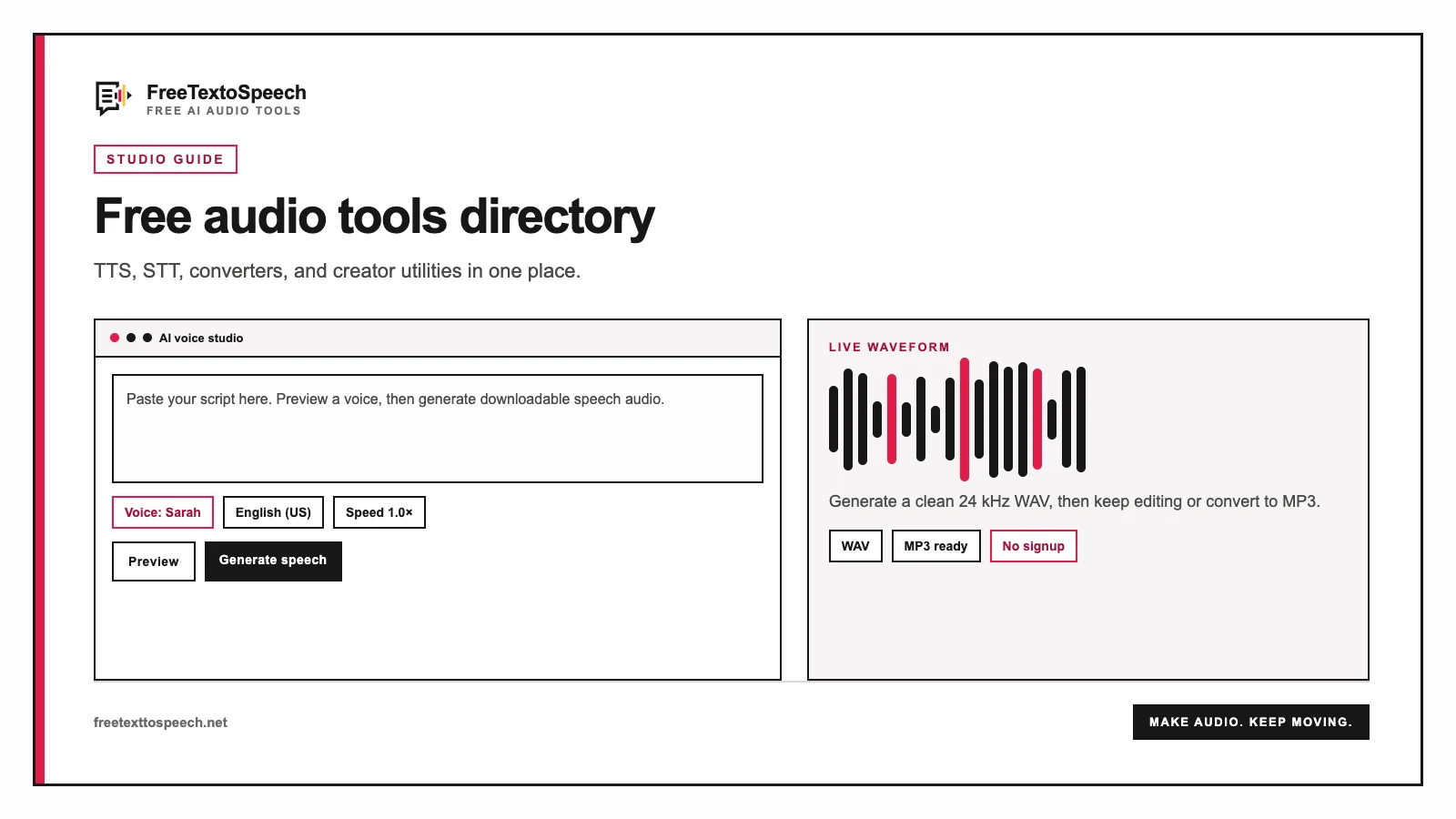
The online studio layout used for free audio tools.
In context
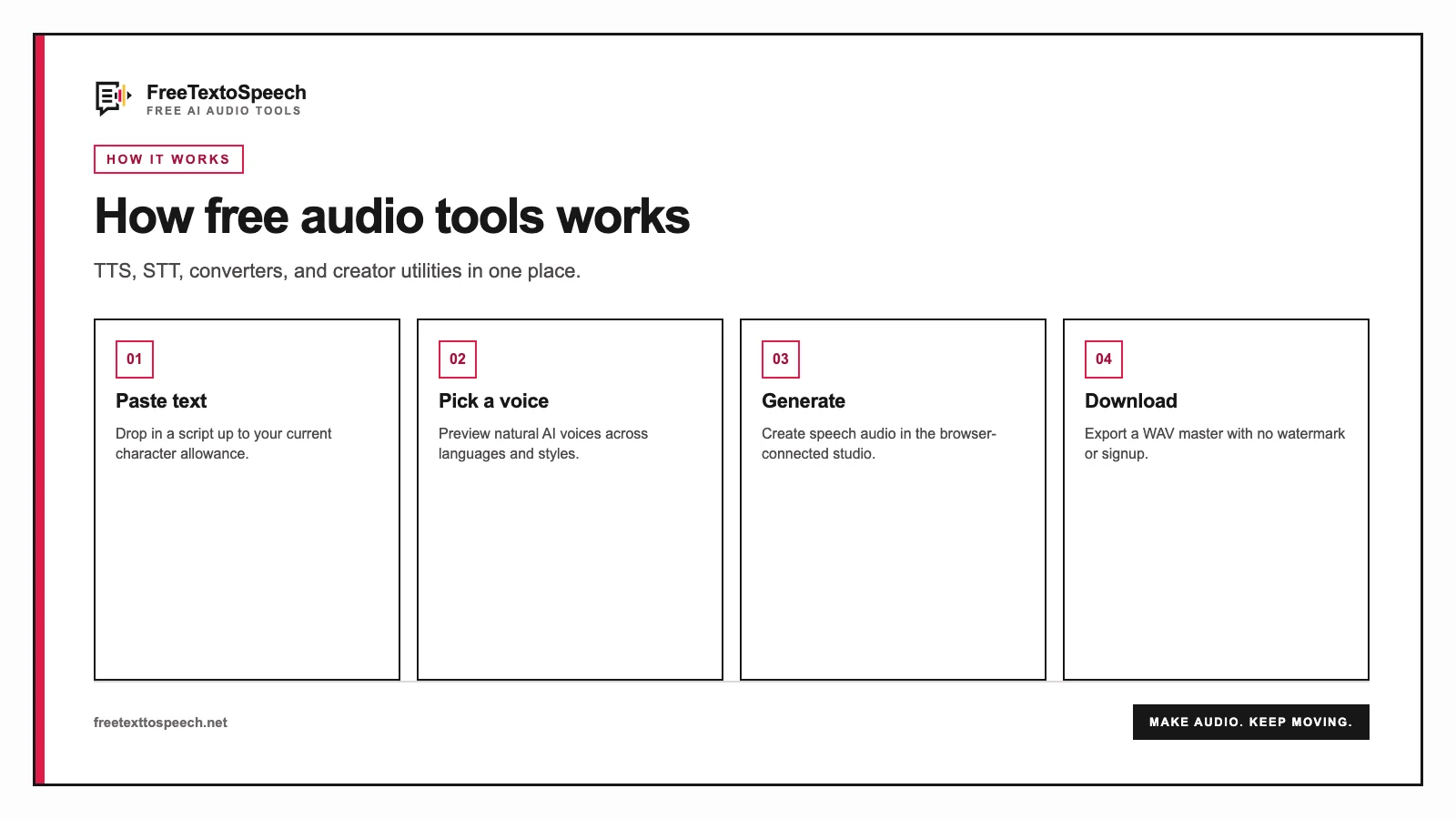
A step-by-step visual guide for free audio tools.
01 Are these text to speech tools free? Yes. The listed FreeTextoSpeech tools can be used without a paid plan. Core speech generation, browser audio utilities, and planning tools do not require signup.
02 Do browser audio tools upload my files? WAV to MP3, Audio Joiner, and the video voiceover builder process media locally. Audio to Text and MP3 to Text send the selected file to Groq for speech recognition and do not store it on FreeTextoSpeech.
03 Which tool should I use first? Start with the Speech Time Calculator for a fixed-length project, use the Phonetic Spelling Generator for difficult names, generate the speech, then use Audio Joiner or WAV to MP3 to prepare the final file.
04 Can I use generated audio commercially? FreeTextoSpeech permits commercial use of its generated audio without attribution. Confirm the rights to your script, music, images, and other project material separately.
Still wondering? Get in touch →
Try it now
Ready to create speech? Convert text to natural audio with 54 voices in 9 languages.
Thanks, we emailed the team.
↑