Audio description communicates important visual information to people who are blind or have low vision. A useful track explains what matters without narrating every detail or competing with dialogue.
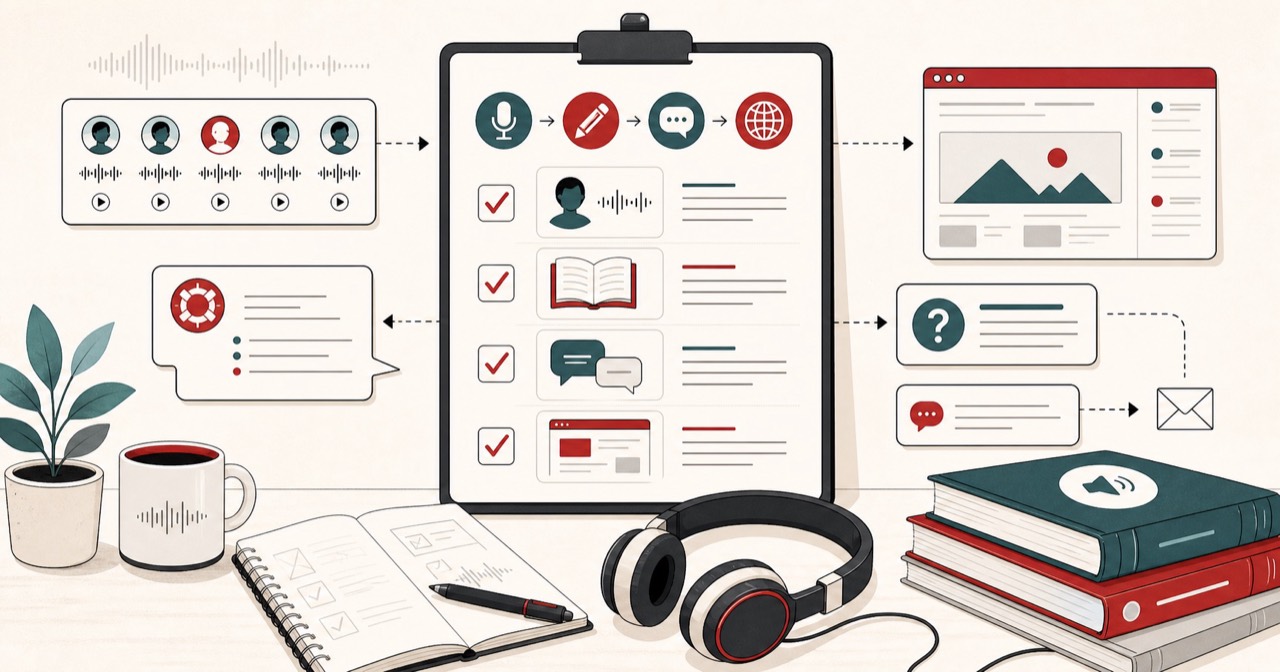
This is a production workflow, not a slogan: map the gaps, write observable description, time the language, generate a distinct stem, then review it against the programme.

Map the available spaces
Watch the programme and mark gaps between dialogue, music cues, and essential sound effects. Record the maximum duration available for each description. Timing determines how much language the script can contain.
A gap is not “any quiet.” A held look, a door slam that tells the story, or a musical sting may need to stay uncovered. If covering that sound would hide the plot, the description belongs somewhere else or must be shorter.
Build a cue sheet:
- Timecode in
- Maximum seconds
- What must be described
- What must not be covered
- Draft sentence
If there is no gap, you cannot invent one with a faster voice without harming the soundtrack. Redesign the sentence or wait for the next opening.
Describe observable information
Prioritize actions, expressions, locations, on-screen text, and visual changes needed to understand the story. Use concise present-tense language. Avoid interpreting a character’s intention when the image does not establish it.
Prefer “she folds the letter and puts it in the drawer” over “she sadly hides the letter because she cannot cope.” The second sentence is a guess. The first is what a viewer with sight would be able to see.
On-screen text is often essential: caller ID, a news headline, a password on a prop laptop, a street sign. If the plot depends on reading it, describe it. If it is texture, you can skip it when time is short.
Do not describe every costume change. Do describe a costume change that identifies a disguise.
Test duration and pronunciation
Use the speech time calculator for each cue. Preview character names and specialist terms before generating the full track. Choose a clear voice that remains distinct from the programme dialogue without drawing attention away from it.
If the calculator says the sentence is 4.2 seconds and the gap is 3.0, cut words. Do not crank speed until the description sounds like a disclaimer. A slightly incomplete description that fits is more usable than a perfect sentence that talks over a confession.
Fix names with the same method as any other TTS job: phonetic cues, then a one-sentence preview.
Generate description as its own stem, not mixed into the show audio. You need to duck, move, or rewrite one cue without re-exporting the whole programme. If the descriptions already sit in a subtitle file with timings, SRT to speech voices each cue inside its own time window and can export the cues as separate files.
Review with the programme
Place each generated segment against the original audio. Check that descriptions do not cover speech or meaningful sounds. Invite blind or low-vision reviewers whenever possible; technical timing alone cannot prove that the information is useful.
Review questions:
- Can a listener follow the plot without the picture?
- Did we talk over dialogue?
- Did we hide a sound that is acting as a story beat?
- Are names consistent with the main track?
- Is the description voice obviously separate, but not cartoonish?
Export separate narration stems and a timing manifest so an editor can mix, revise, and audit every description independently. Keep the cue sheet with the stems. The next revision should not start from a bounced mix.
Where TTS helps, and where it does not
Text to speech is useful when you need consistent delivery, fast iteration, and a stem you can regenerate after a wording change. It is not a substitute for the editorial judgment of what to describe.
If the programme already has a human description track you are allowed to use, prefer that unless you are producing a new, rights-cleared version. If you are describing your own video, TTS can get a first pass in place so reviewers have something to react to.
Disclose synthetic description when listeners might assume a person recorded it, especially in education, broadcasting, and public services.