Text-to-speech pronunciation errors usually come from ambiguous writing rather than a bad voice. A person can infer that “05/09” is a date, “$12.50” is a price, and “Dr” means doctor. A speech model may choose a different interpretation. The reliable fix is to prepare a spoken version of the script while keeping the original visible for review.
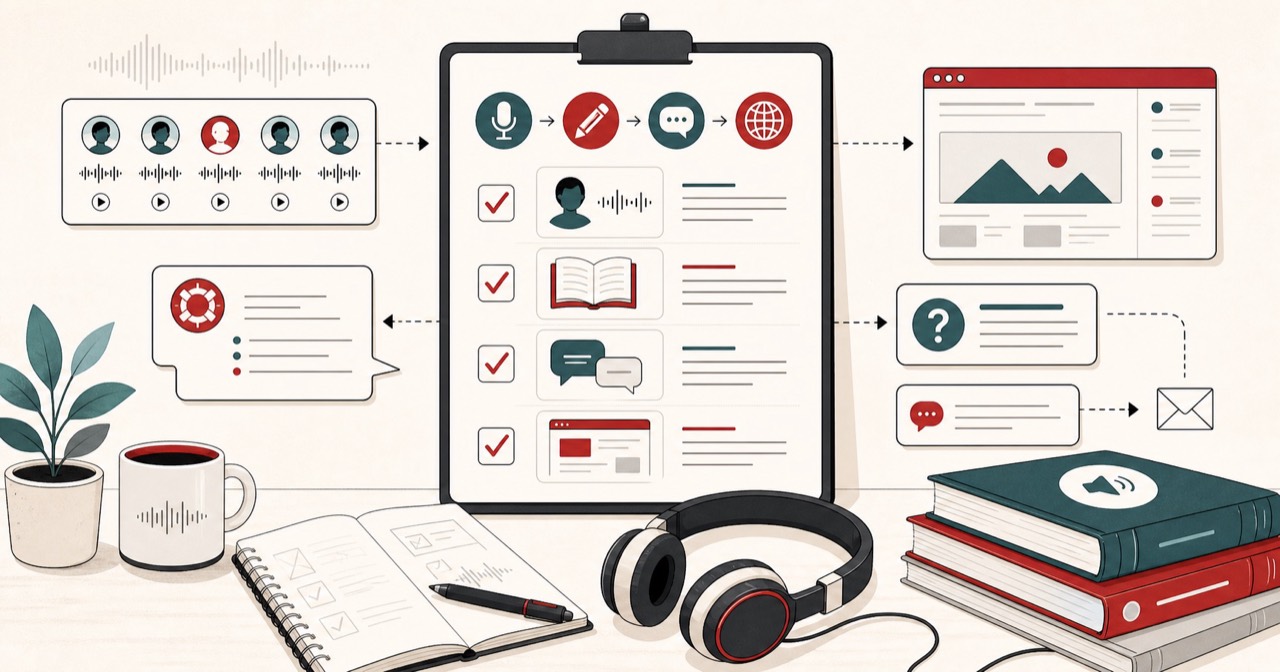
This guide is a working method: mark the risky words, rewrite symbols as speech, preview one sentence, save a glossary, and regenerate only the section that failed.

Start with the words that matter most
Do not proof every sentence at the same depth. Mark names, brands, locations, acronyms, measurements, dates, times, prices, email addresses, and URLs. Those are the phrases listeners notice when they go wrong.
Preview those phrases in the phonetic spelling generator before producing the full recording. For names, split the sound into familiar syllables and mark the stressed syllable: “Siobhan” can become “shih-VAWN.”
A useful first pass is:
- Read the script once for meaning.
- Highlight every token a stranger might misread.
- Write the intended spoken form next to the original.
- Keep both versions in the project notes so an editor can reverse the change.
If several people will generate audio from the same script, lock this spoken version. One writer expanding “AI” as “A I” and another expanding it as “artificial intelligence” will produce two different recordings.
Rewrite symbols as speech
Speech models do not see the page the way you do. They see characters and have to guess a reading.
Write `$12.50` as “twelve dollars and fifty cents,” `09:30 AM` as “nine thirty in the morning,” and a web address as the words you want listeners to hear. Expand an acronym when its intended reading is uncertain. Preserve the original text alongside every replacement.
Common rewrites that prevent most failures:
- Dates: `14/08/2026` becomes “the fourteenth of August, twenty twenty-six” or “August fourteenth, twenty twenty-six,” depending on the audience.
- Times: `18:00` becomes “six p.m.” if that is how you want it heard.
- Currency: `$1,200` becomes “one thousand two hundred dollars.”
- Units: `3.5kg` becomes “three point five kilograms.”
- URLs: `freetexttospeech.net/blog` becomes “free text to speech dot net slash blog.”
- Email: `hello@example.com` becomes “hello at example dot com.”
- Initials: `J.R.R.` often needs spaces or “J R R.”
- Versions: `v2.0` may need “version two point oh.”
Punctuation is part of pronunciation. Commas create short pauses. Periods create clearer breaks. A slash, dash, or parenthesis rarely has a single spoken meaning, so replace it with words.
Test one sentence before the whole script
Generate a short sample containing the difficult phrase. Listen at normal speed, then test it inside the surrounding sentence. Stress and pacing can change with context. Once the result works, save the correction in a project glossary and reuse it consistently.
A preview that sounds right in isolation can still fail in a sentence. “Read” is a common example: the past-tense and present-tense readings are different, and the model will guess from nearby words. If the surrounding clause is thin, write the tense in full: “I read yesterday” versus “I will read this tomorrow” may still need “red” or “reed” as a spoken cue.
When a name is personal, do not treat the generated audio as the authority. Ask the person. Use the audio only as a test of whether your spelling cue is clear.
Build a pronunciation glossary
A glossary is a short table you keep with the project:
- Original token
- Spoken form used in the script
- Optional phonetic cue
- Example sentence
- Date confirmed
Reuse that table in later episodes, chapters, or product updates. The second recording should not rediscover that “Nguyen” needs a spoken cue.
For teams, store the glossary next to the locked script. If you generate in sections, every section must import the same spoken forms. Mixing “NASA” as a word in chapter one and “N A S A” in chapter two sounds like two different shows.
Regenerate only the affected section
For long narration, divide the script into sections before generation. If one term is wrong, correct that segment and join it back into the project instead of paying the time and quota cost of generating everything again.
A practical split is one section per scene, heading, or roughly 30–90 seconds of audio. Name the files in editorial order. After you replace a clip, listen across the join. A corrected word that is louder, faster, or in a slightly different voice will be more obvious than the original error.
Use the audio joiner to combine approved clips with a consistent gap. Keep WAV files for editing; export MP3 only for the version you will share.
A pronunciation checklist before you publish
- Names, brands, and places were previewed, not guessed.
- Dates, times, prices, and units are written as speech.
- URLs, emails, and version numbers have an intended reading.
- Acronyms are expanded or letter-spelled on purpose.
- The glossary is saved with the project.
- Only the broken section was regenerated.
- The joins were played at normal speed.
The practical rule is simple: make ambiguous text explicit, preview difficult language, and keep every transformation reviewable.