Short answer: AI voices trip over numbers, dates and acronyms because they have to guess what those symbols mean. The fix is to spell things out the way you want them read, like "twenty twenty six" instead of a bare year. In FreeTextoSpeech that plain-text tweak is all you need. No special codes, no markup to learn.
Everything reads beautifully until the voice hits "1996", "Dr.", or "NASA". One little stumble and the spell breaks. A listener will forgive a slightly flat tone, but a garbled year or a randomly spelled-out word snaps their attention right back to the fact that a machine is talking. I've watched this happen with my own scripts more times than I can count. The good news is that every one of these problems has a fix, and the fix lives in your text, not in some buried setting.

Why it happens
Written text is full of shorthand that we expand automatically without ever thinking about it. A voice model doesn't get that luxury. It has to decide whether "1996" is a year (nineteen ninety six) or a quantity (one thousand nine hundred and ninety six). Whether "Dr." is Doctor or Drive. Whether "St." is Saint or Street. Whether "IT" is the word "it" or the letters I and T. Most of the time it guesses right. The times it guesses wrong are exactly the ones a listener notices.
The real reason is that the model reads characters, not intent. It sees the same digits you do, but it has no idea that this "1996" is the year you graduated and that "1996" three lines down is a product part number. You carry that context in your head. The model doesn't. So instead of fighting the guess, you take the guesswork away by writing what you actually want to hear. That's the whole trick. It works because the tool reads plain text faithfully, exactly as you typed it.
Fix numbers
- Years: write "twenty twenty six" when you want it read as a year rather than a big number.
- Large numbers: spell out the grouping you want, like "one point five million" instead of a long string of digits.
- Phone and ID numbers: put spaces or dashes between the groups so they get read as separate digits, not one giant number.
- Percentages and symbols: write "fifty percent" rather than leaning on the symbol if it comes out wrong.
- Money and units: "twelve dollars" and "five kilometres" are safer than "$12" and "5km" when a symbol is being misread.
- Ordinals: "first", "second" and "twenty third" beat "1st", "2nd" and "23rd" when the suffix gets swallowed.
- Ranges and scores: "nine to five" and "two nil" read more naturally than "9-5" or "2-0", where the dash sometimes gets read as "minus".
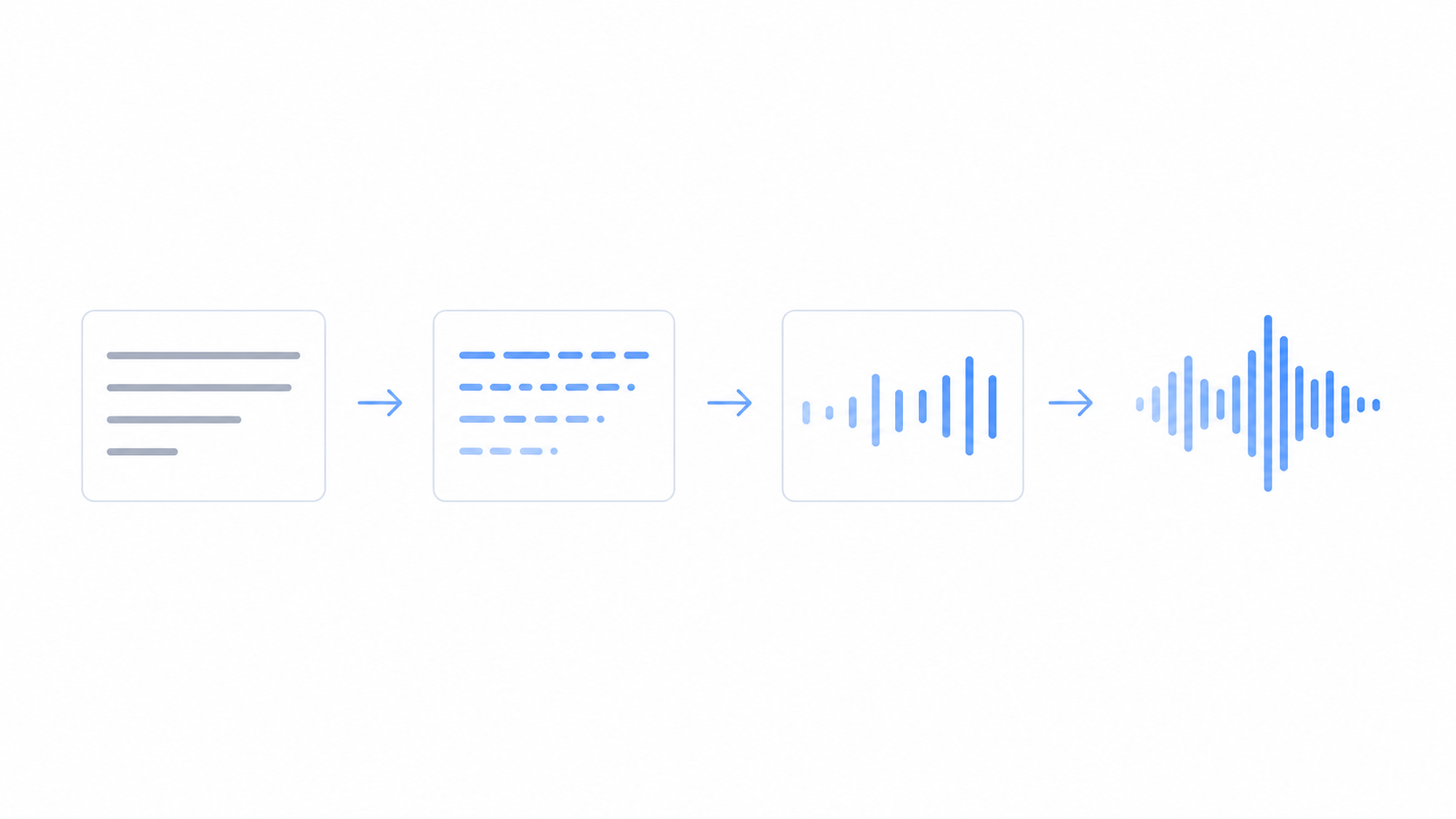
Here's a quick worked example. The line "Between 1990 and 2005, sales grew 250% to $4.2M" is a minefield of guesses. Rewrite it as "Between nineteen ninety and two thousand five, sales grew two hundred and fifty percent to four point two million dollars" and it reads cleanly every time. You're not dumbing anything down. You're just handing the voice the words it was going to need to pick anyway.

Try a tricky sentence in the tool and hear the fix for yourself.
Fix dates
Numeric dates are the ambiguous ones, partly because different regions order them differently. In the United States "03/07" means the third of July, month first. In most of the world it means the seventh of March. The voice has no way to know which one you meant, so it picks and moves on. Spell it out and you're never surprised: "the third of July twenty twenty six" or "July third, twenty twenty six". Times work the same way. "Half past nine" or "nine thirty" reads better than a bare "9:30" if the format is coming out odd. Decades too, so "the nineteen eighties" is safer than "the 1980s" when you want the word instead of a plain count.
Fix acronyms and abbreviations
- Read letter by letter: add spaces or full stops, like "N A S A" or "F.B.I.", so the voice spells it out.
- Read as a word: write it as one ordinary word, like "Nasa", if that's how people actually say it.
- Abbreviations: expand them. "Doctor" for "Dr.", "Street" for "St.", "versus" for "vs". No confusion left.
- Units and symbols: spell out anything technical the first time it shows up, like "megabytes" instead of "MB".
- Mixed case traps: "US", "UK" and "AI" usually read as letters, but if one comes out as a word, space it as "U S" to force the spelling.
The call you're making is simple. For every acronym, ask whether people say the letters or say a word. "URL" and "PDF" are letters. "Radar" and "laser" are words, even though they both started life as acronyms. "SQL" splits the room, so write "sequel" or "S Q L" depending on which one you're after. Once you decide, write it that way and the voice just follows.
A quick proofing pass
Before you generate a long piece, skim it once looking only for numbers, dates, abbreviations, acronyms and symbols. Rewrite the handful that actually matter for how they sound. This takes about a minute and clears out almost every pronunciation surprise. For anything with data, prices or technical terms in it, it's the single highest-value edit you can make. One habit I'd add: read your draft out loud yourself first. Anywhere your own mouth hesitates is almost certainly a spot the voice will stumble on too. Mark those lines and fix them before you generate.
A simple workflow that catches almost everything
- Draft normally. Write your text the way you would for a human reader, symbols and all.
- Hunt the risky tokens. Scan for digits, runs of capital letters, currency and percent signs, dots inside abbreviations, and slashes in dates.
- Rewrite only those. Turn each one into the words you want to hear, and leave the rest of the sentence alone.
- Generate and listen. Paste the text, pick a voice, and play it back with your ears rather than your eyes.
- Patch and repeat. Fix any leftover surprises in the text, generate again, and download the WAV once it sounds right.
This loop is fast because you only touch the parts that carry risk. Most sentences never need a single change. You're going for a natural read, not a perfect transcript, so trust your ear on that final step.
Common mistakes to avoid
- Reaching for SSML. You don't need it here. FreeTextoSpeech takes plain text only, so there are no tags to paste in. Everything you need is spelling, punctuation and the speed slider.
- Over-editing. If a number already reads correctly, leave it as digits. Rewriting every figure by hand wastes time and invites typos.
- Forgetting that pronunciation is local. A respelling that sounds right in a US voice can read oddly in a UK one, so test with the voice you actually plan to publish.
- Trusting the eye over the ear. Text that looks fine can still sound wrong. Always listen before you commit to a long generation.
- Downloading too early. Get the words right first, then download once. MP3 is the default; pick WAV (24 kHz) in the format menu next to Download if you plan to edit the audio.
Names and unusual words
The same idea covers tricky names. If "Siobhan" or a foreign place name comes out wrong, respell it phonetically in the input, something like "Shiv-awn", and listen. If you are stuck on how to write it, paste the word into the phonetic spelling generator and try the easy respelling it gives you. You're not changing your final published text, only the text the voice reads. Break longer names into syllables with light hyphens or spaces, test one small change at a time, and keep whichever version sounds closest. If a voice keeps fighting a particular spelling, switch to a different voice from the set. There are 54 to choose from across 9 languages, and a US voice like Adam and a UK voice like George can handle the same word very differently. For the broader set of habits that keep a voice natural, see how to make TTS sound more human and how to control pauses and pacing.
Where the speed slider helps
Pronunciation and pace work together. Once your numbers and names read correctly, a dense line of figures can still feel rushed. Nudge the speed slider down a touch, anywhere in its 0.25x to 4.0x range, and you give the listener room to absorb a string of data without rewriting anything. It's a small lever, but for reports, prices and step-by-step instructions it makes a spelled-out number land more clearly. Honestly, for data-heavy scripts the slider matters almost as much as the spelling.
Try it
Paste a sentence with a tricky year or acronym into FreeTextoSpeech, listen, then spell it out and hear the fix. It's the fastest way to learn what your particular text needs, and after a few tries it becomes second nature. The tool is free, needs no signup for basic use, and the audio is yours to use commercially with no attribution. So there's nothing stopping you from dropping a difficult paragraph in right now and hearing the difference for yourself. That's exactly why I built it. Bipul Kumar.