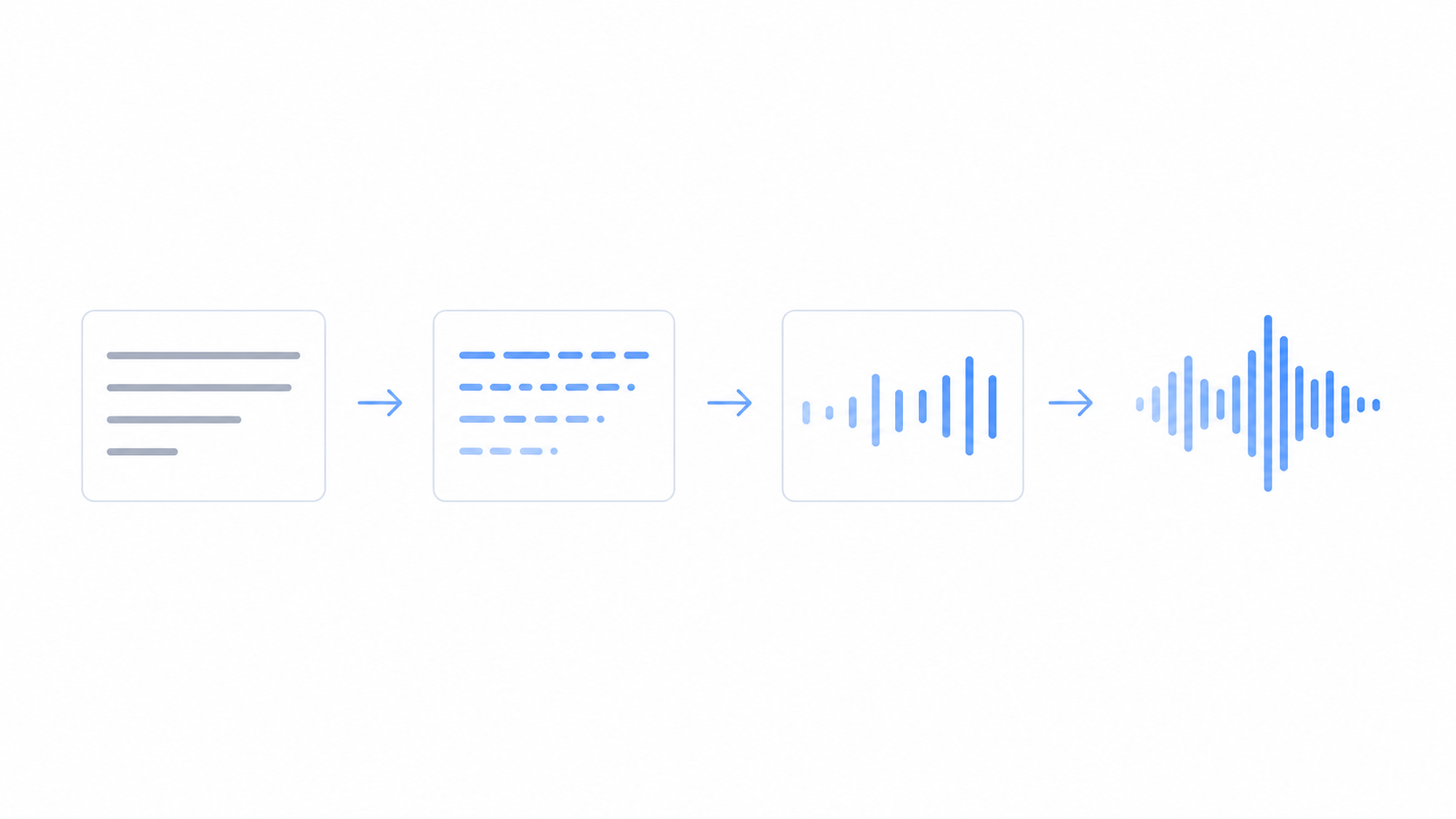
Text to speech can read any words out loud in a natural voice, but how does text to speech actually work? In short, the software reads your text, works out how each word should sound, adds rhythm and pauses, and then builds the audio you hear.
This guide breaks it down in plain language, with no heavy jargon. You will see the four main steps, why modern AI voices sound so human, and what it all means when you make your own audio. You can try a free text to speech tool while you read to hear it in action.
You do not need any tech background to follow along. By the end you will know what happens between the text you type and the voice that comes out.
What is text to speech?
Text to speech, or TTS for short, is software that turns written words into a spoken voice. You give it text, and it gives you audio. People also call it an AI voice generator.
It started as a way to help people who cannot see a screen, by reading it out to them. Today the voices sound so natural that creators use them for videos, podcasts, and all kinds of narration. The text can be a single line or a whole article, and the output is a clean audio file you can play or download.
How text to speech works in 4 simple steps
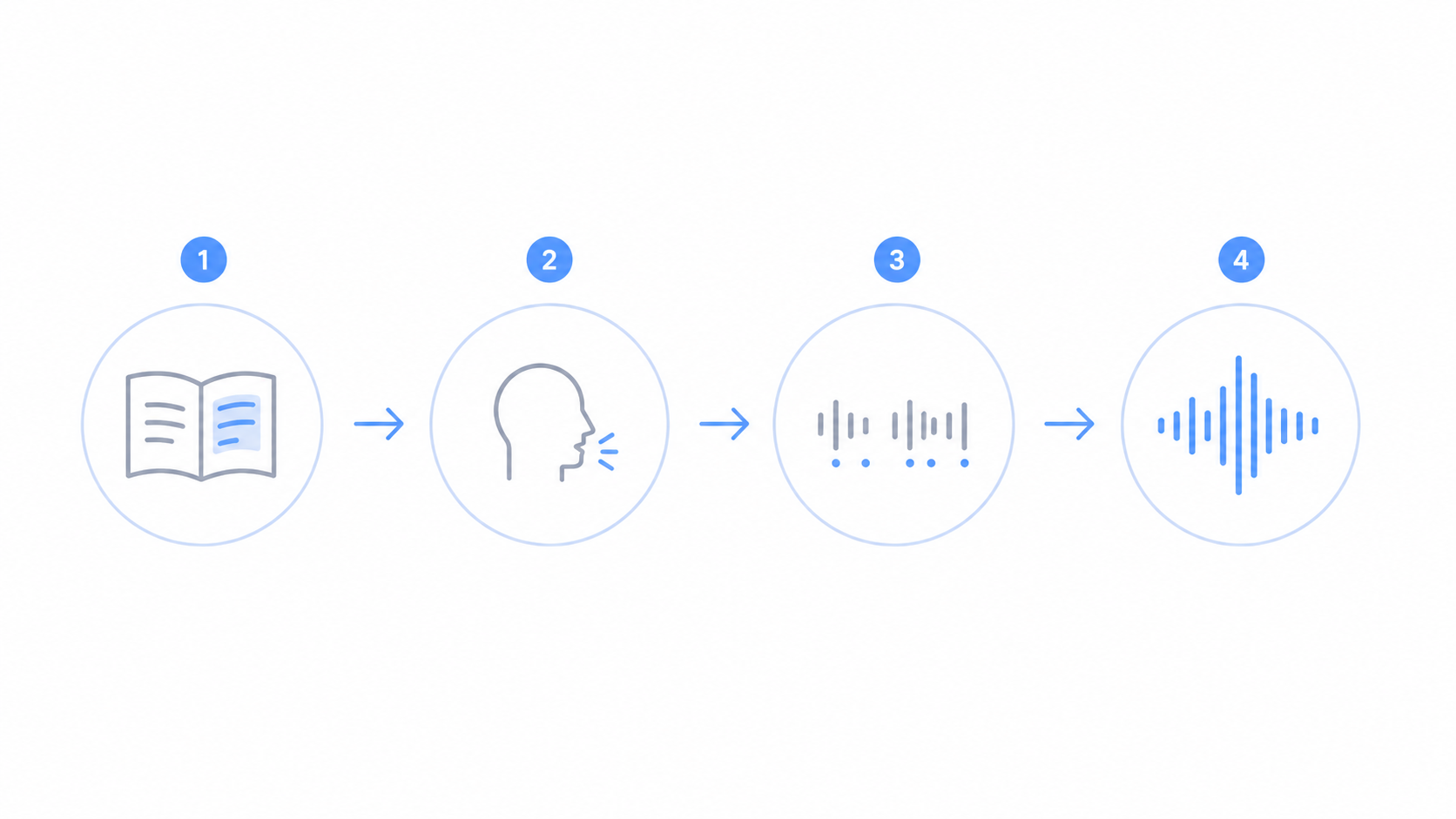
Behind the scenes, the tool goes from your text to a voice in four stages. It happens in under a second.
It reads and cleans the text first. The tool expands things like "Dr." into "Doctor" and "100%" into "one hundred percent", so nothing gets read the wrong way.
It works out how each word sounds next. The tool breaks words into their basic sounds, which is how it knows that "read" can sound like "reed" or "red" depending on the sentence.
It adds rhythm and stress so the voice does not sound flat. This is where pauses, emphasis, and the rise and fall of a real voice come from, guided by your punctuation.
It builds the audio last. A trained AI model turns all of that into the sound you hear, and you get a clean voice ready to play or download.
Put together, these four stages are why a plain line of text comes out sounding like a person.
Why modern AI voices sound human
Older text to speech sounded robotic for a simple reason. It stitched together tiny recorded clips of a real person, one sound at a time, so the joins were rough and the rhythm was flat. You could always tell it was a machine.
Modern voices are built a different way. Instead of gluing clips together, an AI model learns from many hours of real speech and then generates a fresh voice from scratch. It picks up the small things a person does without thinking, like soft pauses, changes in pitch, and the way a sentence trails off at the end.
That training is why today's voices sound warm and natural. The model is not copying one clip to the next. It is making speech the way it learned people actually talk, which is what closes the gap between a robot and a real voice.
What this means for your audio
Knowing how it works helps you get a better result on the first try. A few things make a real difference.
Because the tool reads the sounds of your words, clear spelling matters. Type names and tricky words the way they should sound, and switch to a different spelling if one comes out wrong.
Because the rhythm comes from your punctuation, commas and full stops are your controls. Add them where you want the voice to pause, and your audio will flow the way you mean it to.
And because each voice is trained on a different person, the voice you pick sets the whole tone. It is worth previewing a few from the voice library before you settle, since the right one makes a big difference to how your audio sounds.
Conclusion
Text to speech works by reading your text, sounding out each word, adding rhythm from your punctuation, and building the audio with a trained AI voice. The reason it sounds human today is that the voice is learned from real speech instead of stitched from clips. Type clearly, use your commas and full stops, and pick a voice you like, and you will get a natural result every time.