Quickest start
Cloud engine
Generates on our service, so there is no model download. It is a good fit for phones and lower-powered devices; usage follows the credit meter shown in the converter.
Free browser-based converter
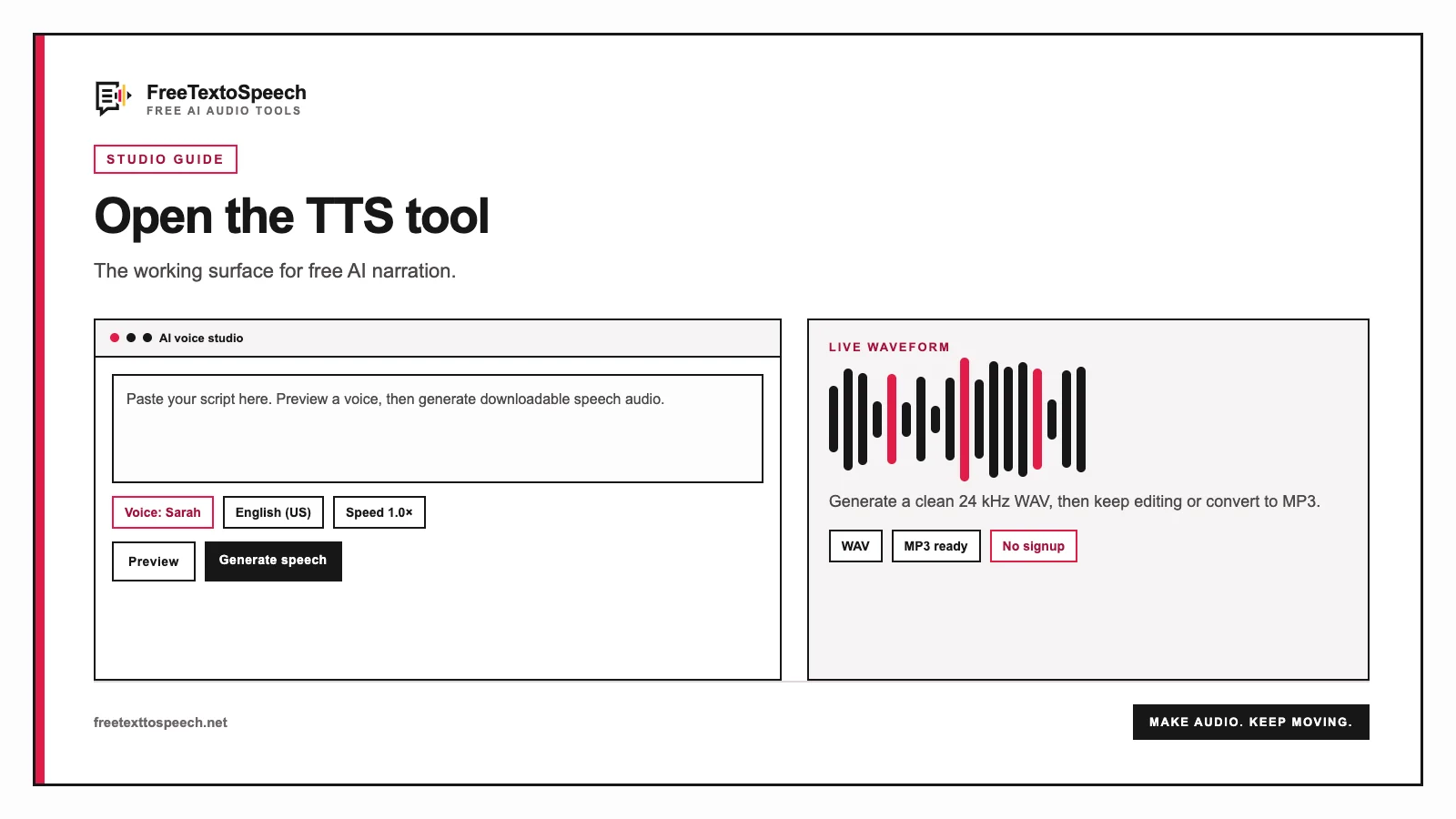
Paste your text, choose from 54 natural AI voices in 9 languages, and download a clear WAV file. No software to install and no signup needed to start.
Works on phone, tablet, and desktop. Generated files are ready for editing or publishing.
Four clear steps
Everything you need is inside one converter. Your selections stay visible while you work.
Type or paste up to 5,000 characters. Use the sample button if you want to test the tool first.
Filter by language, listen to voice previews, then choose the voice that fits your script.
Use Cloud for the quickest start or In-browser for local generation on supported devices.
Create the speech, review the audio player, and save the finished 24 kHz WAV file.
Choose how audio is made
Both use the same straightforward workflow. Choose based on speed, privacy, and your device.
Quickest start
Generates on our service, so there is no model download. It is a good fit for phones and lower-powered devices; usage follows the credit meter shown in the converter.
Local processing
Runs the voice model on a compatible WebGPU device after its first download. Text stays on your device during synthesis; sign-in is required to enable this mode.
Visual guide
An AI voice studio workflow for generating narration, dialogue, and spoken vocal audio.