Short answer: hearing text while you follow along takes the hardest part of reading off your plate, which is the decoding, and it holds a steady pace so your eyes do not wander. For a lot of people with dyslexia, ADHD or low vision, that is enough to make a page they would skip into a page they finish. Use a clear voice around 0.9x, read in short chunks, and keep the same voice the whole way through. You can do all of it free in FreeTextoSpeech.
Here is the thing I keep coming back to. For a lot of people, reading itself is not the problem. Decoding is. Turning letters into sounds and holding a sentence together while you do it takes real effort, and when that effort runs high, reading gets tiring and easy to put off. Text to speech takes that weight off. It does not matter much whether you are a student, someone reading contracts at work, or a parent sitting with a kid over homework. The mechanism is the same, and so is the relief.
I want to be careful here, because I am not a clinician and this is not a treatment. The goal is not to stop reading or to fix anything. It is to lower the barrier so reading happens at all, and so the effort you spend goes toward meaning instead of mechanics. A page you would normally avoid becomes one you actually get through. Do that a few times a week and it adds up to a lot more text read, which is really the only outcome I care about.

Why it works
- Dyslexia. Hearing words while you see them cuts down the effort of sounding each one out, so more of your attention is left for what the sentence actually means. People often tell me reading feels less exhausting this way, which is what makes them willing to keep going instead of quitting after a paragraph.
- ADHD. A steady spoken pace is easier to stay with than a page you can drift off of. It also breaks the loop where your eyes cross the same line three times without anything sticking. Some people focus better listening while they move or keep their hands busy, and that is fine, there is no wrong posture for this.
- Low vision. Audio takes away the strain of small or low-contrast text and lets you get through a long document without your eyes giving out halfway.
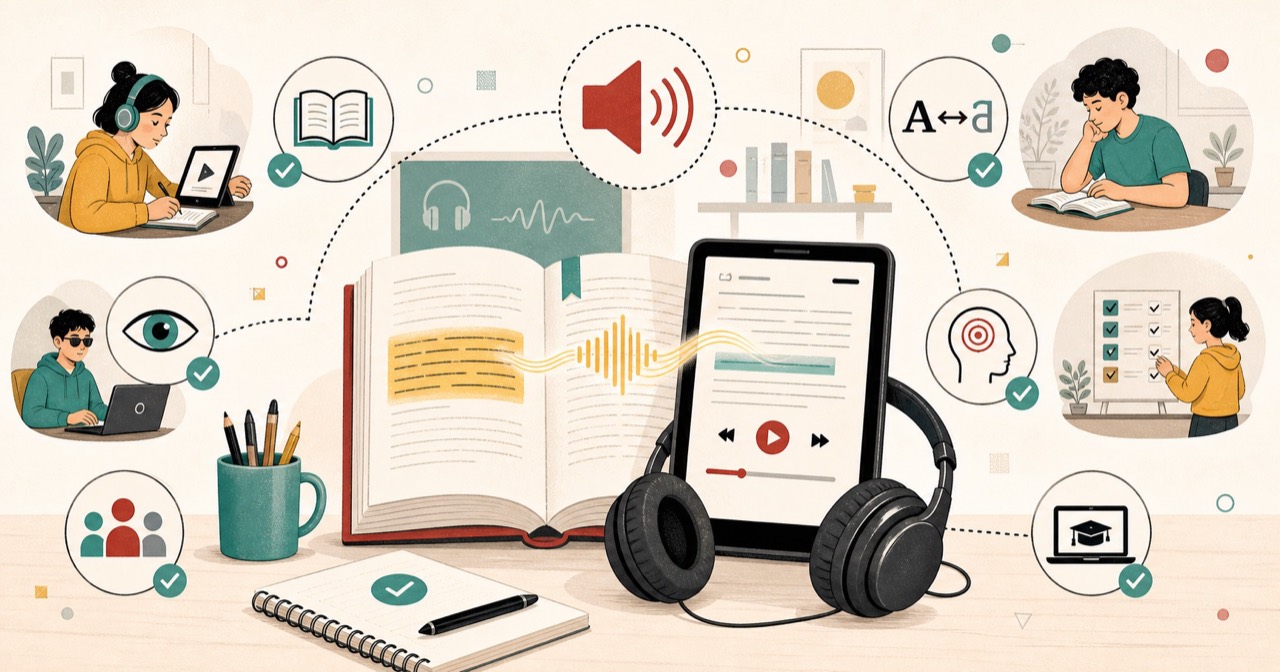
There is one thread running through all three. Reading pulls on a few systems at once: decoding, working memory, attention. A snag in any one of them slows the whole thing down. Audio hands off the decoding step, which frees up the other two. That is why one plain tool can help three groups that look pretty different on the surface.
The read-along technique
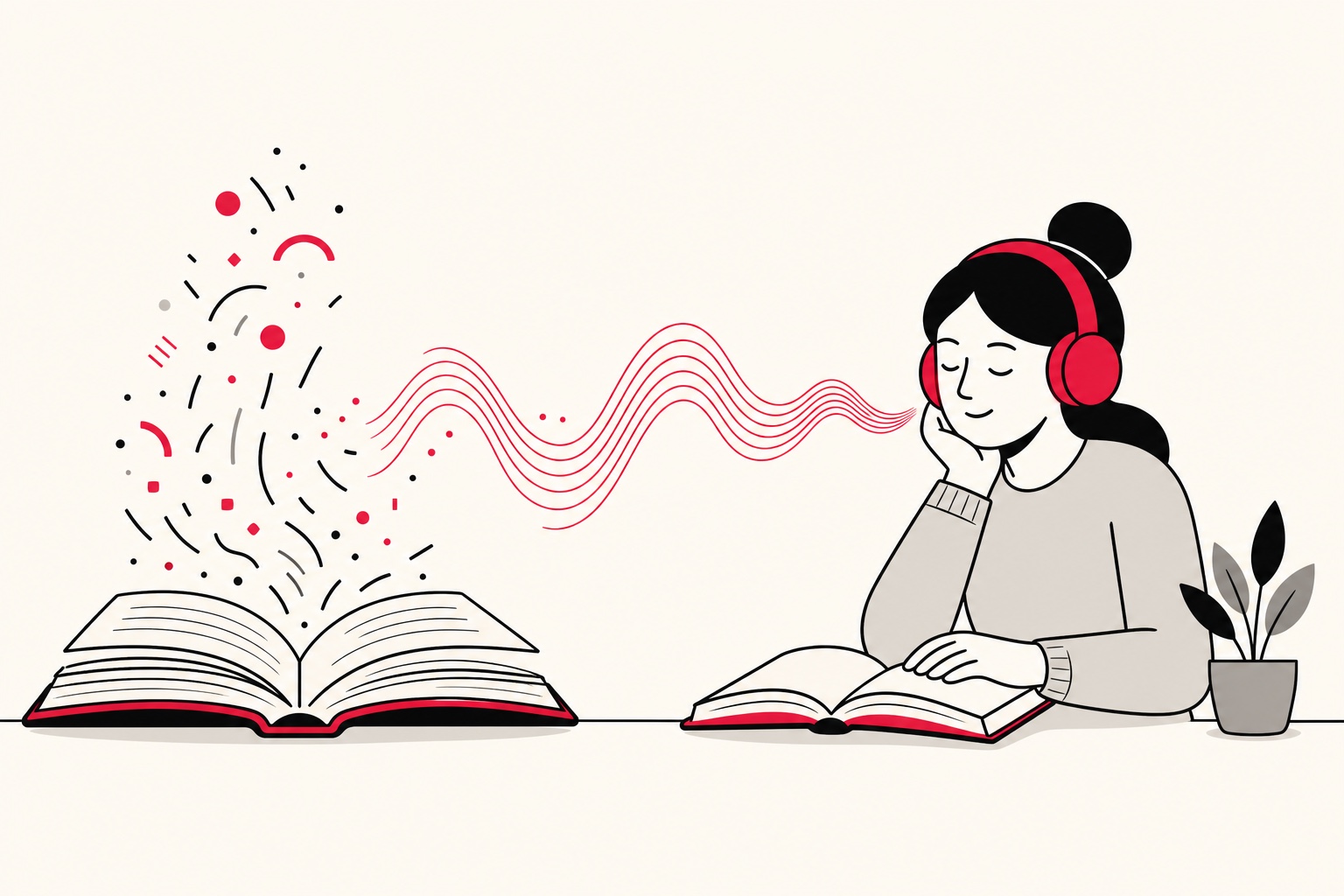
If I could get people to do one thing, it would be this: play the audio and follow the words at the same time. Audio plus text, both channels at once. It is one of the better-studied reading approaches, and the reason is simple. It links the sound of a word to its shape on the page. Over time that pairing can even help your reading itself, not just stand in for it. Start by following word for word, and let your eyes lead or lag a little. That is normal.
A few small habits make it stick. Keep your finger, the cursor, or a ruler near the current line so your eyes have something to hold onto. If you lose your place, do not push on while lost. Pause, back up one sentence, start again. And if your eyes sometimes run ahead of the voice, do not fight it. Honestly that is a good sign. It usually means the pairing is working and your reading is picking up speed.

We keep a dedicated text to speech for dyslexia page with more on this.
Settings that help
- Pick a clear, warm voice. Heart, River and Sarah work well for English. For other languages, use the native voices rather than an English one reading foreign words. Skip the overly energetic voices. They are fun for a minute and distracting over a long read.
- Slow it down a touch. Start around 0.9x and adjust from there. Comprehension beats speed every time, and a slightly slower pace gives your brain room to keep up with both channels at once.
- Chunk it. Work in short passages so it never feels like a wall. A paragraph or a section is far easier to stay with than a whole chapter.
- Keep one voice. Use the same voice across a document. A switch mid-way pulls your attention and resets your ear, and you lose a beat every time.
FreeTextoSpeech gives you 54 voices across 9 languages, all built on the Kokoro model, so there is room to find one that actually suits you. The speed slider runs 0.25x to 4.0x, which means you can drop well below 0.9x on a dense passage and speed back up on easy stuff. There is no SSML to learn and nothing to configure. You set the pace with the slider and you shape the rhythm with plain punctuation. A comma buys a short pause, a full stop a longer one. That is the whole interface.
A simple starting workflow
If this is new to you, a fixed routine takes out the guesswork. Run these steps the first few times, then bend them to taste.
- Open the tool in a tab. Go to FreeTextoSpeech and leave it open so it is one click away when you need it.
- Paste one section. Drop in a paragraph or a page, not the whole document. A request can be up to 5,000 characters, roughly 1,000 words, so a single chunk fits with room to spare.
- Choose a voice and set 0.9x. Something warm like Heart or Sarah, then nudge the slider down a bit.
- Read along once. Play it through while following the words, no stopping to fix anything.
- Replay the hard parts. Scrub back to any sentence that did not land and hear it again. Repetition is cheap, and it helps.
Common mistakes to avoid
- Going too fast too soon. High speed feels productive and quietly wrecks comprehension for most people. Earn your speed. Start slow and only inch up once you follow along comfortably.
- Only listening, never looking. Audio on its own still helps, but for dyslexia the real benefit comes from seeing the words at the same time. Keep the text in front of you.
- Swapping voices mid-document. This is the one I see most. A new voice resets your ear and breaks focus. Pick one and stay with it until you are done.
- Trying to eat a whole book in one sitting. Long sessions lead to drift and fatigue. Short chunks with small breaks get you further across a week than one heroic afternoon.
- Hunting for a converter. The download is already an MP3 by default, so it plays on any phone or laptop as is. WAV is in the format menu next to Download if you ever want it, but for listening you never need it.
Everyday uses
- Students turn textbooks and notes into audio to revise, and read along to stay with a long assignment instead of drifting off it. For course PDFs, the read PDF aloud tool highlights the section being spoken so you can follow along on screen.
- Adults at work listen to reports, contracts and the long emails, and tend to catch detail they would have skimmed past on screen.
- Parents sit with a child and read along on schoolwork, pairing the printed page with a clear voice.
- Anyone with tired eyes gives them a rest and still gets through the reading.
Because you can download the audio, you can build a little listening library that works offline. That is handy on a commute or anywhere the signal drops. The default download is an MP3, which keeps files small enough to fill a phone with chapters and still sounds clear on headphones or a car speaker. You can pick a 24 kHz WAV in the format menu instead, but those files are bigger and, for listening, the MP3 is all you need.
Saving audio for later
Turning a page into a saved file quietly changes how it fits your day. Instead of being stuck at a screen, you can queue up a chapter and hear it while you walk, cook or ride the bus. For students, a reading list becomes something you chip away at during dead time. For adults, a stack of reports turns into a playlist you finish on the commute. The audio is free to use, work included, with no attribution required, so nothing is stopping you from keeping a small library of whatever you need to get through.
Building a daily habit
None of this helps if the tool sits unused, so make it easy on yourself. Keep the site open in a tab, and any time you hit a page you would normally dread, paste it in and listen along. Bolt it onto something you already do, a commute or a walk, and the habit builds itself. If you are reading in a second language, our guide on text to speech for language learners covers how the same tool supports that.
Start small and keep the pressure low. One page a day is a real win, and it beats a grand plan you drop after two tries. There is no signup, no card, and nothing to install for basic use, so the cost of starting is close to zero, which is exactly what you want when the point is a routine you actually keep. If you want to go deeper on picking a voice and dialing in the pace, our overview of the best text to speech settings gets into the small adjustments that make listening comfortable.
If you are a student, it is worth checking whether the habit is paying off. Jot down quiz and test scores as they come back, and every few weeks run them through a free grade calculator. If your average has crept up since you started reading along, that is good to know, and it gives you real numbers to bring to a teacher or an accommodations meeting.
Get started
Paste a page of whatever you need to read into FreeTextoSpeech, pick a clear voice, set the speed to 0.9x, and follow along as it reads. It is free, needs no signup, and if you let it, it quietly becomes part of the day.