Short answer: if you are learning a language, text to speech lets you hear the correct pronunciation, replay listening practice at your own pace, and read along so spelling and sound finally click together. FreeTextoSpeech gives you native voices in 9 languages for free, and it is easy to build a daily habit around.
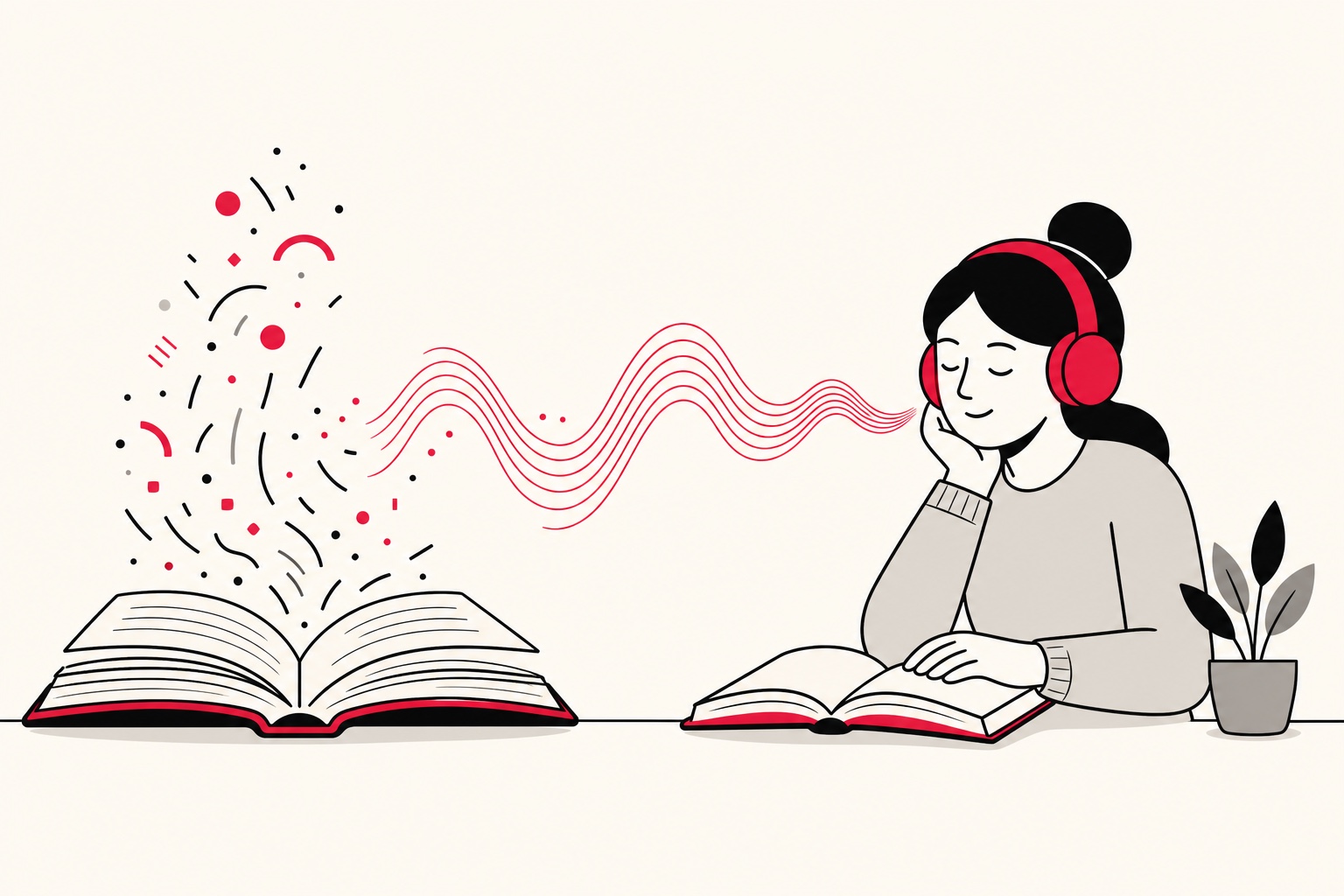
Reading a new language and knowing how it sounds are two different skills. You can recognise a word on the page and still have no idea how to say it. That gap is exactly where text to speech helps. It turns any text into audio in a native voice, right when you need it, as many times as you want. It will not replace talking to real people, and I would never claim otherwise. But as a listening and pronunciation aid, it is one of the most useful free tools a learner has. You are never guessing how a word sounds, and you are never waiting around for a class or a language partner to be free.
Here is why it works. When you only read a word, your brain invents a sound for it, and that invented sound is often wrong. The problem is that a wrong pronunciation, once it settles in, is stubborn. Hearing the word first, in a native voice, means you learn it right the first time. Do that across a few hundred words and the difference in your speaking is hard to miss.
How learners actually use it
- Hear pronunciation of new words and phrases the moment you meet them, instead of guessing and locking in the wrong sound.
- Practise listening with material at your level, replayed as often as you like, with no partner needed. To practise a conversation instead of a monologue, write both sides and run it through the AI dialogue generator with a different voice for each speaker.
- Read along so you connect the written form with the sound. You build reading and listening at the same time. If your reading is a PDF, the read PDF aloud tool highlights each section as it is spoken.
- Shadowing - play a sentence, then repeat it aloud straight away to copy the rhythm, stress and intonation.
- Check your own writing by hearing it read back. Awkward phrasing jumps out the second you hear it.
- Build vocabulary decks where each new word carries audio, so your flashcards have sound and not just text.
The shadowing technique in detail
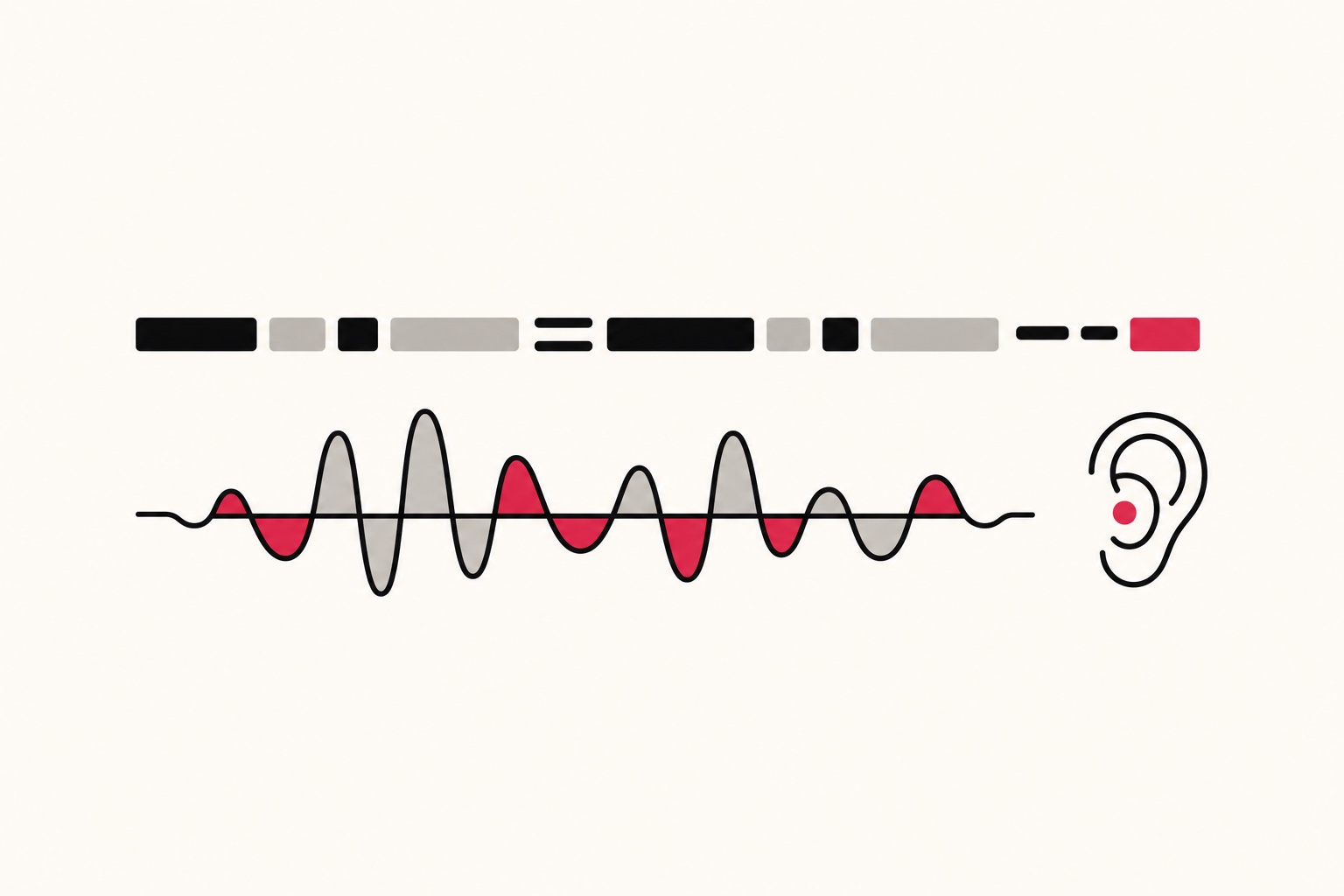
If I had to pick one method that moves the needle, it is shadowing, and text to speech makes it easy. Take a short sentence, play it, and repeat it out loud while it is still fresh in your ear, matching the melody of the voice as closely as you can. Then play it again and try to overlap the timing, almost talking along with it. Five sentences a day is enough. After a couple of weeks your ear and your mouth start to sync with the language. And because you can slow the voice down, you can shadow lines that would be far too fast to copy at normal speed.
A real example makes this clearer. Say you are learning English and you hit the sentence "I would have called you sooner." Spoken naturally, it comes out closer to "I woulda called you sooner," with the words sliding into each other. Read it off the page and you will probably say each word slowly and separately, which no native speaker does. So play it at 0.75x, shadow it, then play it at normal speed and shadow again. Within a few tries your version starts to flow the same way. That running-together of sounds is what separates a learner who sounds natural from one who sounds stilted.
Settings for language practice
- Use a native voice. Match the language, and the accent where it matters. FreeTextoSpeech covers English (US and UK), Spanish, French, Hindi, Italian, Japanese, Brazilian Portuguese and Mandarin, with 54 voices across those 9 languages.
- Slow it down. Start around 0.75x to 0.85x so you catch every sound, then raise the speed as your ear improves. Finishing near normal speed is what prepares you for real conversation. The speed slider goes from 0.25x to 4.0x, so you have plenty of room at both ends.
- Work in short lines. One sentence at a time is far easier to imitate than a paragraph, and it keeps you focused instead of drifting.
- Repeat on purpose. Play, listen, repeat, play again. The repetition is the part that actually teaches you.
- Pick one voice and stay with it. This is the setting most people skip. Sticking with the same voice for a while trains your ear on one consistent accent before you start branching out.

For classroom and course use, see our text to speech for e-learning page.
Getting prosody right without SSML
You do not need any special markup to shape how a sentence sounds. FreeTextoSpeech takes plain text, full stop. There is no SSML to learn and nothing technical to paste in. You steer the voice with ordinary writing choices instead, which happen to be the same choices that make writing clear for a human reader anyway.
- Punctuation sets the pace. A comma gives a short pause, a full stop a longer one. Break a long, rushed line into two shorter sentences and the voice will breathe in the right places.
- Spelling guides tricky sounds. If a name or foreign word comes out wrong, respell it the way it sounds and the voice will follow. Handy for place names and loanwords.
- The speed slider does the rest. Instead of markup for emphasis, just slow the whole line down when you need to hear each syllable, then speed back up once you have it.
Common mistakes to avoid
Text to speech is simple, but I see the same few habits hold learners back. Watch for these.
- Listening passively. Playing audio in the background feels productive, but it teaches you almost nothing. You have to repeat aloud for it to stick.
- Starting too fast. If you cannot make out the individual sounds, you cannot copy them. Slow down first, then build speed.
- Biting off too much. A whole page at once is overwhelming. Five sentences done well beats fifty skimmed.
- Mixing accents by accident. Jumping between a US and a UK voice in one session sends your ear mixed signals. Pick your target accent and train it.
- Never testing yourself. Try to say the line before you play it, then check. Guessing first is what makes the correction stick.
A simple daily routine
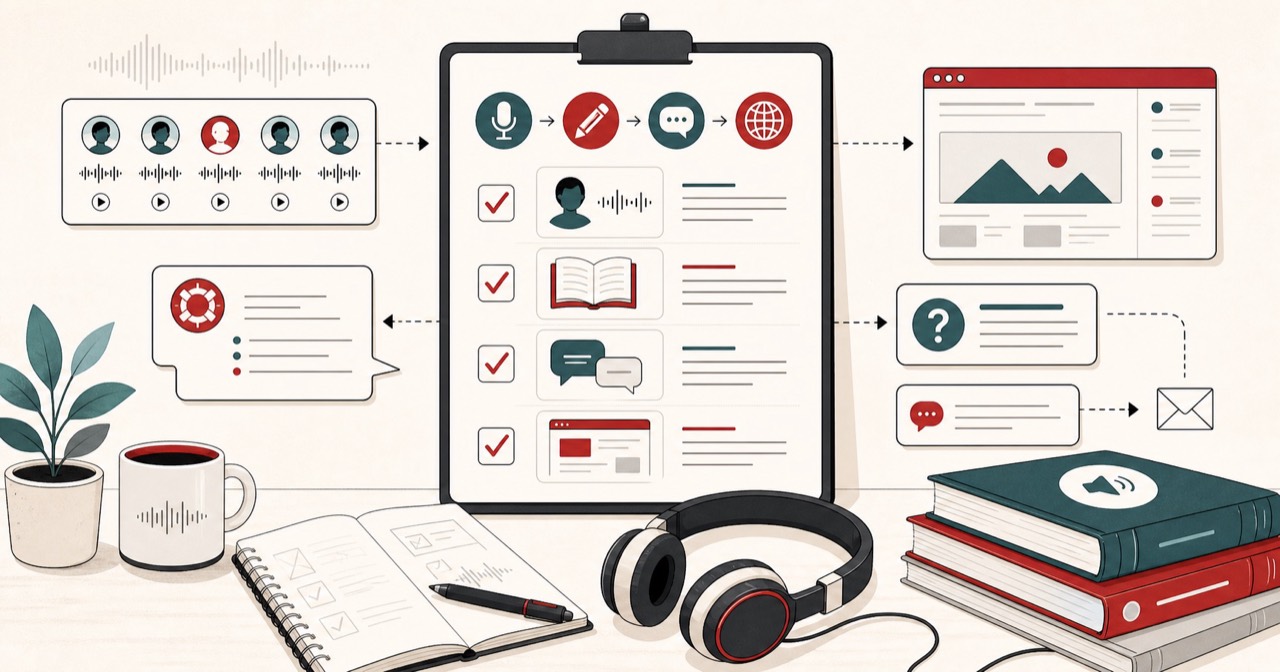
Take five sentences from whatever you are studying, whether that is a textbook, a news article, or your own notes. Generate them in the target language, listen once while reading, then listen again and shadow each line aloud. Download the audio so you can go back over the same set on your commute or in a spare ten minutes. Ten focused minutes a day builds a real ear for the language faster than an hour of passive reading. Consistency wins here. A short session you actually do every day will take you further than a long one you manage twice a month.
The download is an MP3 by default. It is small, clear, and plays on any device, which suits a phone full of practice sets. If you want an uncompressed file, pick WAV (24 kHz) in the format menu next to Download, though for practice the MP3 is all you need. Either way the file is yours to keep and replay offline, which is what makes a saved daily set so handy.
For English learners specifically
English is where most learners start, and it has two big varieties to choose between. FreeTextoSpeech lets you pick US or UK voices, so you can practise the accent you are actually aiming for instead of an accidental mix of both. On the US side you can try voices like Heart, Bella or Adam. On the UK side, Emma, George or Daniel. Our English text to speech guide walks through the voice options and when each one fits.
Pairing it with reading support
A lot of language learners also get a lot out of read-along techniques borrowed from reading support, especially when the writing system is unfamiliar. The same audio-plus-text method that helps with dyslexia helps a learner tie an unfamiliar script to its sounds. Our accessibility guide covers the read-along approach in more depth. And if you want cleaner recordings of your practice sets, the guide to natural-sounding speech goes over punctuation tricks that carry straight over to language study.
How much you can practise for free
Cost is rarely the thing that should stop you. FreeTextoSpeech is free, needs no signup for basic use, and never asks for a credit card. Anonymous use allows up to 5,000 characters per request, which is roughly a thousand words, and 25,000 cloud characters every 30 days. Sign in and the monthly allowance jumps to 500,000 characters. There is also an in-browser engine that handles up to 50,000 characters per request and works offline after a one-time model download, so you can keep practising on a plane or with a weak connection. Commercial use is allowed with no attribution, which matters if you are a teacher putting together materials for a class.
Try it
Paste a few sentences in your target language into FreeTextoSpeech, pick a native voice, slow it down, and start listening and repeating. It is free, it runs in your browser, and it turns whatever you are already studying into pronunciation practice.