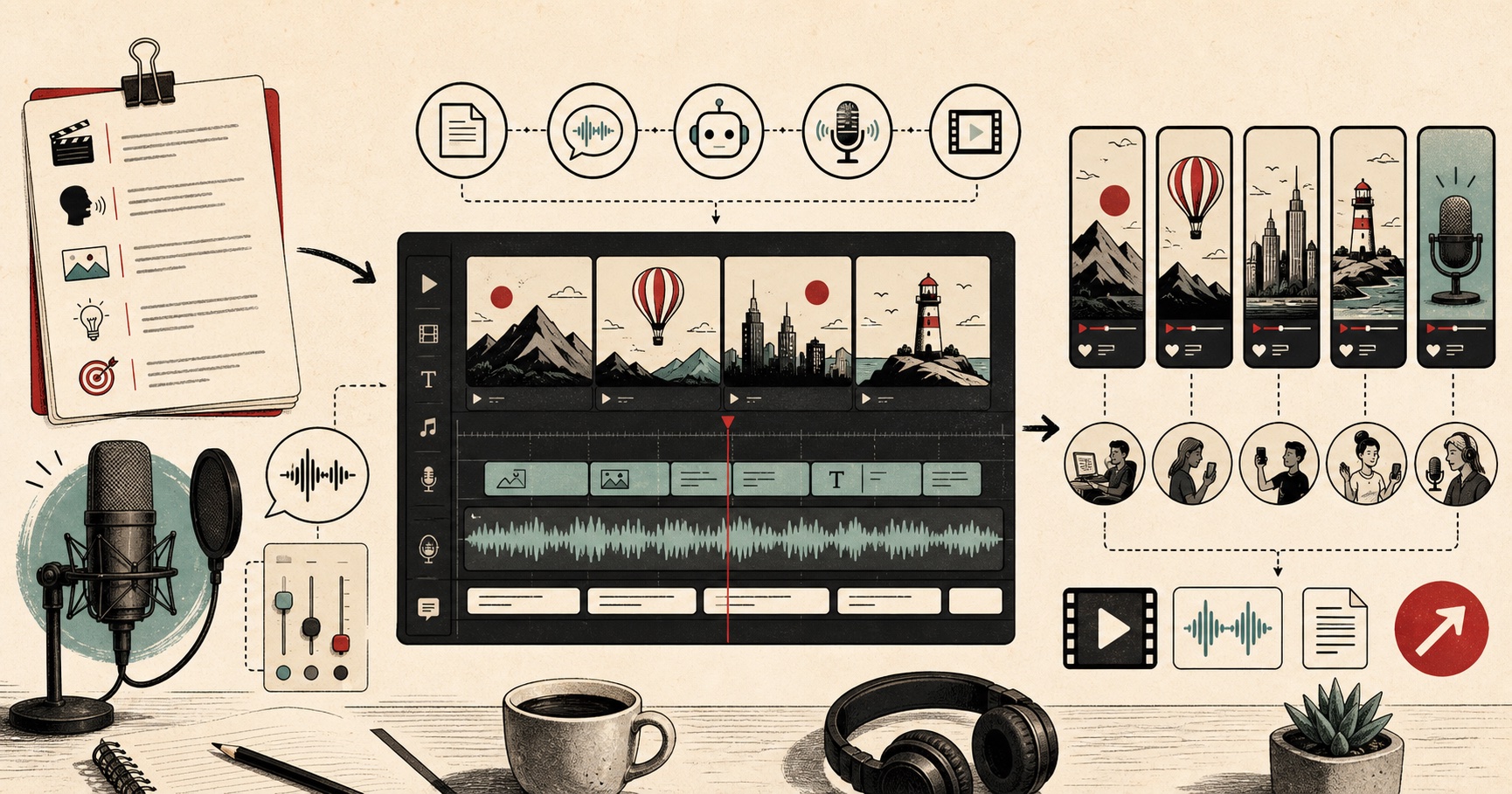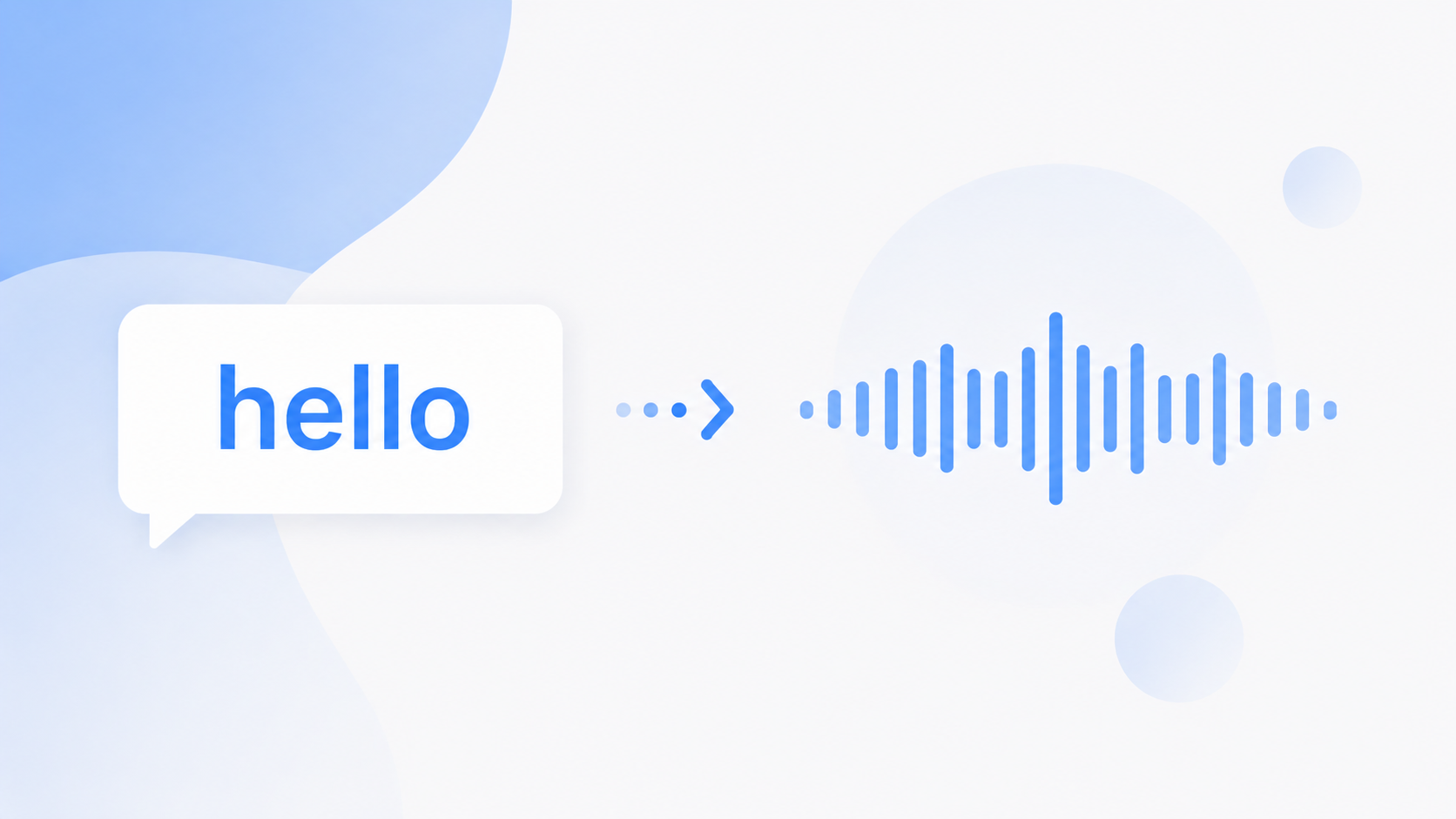
English text to speech turns your written words into a real, spoken voice. You paste your text, choose a voice, and download clean audio in seconds. No signup, no fees.
This guide shows you how to do it free. You will also learn the difference between American and British English voices, get tips for natural voiceovers, and see the best ways creators use it. You can convert English text to speech here and try it as you read.
The tool offers both US and UK English, plus 7 other languages. The audio is yours to keep, even for commercial work like YouTube videos, reels, and ads.
What is English text to speech?
English text to speech is a tool that reads written English out loud in a natural voice. You give it text, and it gives you back audio. Some people call it an English voice generator or a text reader.
Modern AI voices sound close to a real person, so the audio feels spoken, not robotic. You can pick an American or a British voice, in male or female, and use it to add a voiceover, listen to notes, or help someone who finds reading hard.
How to convert English text to speech free
Here is how to turn English text into audio in under a minute. Open the free text to speech tool and follow these steps.
Paste your English text into the box. You can add up to 5,000 characters, and long pieces get handled in chunks.
Pick a voice from the list. Choose American or British, male or female, and hit preview to hear it first.
Set the speed to match your video or your own pace. Slower for clarity, faster for short clips.
Hit Generate and wait a few seconds. Your English voiceover is ready.
Download the WAV file and use it anywhere, including commercial work.
That is the whole process. No account, no payment, and no watermark on the audio.
American vs British English voices
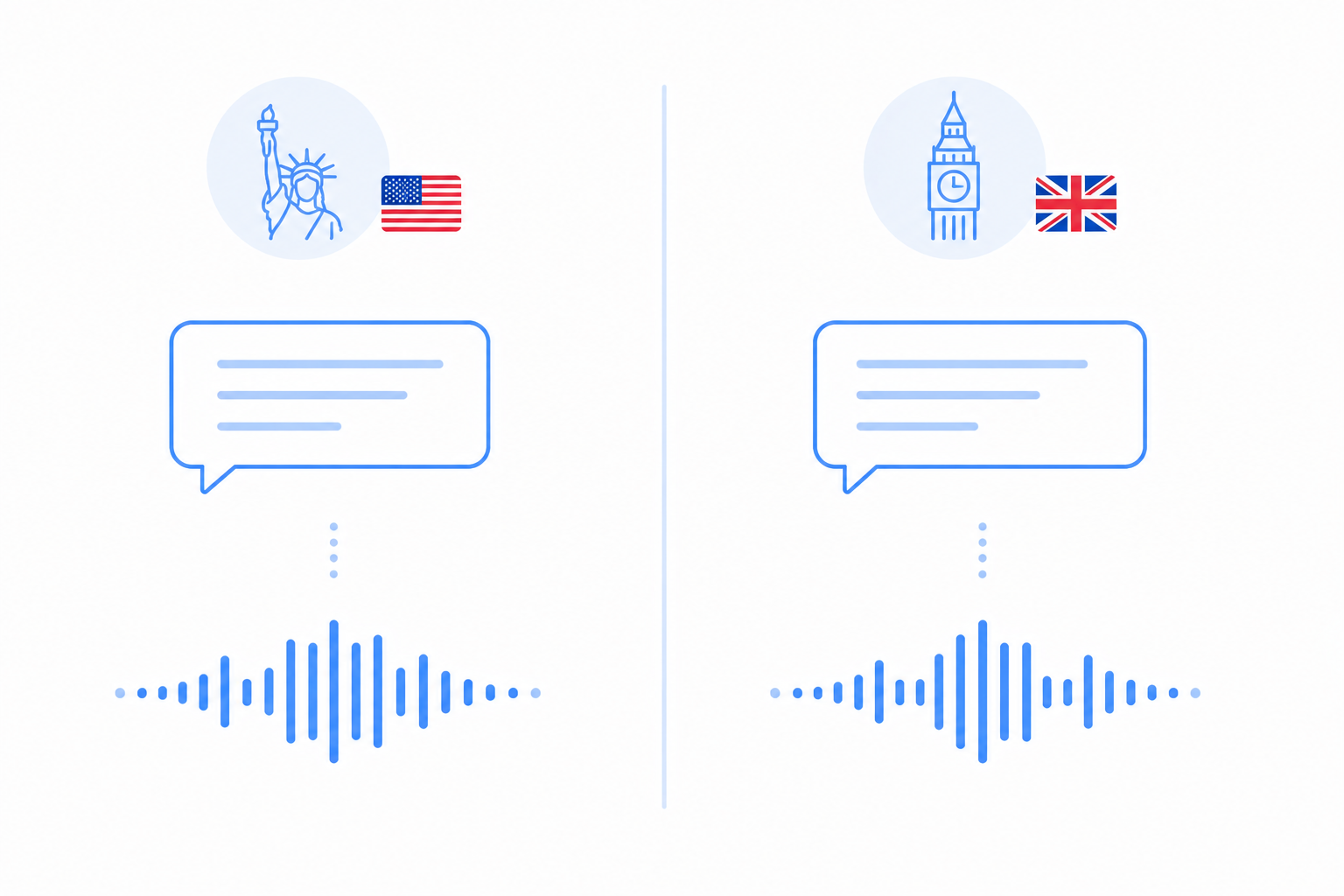
English is not one accent, and the right one changes how your audio lands. The two most common choices are American English and British English, and a few clear sound differences set them apart.
The biggest one is the "r" after a vowel. American voices say it, so "car" and "water" keep a strong r. British voices usually drop it, so the same words sound softer at the end. The "a" vowel also differs, with words like "dance" and "bath" sounding flatter in American English and broader in British English. American voices also soften the "t" between vowels, so "butter" and "water" come out closer to a d.
So which should you pick? Match your audience. Choose an American English voice for US viewers and a British English voice for the UK. Preview a line in both, since the same script can feel very different depending on the accent.
Tips for natural-sounding English voiceovers
A few small habits make English audio sound much more natural.
Matching the spelling to the accent keeps things consistent. Use American spellings like "color" with a US voice and British spellings like "colour" with a UK voice, so the text and the sound agree.
Punctuation sets your pauses. A comma is a short breath and a full stop is a longer one. Add them where you would pause in real speech, and the voiceover will not feel rushed.
Spell out abbreviations that could be misread. Write "Doctor" instead of "Dr." if you want the full word, since short forms can be read in more than one way.
Tricky numbers are safer spelled out. If a number reads wrong, write it in words. For example, "2025" can become "twenty twenty-five" so it is spoken the way you want.
A quick preview saves time. Listen to a short sample first, and if a word sounds off, tweak the spelling or add a comma, then generate again.
Best uses for English TTS
English text to speech fits a lot of everyday work. Here are the most common ways people use it.
YouTube and faceless channels run on it. Many creators narrate videos without recording their own voice. You can add an English voiceover for YouTube videos in minutes.
Reels and Shorts need quick audio. A short script becomes a clean voiceover that you drop straight into your edit.
E-learning and courses sound clearer with a steady voice. Teachers turn lessons into English audio that students can replay at their own pace.
Podcasts and ads use it for intros, segments, and quick reads without booking a studio.
Accessibility matters too. People who find reading hard can listen to articles, messages, or books instead.
Choosing the right English voice
The tool gives you 28 English voices, 20 American and 8 British, so there is plenty to try. Among the American voices, Bella is warm and friendly, Nova is fresh and modern, and Adam is deep and great for documentaries.
On the British side, Emma is elegant and formal, Daniel is confident for news reads, and Fable is warm for storytelling. Preview a few and pick the one that matches your video.
Final thoughts
English text to speech makes it easy to turn writing into a clear, natural voice. Paste your text, pick an American or British voice, and you have audio ready for videos, courses, or accessibility. Match your spelling to the accent, add punctuation for pauses, and preview once, and your English voiceover will sound just right.