Short answer: FreeTextoSpeech gives you fifteen free female voices across US and UK English, and they cover most of what people actually need - warm and friendly, crisp and professional, or bright and youthful. Below I break down what each one sounds like and when I reach for it, plus a few tricks to make any of them sound less like a robot.
I built FreeTextoSpeech because I was tired of "free" voice tools that made you sign up, watermark your audio, or cap you at thirty seconds. The female voices are the ones people ask me about most, so this is the roundup I wish existed when I started. Every voice here runs on the open Kokoro model, outputs at 24 kHz, and costs nothing. No account needed for basic use.
The US female voices, one by one
There are eleven US female voices in the tool. Here are the nine I reach for most. They are not just copies of the same thing at slightly different pitches. Each one has a personality, and once you have listened to a paragraph in each, you start to hear where they fit.
- Heart - my default recommendation and probably the most natural of the set. Warm, conversational, a little softness on the ends of sentences. If you are narrating something personal - a story, a welcome message, a podcast intro - start here.
- Bella - close to Heart but slightly more upbeat and expressive. Bella carries emotion a touch better on exclamation-heavy text. Good for ads, product blurbs, anything that needs a smile in the voice.
- Sarah - the professional one. Even, measured, clear. This is the voice I pick for explainer videos, corporate training, and IVR-style menus where you want authority without warmth taking over.
- Jessica - bright and friendly with a bit more energy in the mid-range. Sits nicely between Sarah's polish and Bella's cheer. Works well for how-to content.
- Kore - a calmer, steadier read. Kore does not rush. I use it for meditation scripts, long-form reading, and anything where a relaxed pace helps.
- Nicole - soft and intimate, almost close-mic in feel. Great for gentle narration, bedtime stories, or ASMR-adjacent content. It can sound quiet, so give it a little more volume in your edit.
- Nova - clean and modern, the kind of voice you would expect from a phone assistant. Neutral in the best way. A safe pick when you are not sure and just want something that reads well.
- River - smooth and flowing with a slightly lower center than the others. If Heart is a bit too high for your taste, River is the grounded alternative.
- Sky - light and youthful. Sky reads younger than the rest of the set, which is useful for content aimed at kids or anything that wants a playful edge.
Here is the honest part. On a single short line, several of these sound similar. The differences show up over a full paragraph, where pacing, warmth, and how a voice handles commas start to separate them. So do not judge from one word. Paste in a real chunk of your script and listen.
The UK female voices
Four of the female voices are British (Alice, Emma, Isabella and Lily), and they are worth knowing about even if you usually work in American English.
- Emma (UK) - refined and articulate, a received-pronunciation feel without sounding stiff. Emma is my pick for anything that should read as polished and trustworthy: audiobooks, documentary-style narration, premium brand voiceover.
- Lily (UK) - softer and a bit younger than Emma, friendlier around the edges. Good for conversational British content, tutorials, and social clips where Emma would feel too formal.
- Alice (UK) - classic and a little formal. A good fit for literary readings and presentations.
- Isabella (UK) - soft and unhurried. Try her for audiobooks and meditation scripts if Kore sounds too American for the job.
People underrate accent as a tool. If your audience is in the UK, a British voice lands more naturally and builds a little extra trust. And if you make YouTube content, an accent switch is a cheap way to stand out from the wall of identical American AI voices. I get into voice choice for video more in my guide to the best AI voices for YouTube. You can hear all four side by side on the British English voices page.
Female voices in other languages
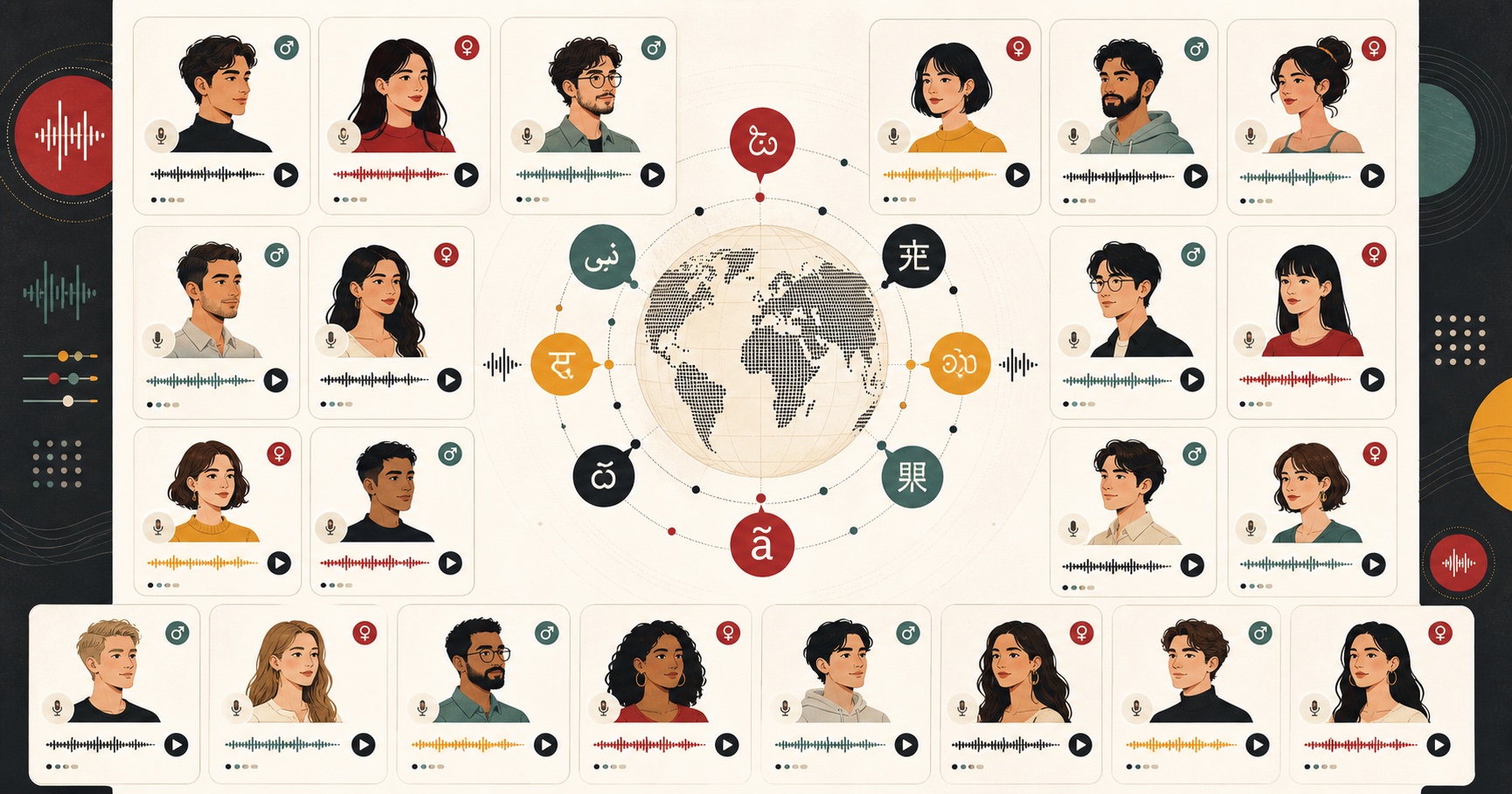
The fifteen above are the English ones. Another fourteen female voices cover the other languages in the tool, and each one reads her own language natively, which sounds far better than an English voice guessing at foreign words.
- Spanish: Dora, warm and expressive. See the Spanish voices.
- French: Siwis, clear and a bit elegant, good for narration and language learning. See the French voices.
- Hindi: Alpha for clear educational reads, Beta for a warmer, conversational tone. See the Hindi voices.
- Italian: Sara, melodic and natural. See the Italian voices.
- Japanese: Alpha, Gongitsune, Nezumi and Tebukuro. Gongitsune suits storytelling, Tebukuro is the warm one. See the Japanese voices.
- Brazilian Portuguese: Dora, lively and conversational. See the Brazilian Portuguese voices.
- Mandarin Chinese: Xiaobei, Xiaoni, Xiaoxiao and Xiaoyi. Xiaoyi is the most businesslike, Xiaoni the gentlest. See the Mandarin voices.
In the tool, set the language filter first and the voice list narrows to the voices that read that language.
Which one should you actually pick?
If you do not want to audition all fifteen, here is my shortcut based on the job.
| What you are making | Voice I would start with |
|---|---|
| Podcast or personal narration | Heart |
| Ad or product promo | Bella |
| Corporate training / explainer | Sarah |
| How-to and tutorials | Jessica |
| Meditation / long reading | Kore |
| Bedtime stories / soft narration | Nicole |
| Assistant / neutral read | Nova |
| Grounded, lower tone | River |
| Kids or playful content | Sky |
| Polished British narration | Emma (UK) |
| Casual British content | Lily (UK) |
Treat this as a starting line, not a rule. The best voice is the one that fits your specific script, and the only way to know is to hear your own words in it. You can browse and preview all of them on the female voice page.
How to make a female AI voice sound natural
The voice is only half the result. The other half is how you write and set up the text. This is where most people go wrong, and it is fixable in about two minutes. There is no SSML input in FreeTextoSpeech and you do not need it - punctuation and the speed slider do the work.
- Punctuate for the ear, not the grammar book. Commas create short breaths. Periods create full stops. If a sentence runs on, the voice runs out of air and flattens. Break it up. A well-placed comma is the single biggest fix for a rushed read.
- Use the speed slider. It runs from 0.25x to 4.0x. Most female voices sound most human somewhere between 0.9x and 1.0x. Nudge it down a hair for narration and warmth, up slightly for energetic promos.
- Add pauses with line breaks and ellipses. A new paragraph gives the voice a beat to reset. An ellipsis creates a natural trailing pause before an important line.
- Spell tricky words the way they sound. If a name or acronym reads wrong, respell it phonetically in the input. The voice reads letters, not intent. If you are not sure how to write the sound, a phonetic spelling generator gives you an easy respelling to paste in.
- Cut the filler. AI voices expose lazy writing. Short, clear sentences read better than long ones stuffed with qualifiers. If it is hard for you to read aloud, it will be hard for the voice too.
I wrote a deeper walkthrough on this if you want the full method - it goes past voice choice into rhythm, emphasis, and editing. See how to make text-to-speech sound human.
A note on file format
FreeTextoSpeech downloads MP3 by default and 24 kHz WAV if you pick it. Choose WAV for editing, because it is uncompressed. If you need an MP3 for a smaller file, just keep the default MP3 format. If you want the full process laid out, I covered it in converting text-to-speech to MP3.
What you can do with these voices
The free tier is genuinely usable, not a trial. You get 5,000 characters per request, commercial use is allowed, and there is no attribution required. So the practical uses are wide.
- Video voiceover - narration for YouTube, shorts, ads, and explainers without paying per minute. For vertical clips, the TikTok voice generator and Instagram Reels text to speech pages are set up for short scripts.
- Audiobooks and articles - turn written work into listenable audio with a warm voice like Heart or Emma.
- Study material - convert notes and readings into audio you can play on a commute. I have a whole piece on turning study notes into audio if that is your use case.
- Accessibility - give written content a spoken version for people who prefer to listen.
- Prototyping - drop placeholder voiceover into a video or app before you hire talent.
Fifteen female voices sounds like a lot until you start matching them to real work, and then you realize you use three or four constantly and keep the rest for when a job needs a specific feel. That is fine. Learn your defaults, know where the others live.
Get started
Pick a voice from the list above, paste in a real paragraph of your own script, and set the speed to about 0.95x. Listen once, adjust your commas, and generate again. Two passes and you will have something that sounds like a person, not a machine. It is free, there is no signup for basic use, and you own what you make.
Open FreeTextoSpeech, try Heart first, then work down the list until one clicks. That is the whole workflow. If you are still deciding between female and male reads for a project, my roundup of free deep male AI voices covers the other side of the set.