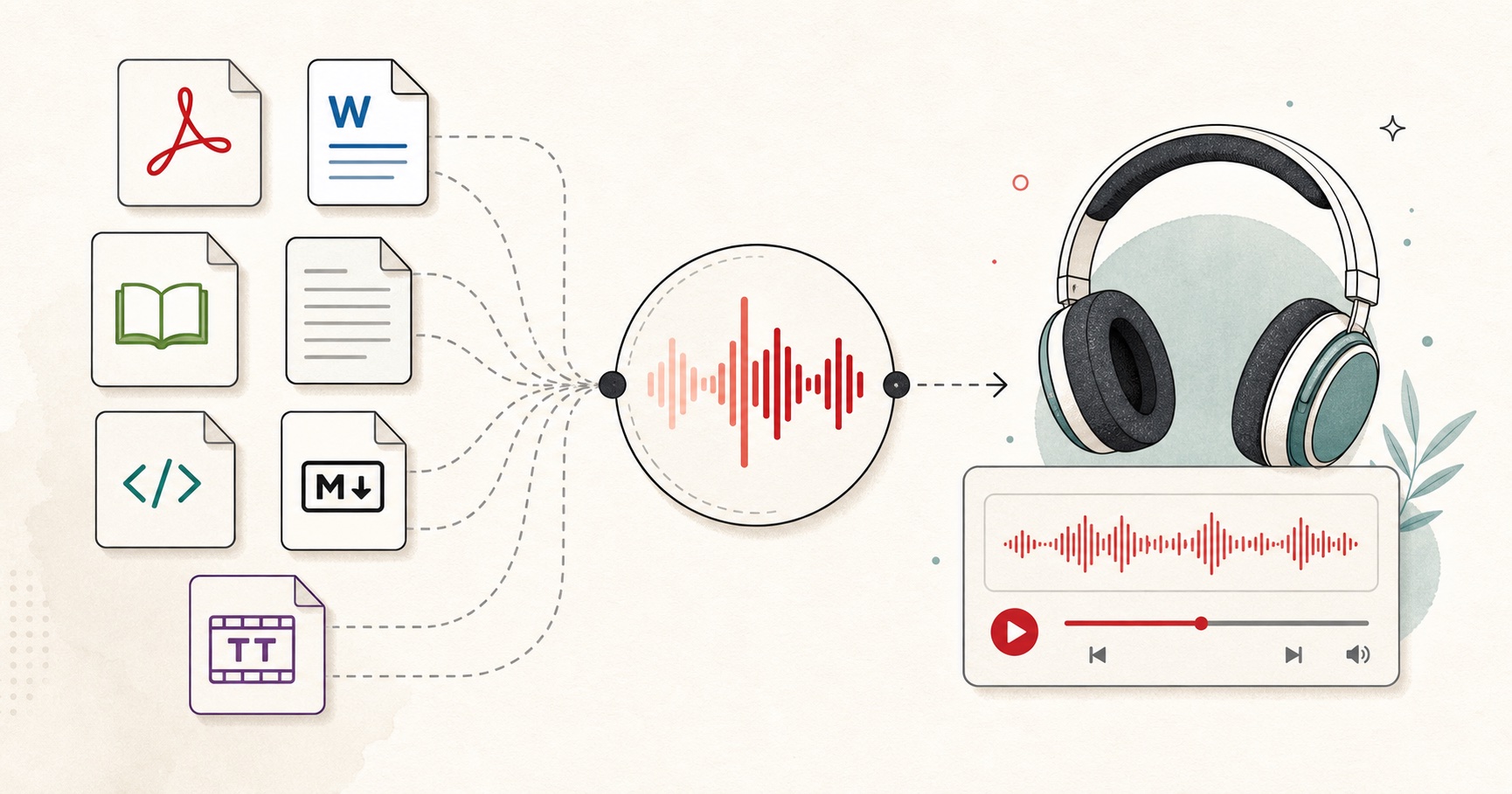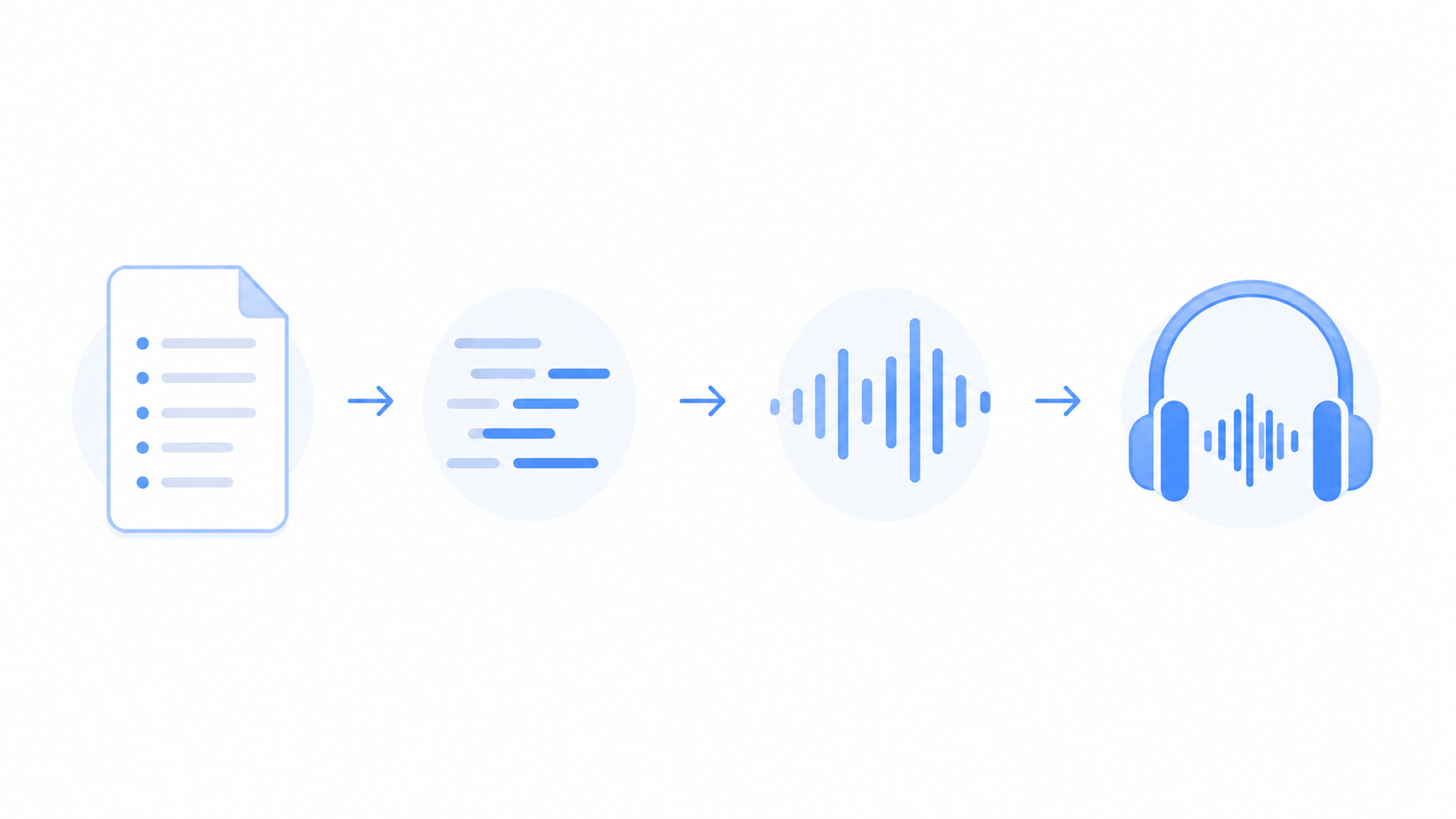
Reading the same notes over and over gets boring fast. A quicker way to revise is to turn your study notes into audio and listen instead, on the bus, at the gym, or while you cook. You paste your notes, pick a voice, and get an audio file you can replay as many times as you need.
This guide shows you how to do it free, whether your notes are typed, in a PDF, or in a Word file. You will also get the best ways to actually study with the audio, not just make it. You can turn your notes into audio here and try it as you read.
No app to buy and no signup. Just your own notes in a clear voice you can take anywhere.
Why turn your notes into audio?
Audio fits into the gaps in your day that reading cannot.
You can revise while your eyes and hands are busy, like during a walk, a commute, or a workout. Hearing your notes also adds a second way to remember them, since you take in the same facts by ear as well as by sight. And because you can replay a file as often as you want, the repetition helps the facts stay in your memory without the effort of reading them again.
It also rests your eyes after long study sessions. Many students find that listening to a hard topic a few times makes it easier before they sit down to read it in detail.
How to turn your study notes into audio
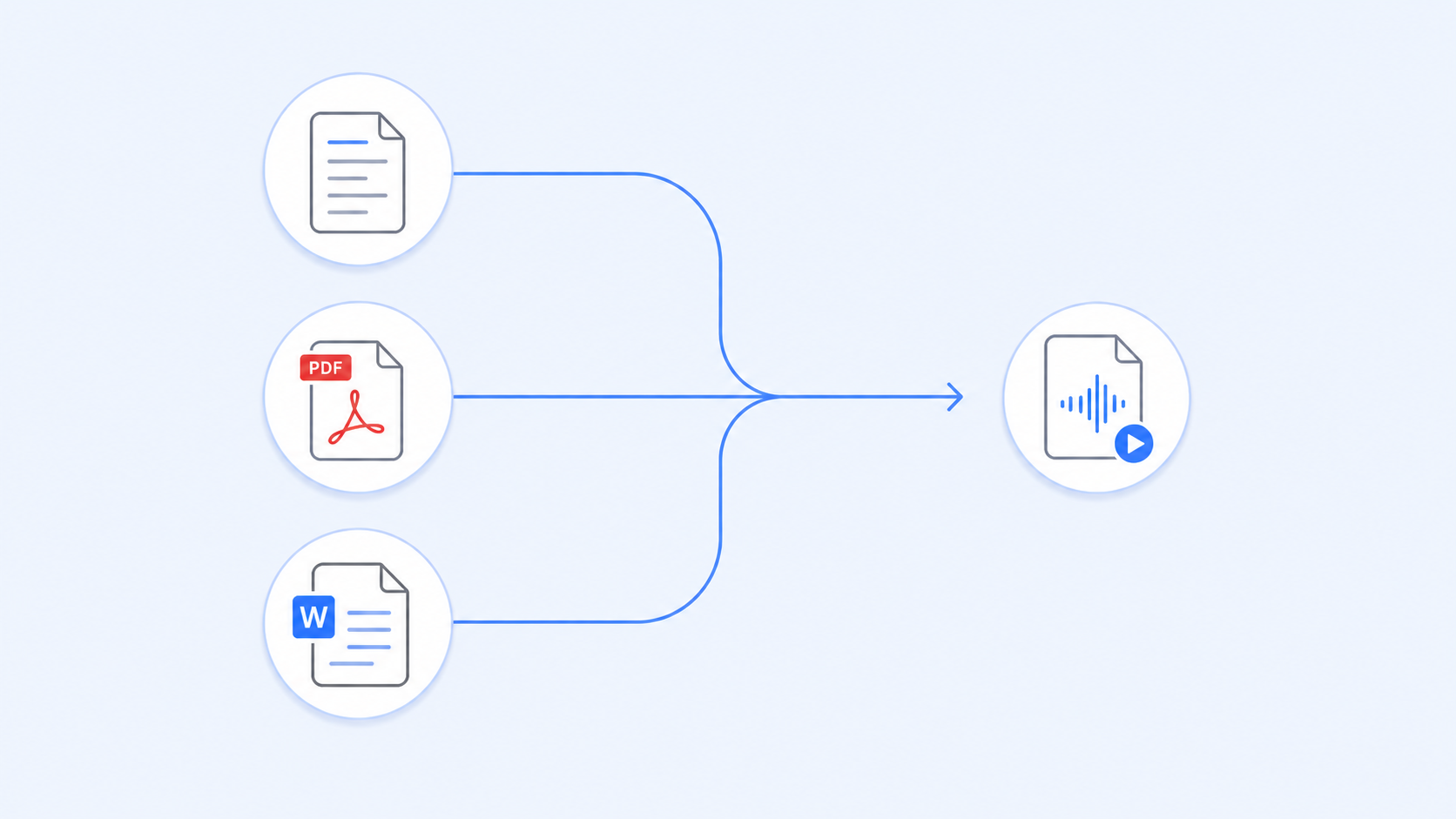
The steps depend on where your notes live. Here is the quickest route for each.
Typed or pasted notes
If your notes are already text, this takes seconds. Open the free text to speech tool, paste your notes, pick a clear voice, and generate. Download the audio and it is ready to play.
PDF notes
Lecture slides and handouts are often PDFs. Use the read PDF aloud tool to load the file and turn it straight into audio, without copying the text out by hand.
Word documents
If you write notes in Word, you do not need to retype them. The DOCX to speech tool reads your document and gives you the audio, headings and all.
Whatever the format, keep each file to one topic so you can find and replay the right notes later.
How to study with your audio notes
Making the audio is the easy part. These habits turn it into real revision.
Listen and recall instead of just hearing it in the background. Pause after a key point and try to say it back from memory, then play on to check.
Replay the hard parts on a loop. Cut a short clip of the topic you keep forgetting and play it a few times until it feels familiar.
Pair it with your reading for the best result. Listen first to get the shape of a topic, then read your notes to fill in the detail, or do it the other way around.
Use spare time that you would waste anyway. A commute, a queue, or a walk is enough for one short topic, and it adds up over a week.
Space it out across days rather than cramming. Listening to the same notes on Monday, Wednesday, and Friday holds the facts far better than ten plays in one sitting.
Tips for clear, easy to follow audio
A little prep makes your audio much nicer to listen to.
Break notes into short files of one topic each. A short clip is easier to replay and find than one long file for the whole subject.
Add full stops and commas where you want the voice to pause. Clear punctuation keeps the reading from running on, so the points stay separate and easy to take in.
Pick a clear, steady voice and a slightly slower speed. For study you want to hear every word clearly, so calm and clear beats fast and lively.
Clean up the notes first by cutting page numbers, extra symbols, and unfinished lines. The cleaner the text, the smoother the voice reads it.
Read the headings too by leaving them in the text. Hearing "Chapter three, causes of the war" tells your ear where you are.
Conclusion
Turning your study notes into audio gives you a second way to revise, one that fits a walk, a bus ride, or a tired evening. Paste your notes, pick a clear voice, and download the file. Then listen with care, replay the hard parts, and spread it across a few days, and the facts will stay with you without all the rereading.