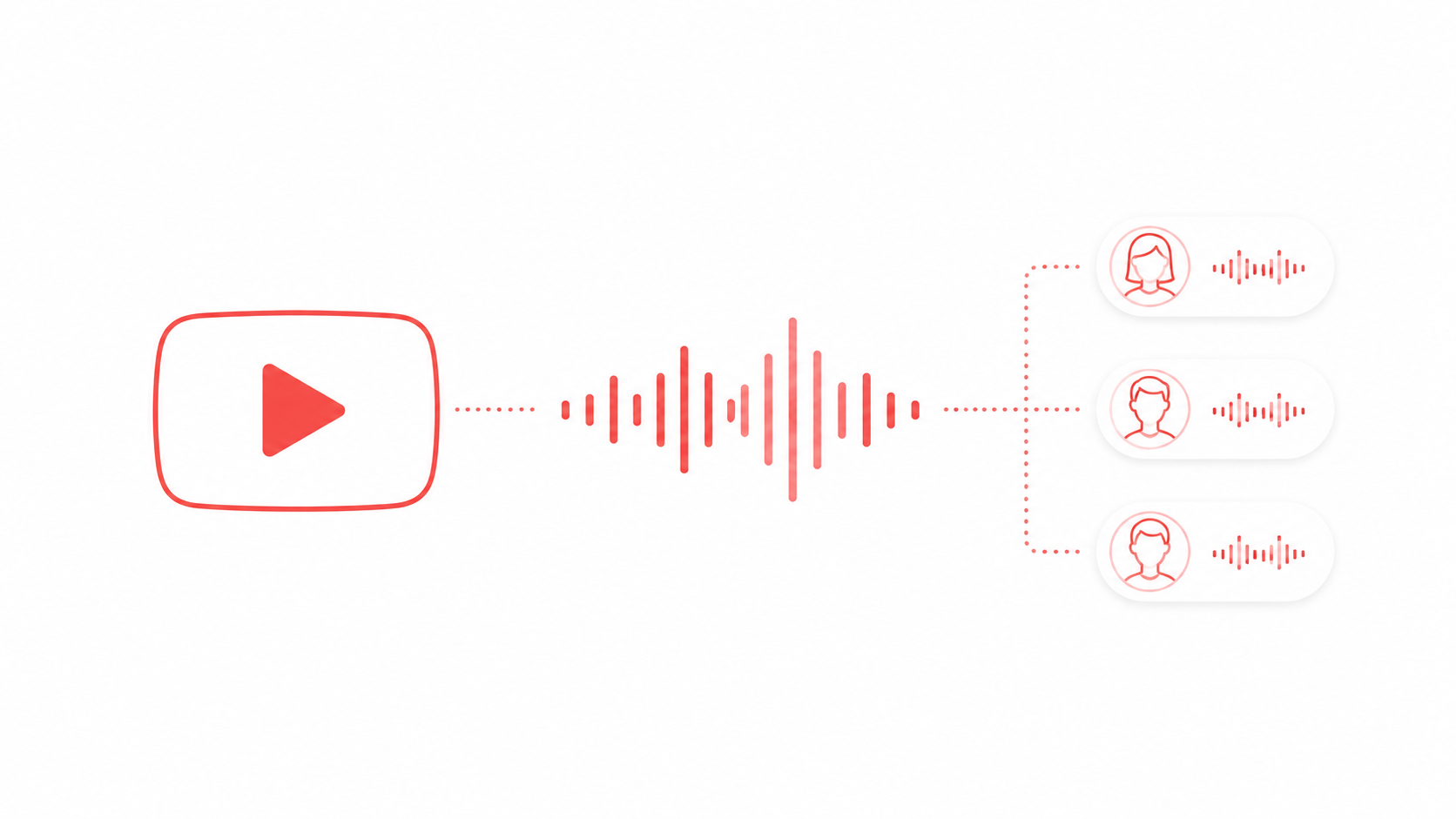
Short answer: if you want a deep, authoritative male read, start with Adam, Michael or Onyx on the US side, or George and Daniel if you want a British voice, all in FreeTextoSpeech. Every one of the 54 voices is free and fine for commercial use. Below I'll go through ten of the male voices, what I reach for each voice on, and the couple of settings that actually make a voice land deeper.
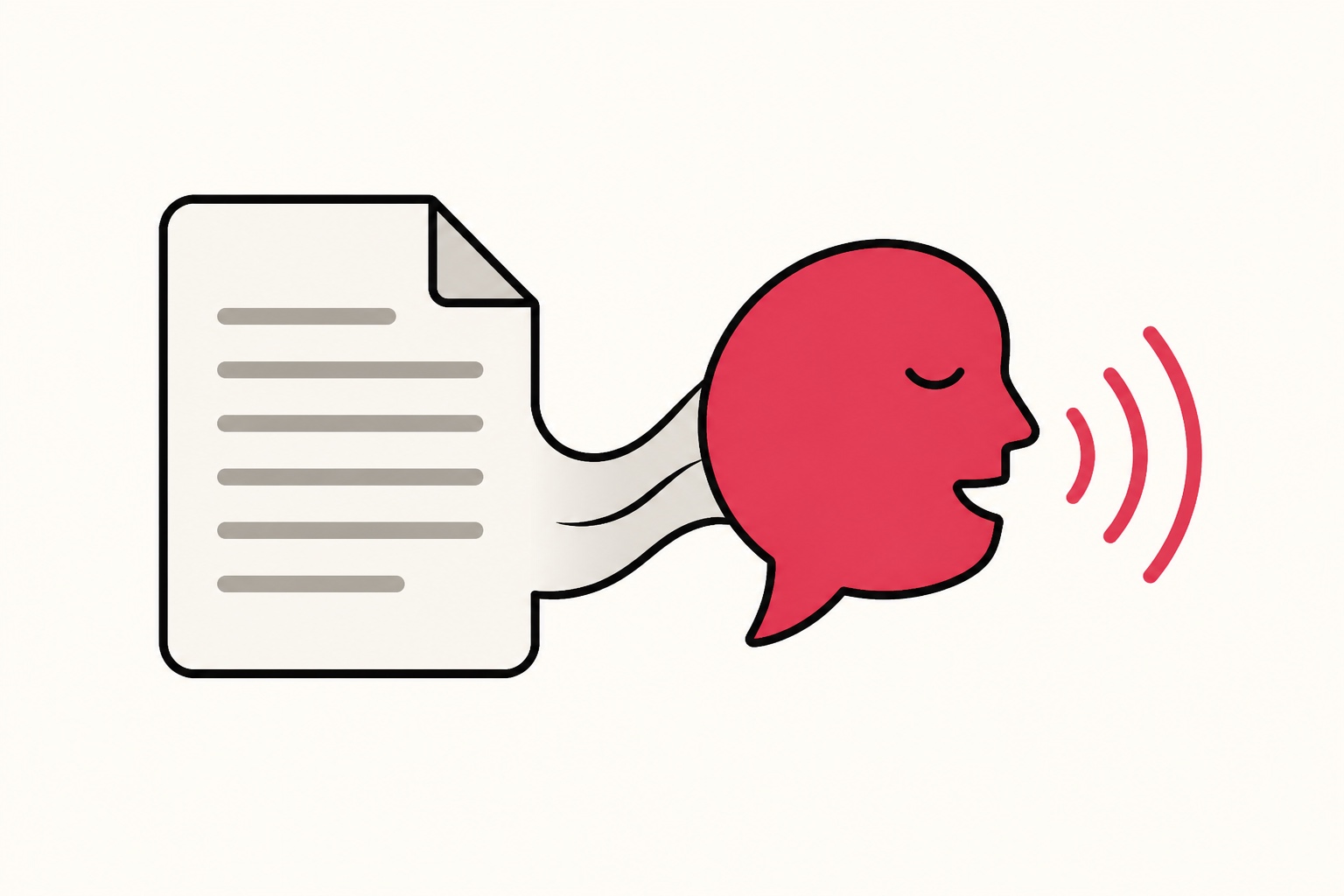
Deep male voices are probably the single most requested style I see, and it makes sense. For narration, explainers, documentaries and audiobooks, a low steady voice just reads as calm and credible, and it's easy to listen to for a long time. The trouble with most tools is that you're stuck with whatever default they hand you. I built FreeTextoSpeech with a proper lineup so you can pick by tone instead. It's free, runs in your browser, and there's no signup for basic use. Each read downloads as an MP3, or a 24 kHz WAV if you pick it in the format menu, and there's no watermark stamped on it.

US English male voices
The US voices cover the widest range, everything from a steady corporate read to something low and cinematic. If you're not sure where to begin, Adam and Onyx are the two I'd point you to first. They're the most reliably deep.
- Adam - deep and steady. This is my default for authoritative narration and corporate explainers.
- Michael - clear and confident, and great for tutorials and how-to content where being understood matters more than drama.
- Onyx - low and full. Reach for this on dramatic, premium or cinematic reads.
- Fenrir - strong and grounded. It works well on trailers, intros and bold announcements.
- Liam - a warmer, more storytelling tone. Good for long-form and fiction.
- Eric - neutral and even, the kind of voice you can listen to for a long stretch without getting tired of it.
- Puck - lively with a bit of character, for when you want personality over pure gravitas.

All of these live on the male voices page.
UK English male voices
The UK voices are more measured and precise. They suit documentary narration, or anything where you want a slightly more formal, composed delivery.
- George - a measured British delivery. This is my go-to for documentary-style narration.
- Daniel - crisp and professional, good for corporate and explainer content.
- Lewis - a more relaxed British tone for casual, conversational reads.
Which voice for which project
- YouTube narration and explainers: Michael or Adam for clarity and authority.
- Documentary and storytelling: George, Liam or Onyx when you want warmth and weight.
- Trailers and bold intros: Fenrir or Onyx for presence.
- Audiobooks: Liam or Eric, since both stay comfortable over a long listen.
- Corporate and training: Daniel or Adam for a polished, professional read.
What actually makes a voice sound deep
Deep isn't only about pitch. In my experience a voice reads as deep and authoritative when a few things line up: a naturally low base tone, a calm pace, and clean phrasing that doesn't rush. If you take a bright voice and try to force it lower, you usually end up with something thin and slightly off. It's much easier to start with a voice that's already low and then shape the pace and punctuation around it.
Pace matters more than people expect. Honestly, it's the thing most people get wrong. The same voice at a fast speed can sound anxious, and at a slower speed it can sound composed and sure of itself. There's a speed slider from 0.25x to 4.0x, so you have plenty of room to slow a read down until it settles. For most deep male reads a small nudge slower is all you need.
How to get the deepest, most natural result
- Start with a naturally deep voice like Adam, Onyx or Fenrir instead of trying to drag a bright voice down.
- Slow the speed to around 0.9x so the read feels measured. Deep voices lose their weight when they're rushed.
- Punctuate cleanly so the voice sounds composed rather than breathless. There's more on this in our guide on making TTS sound more human.
- Keep sentences short for authority. Long winding sentences undercut a confident delivery every time.
- Preview on your real script, because the same voice can feel completely different depending on the words.
A worked example
Say you're voicing the opening of a short documentary. Your first draft reads: "In the winter of 1911, a small team set out across the ice hoping to be the first to reach a place no one had ever stood, and they had no idea what waited for them." That's one long breath, and a voice will race through it. Split it up and let it breathe: "In the winter of 1911, a small team set out across the ice. They hoped to be the first to reach a place no one had ever stood. They had no idea what waited for them."
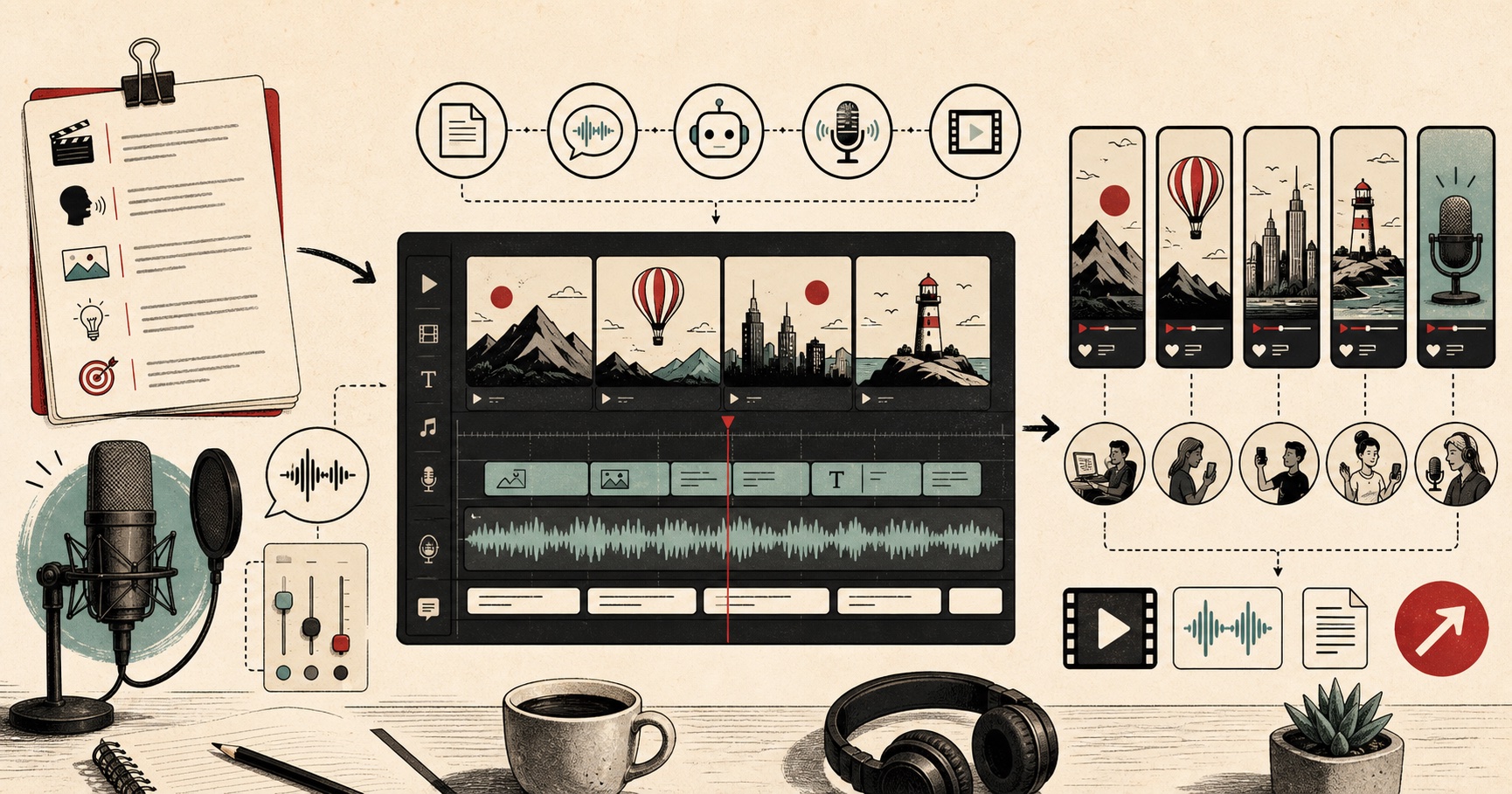
Now generate that with Onyx at about 0.9x. The shorter sentences give the voice room to land each line, and the slower pace adds weight. Then run the exact same text through George for a more formal British documentary feel. In under two minutes you'll know which one fits your footage. That's the whole workflow really: write for the ear, pick a low voice, slow it a touch, and compare.
Common mistakes to avoid
- Forcing a bright voice down - you can't turn a light voice truly deep with settings alone. Change the voice, not just the speed.
- Reading too fast - this is the number one reason a deep voice loses its authority. Slow it down before you blame the voice itself.
- One giant paragraph - a wall of text with barely any full stops makes any voice sound rushed. Break the script into short sentences.
- Pasting SSML tags - FreeTextoSpeech takes plain text only, so you don't need SSML at all. You gain nothing from pasting markup, and in the worst case you'll hear the tags read out loud. Shape the delivery with punctuation, spelling and the speed slider instead.
- Judging by the description - a name and a one-line note only get you in the neighbourhood. Your own script is the real test.
Getting an MP3 from your download
FreeTextoSpeech downloads MP3 by default, or WAV, the uncompressed format, if you pick it. Most video editors, podcast hosts and YouTube take WAV directly, so a lot of the time you don't need to convert anything. If a platform specifically asks for MP3, just leave the format menu on MP3. MP3 is the default export, so you only need WAV when you plan to edit.
Limits and how far the free tier goes
Without signing in, you can generate up to 5,000 characters per request, which is roughly 800 to 900 words, and 25,000 cloud characters every 30 days. That covers short scripts, intros and quick tests. Sign in and the monthly allowance jumps to 500,000 characters, which is plenty for regular narration work. There's also an in-browser engine that allows up to 50,000 characters per request and keeps working offline after a one-time model download. That one's handy for longer scripts, or when your connection is flaky. No credit card for any of it.
Using deep voices commercially
Every voice in FreeTextoSpeech is cleared for commercial use on the free tier, with no attribution required. So you can put these on monetised YouTube videos, client work, audiobooks and products without worrying. Download the WAV and it's yours. If you want to sanity-check the rules around AI voices and monetisation, our guide on whether it's legal to use AI voices commercially lays it out in plain language.
Quick questions
Which is the deepest male voice? Onyx is the lowest and fullest, with Adam close behind and a bit more neutral. For a bold, punchy low tone, Fenrir is the one. Try all three on your own line though, because the deepest voice on paper isn't always the best fit for your words.
Do I need any special software? No. FreeTextoSpeech runs in your browser and the voices above are ready to use with no signup for basic reads. You paste text, pick a voice, set the speed, and download the WAV.
Can I make a female voice sound male? Not really, and you don't need to. There are nine US and four UK male voices to choose from, so start from a male voice rather than trying to reshape a different one. And if you also want female options, the US lineup includes Heart, Bella, Sarah and a good few others.
Will the same voice work for every project? Usually not. A voice that's perfect on a documentary can feel too heavy on a quick tutorial. Match the voice to the job using the list above, and preview on your real script every time.
A quick way to choose
Don't agonise over it. Paste one line of your actual script, run it through Adam, Michael, Onyx and George in turn, and pick the one that fits in about a minute. Your script tells you far more than any description can, because the right voice really comes down to your words and your pacing.
Try it
Open FreeTextoSpeech, paste a line of your script, and cycle through the male voices above. Download the WAV of your favourite and use it on whatever you like, free.