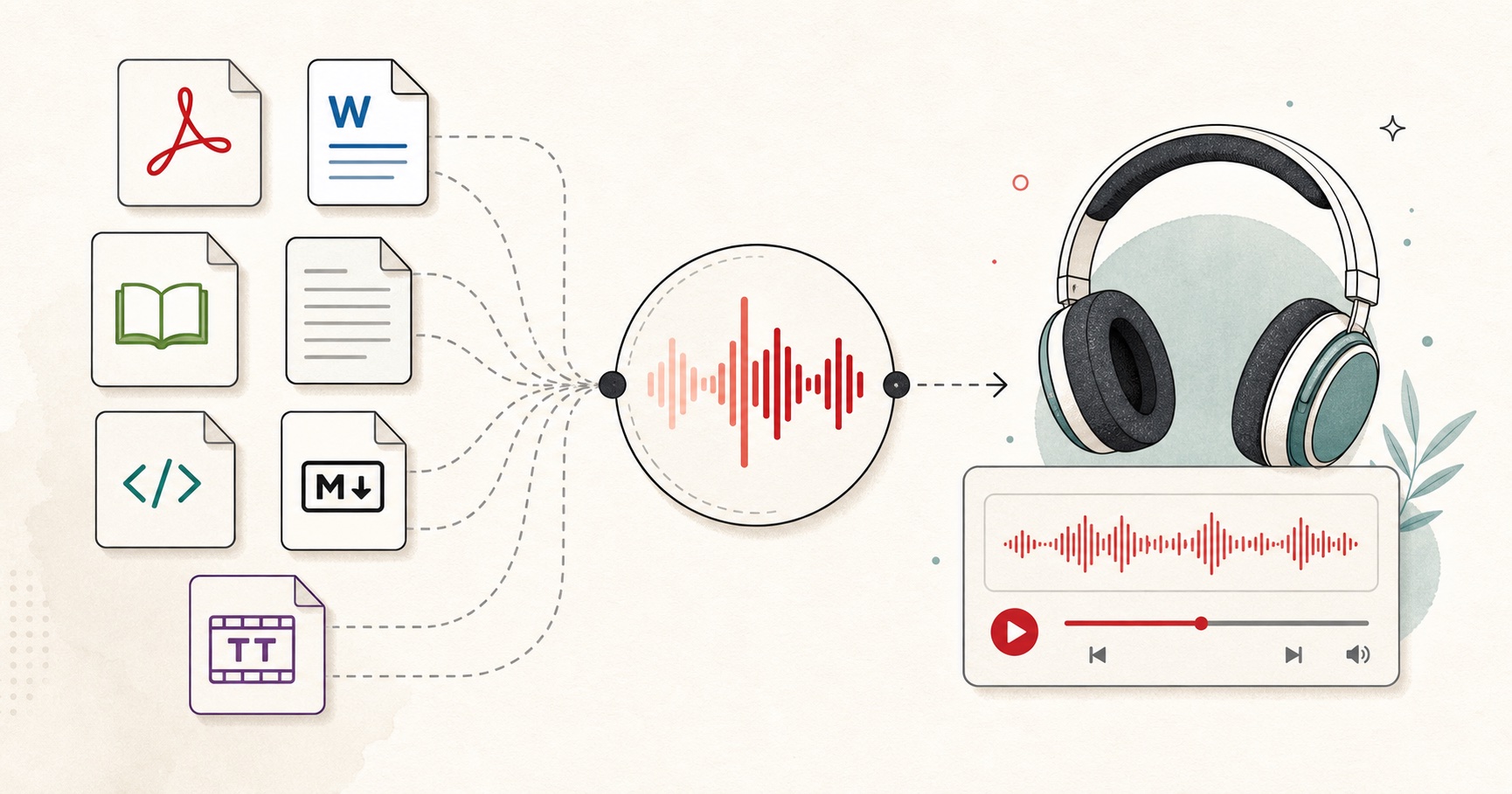
An EPUB already contains book structure, so it is a better starting point for a personal audiobook than copying an entire book into one text box. The important choices are chapter selection, pronunciation consistency, and privacy.
This workflow is for a listening copy you control: confirm your rights, import chapters locally, lock one voice profile, then generate and organize chapter files.

Confirm your rights
Convert books you wrote, public-domain books, or files you are permitted to transform for personal accessibility. Generating narration does not grant redistribution rights to the source text.
Personal listening and accessibility copies are not the same as publishing an audiobook edition. If you did not write the book and it is not in the public domain, check the licence before you create or share audio. Project Gutenberg and similar libraries are a clean source for public-domain EPUBs.
Do not upload a commercial ebook you merely purchased into a pipeline you do not understand, then post the audio. The file on your shelf is not automatically a licence to distribute a spoken edition.
Import chapters locally
Open the EPUB to speech workspace and choose the file. Review the detected title and chapters. Remove navigation text, footnotes, or repeated headers that should not be spoken.
What to strip before generation:
- Tables of contents that would be read as a list of page numbers
- Repeated publisher headers
- “Click here” navigation
- Footnote dumps you would rather skip for a first listen
- Image alt text that is a filename
Keep chapter titles. They become spoken signposts and they keep your files in book order.
Do not paste the whole book into the homepage text box. The spine exists so you can work chapter by chapter inside the character allowance, or switch to the signed-in in-browser engine for private local generation.
Establish one voice profile
Choose a voice and speed using a representative passage. Test names and invented terms, then save their spoken forms in a glossary. Keep chapter gaps consistent so the completed book feels continuous.
A novel with invented names needs the same cue in chapter one and chapter twenty. Preview those names with the phonetic spelling generator before you generate a stack of files.
Speed is part of the profile. Changing from 1.0× to 1.15× halfway through the book is more distracting than a slightly imperfect voice you kept consistent.
Generate and organize
Create one audio segment per chapter. Retry only sections containing errors. Export chapter files or a joined audio file, plus a project manifest that records the order and settings.
A durable kit looks like this:
- `00-title.wav`
- `01-chapter-01.wav`
- …
- `manifest.json` or a plain text list of filenames, voice, speed, and date
- The spoken glossary
- The EPUB you actually used
If a chapter fails, regenerate that chapter. Join later with the audio joiner if you want a single file for a walk. Keep the chapter stems; a joined master is a delivery format, not the project.
For long books, estimate duration with the speech time calculator so you know whether you are making a three-hour listen or a thirty-hour one before you start.
Keep the audiobook private
For sensitive documents, prefer on-device generation. Keep the EPUB and generated files in storage you control, and do not share the resulting audiobook unless the source licence permits it.
Local import of the EPUB is not automatically local speech. Check the voice mode. Cloud generation sends selected chapter text to a speech service. On-device mode keeps that text on the device after the model is available.
Store the audio where you store the book. A private audiobook that is synced to a public folder is not private.