Free Online Converter
Audio formats, subtitles, and documents, converted in your browser. Pick a file, choose the output, and download it without uploading anything.
Audio formats
Audio format conversion
Change the container, codec, or bitrate of a finished recording. MP3 encoding runs in the page with WebAssembly, so a WAV or M4A never has to reach a server.
Convert WAV to MP3
Turn a lossless WAV into a smaller MP3 at 128, 192, or 320 kbps and download one file or a ZIP.
Open converterConvert M4A to MP3
Re-encode AAC audio from iPhones, voice memos, and video exports into universally supported MP3.
Open converterConvert text to MP3
Generate natural speech from a script and download the result as a compressed MP3.
Open converterConvert text to WAV
Create a lossless 24 kHz WAV master when you plan to edit, mix, or convert the audio later.
Open converterJoin audio files
Combine several clips or voice-over takes into one track and export the joined file.
Open converterConvert audio to text
Transcribe MP3, WAV, M4A, OGG, or WEBM recordings with Whisper speech recognition.
Open converterSubtitles and captions
Subtitle and caption conversion
Subtitle files are timing data, and both major caption formats can become narration. Keep the original cue timing or switch to natural gaps between lines.
Documents
Document and text to speech conversion
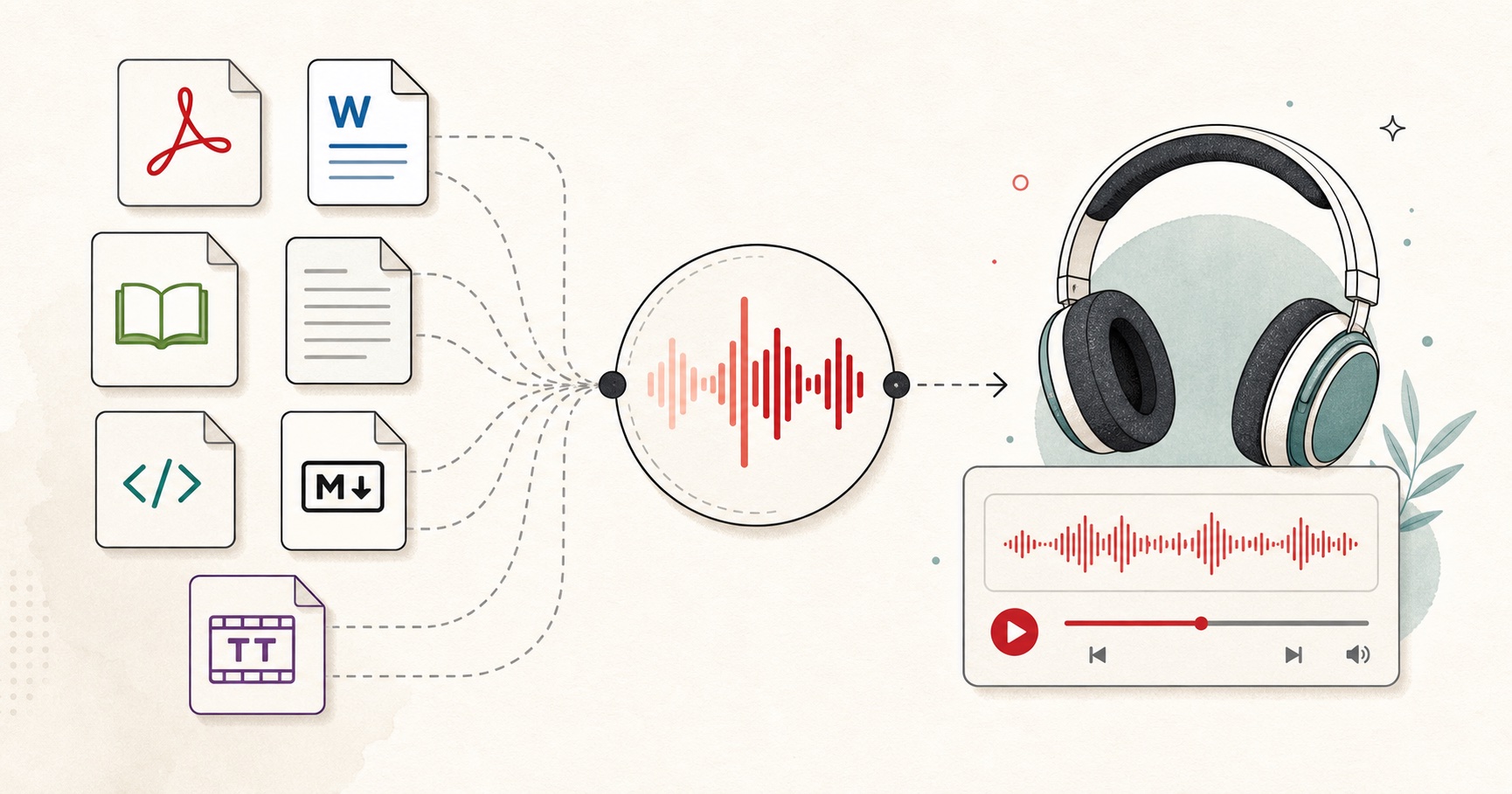
A document converter that reads the source first: each importer extracts clean text, splits it into safe sections, and keeps the reading order intact.
Convert TXT to speech
Turn one or more .txt files into an editable queue and export joined or individual audio files.
Open converterConvert DOCX to speech
Extract headings and paragraphs from a Word document and narrate them without the markup.
Open converterConvert EPUB to speech
Listen to an ebook chapter by chapter with navigation and reading order preserved.
Open converterConvert HTML to speech
Strip tags from a saved web page or article export, then generate a clean voice track.
Open converterConvert Markdown to speech
Drop syntax characters, links, and code formatting so only the prose is read aloud.
Open converterRead a PDF aloud
Open a PDF in the reader and hear the pages spoken with the voice and speed you choose.
Open converterHow browser-based conversion works
- 01
Open the file on your device
The browser reads the file you pick with the File API. The bytes move into the page, not into a network request.
- 02
Decode with the browser
Audio containers are decoded by the browser itself, and documents are parsed in the page so the text order is preserved.
- 03
Convert locally
MP3 encoding runs through a WebAssembly build of the LAME encoder, and speech is generated by the on-page voice engine.
- 04
Download from memory
The output is assembled as an in-memory blob and handed to you as a download. No upload endpoint ever receives the source file.
Privacy angle
Your files never leave the device
No upload step existsThere is no file upload form, no conversion queue on a server, and no temporary storage bucket. The page reads the file you select and keeps it in memory.
Encoding happens in the pageAudio format conversion uses WebAssembly codecs such as LAME for MP3, and document converters parse text in the same tab, so the source bytes are never transmitted.
You can verify itOpen your browser developer tools, switch to the Network panel, and convert a file. No request carries the file contents; the result appears as an in-memory download.
Converter and file format FAQs
01 What can I convert on FreeTextoSpeech?
02 Are my files uploaded when I convert them?
03 Is the converter free, and do I need an account?
04 Which conversion should I start with?
05 Do browser converters have limits?
Still wondering? Get in touch →
Convert without uploading.
Start with the file you have. Every converter on this page runs locally and downloads straight from your browser.