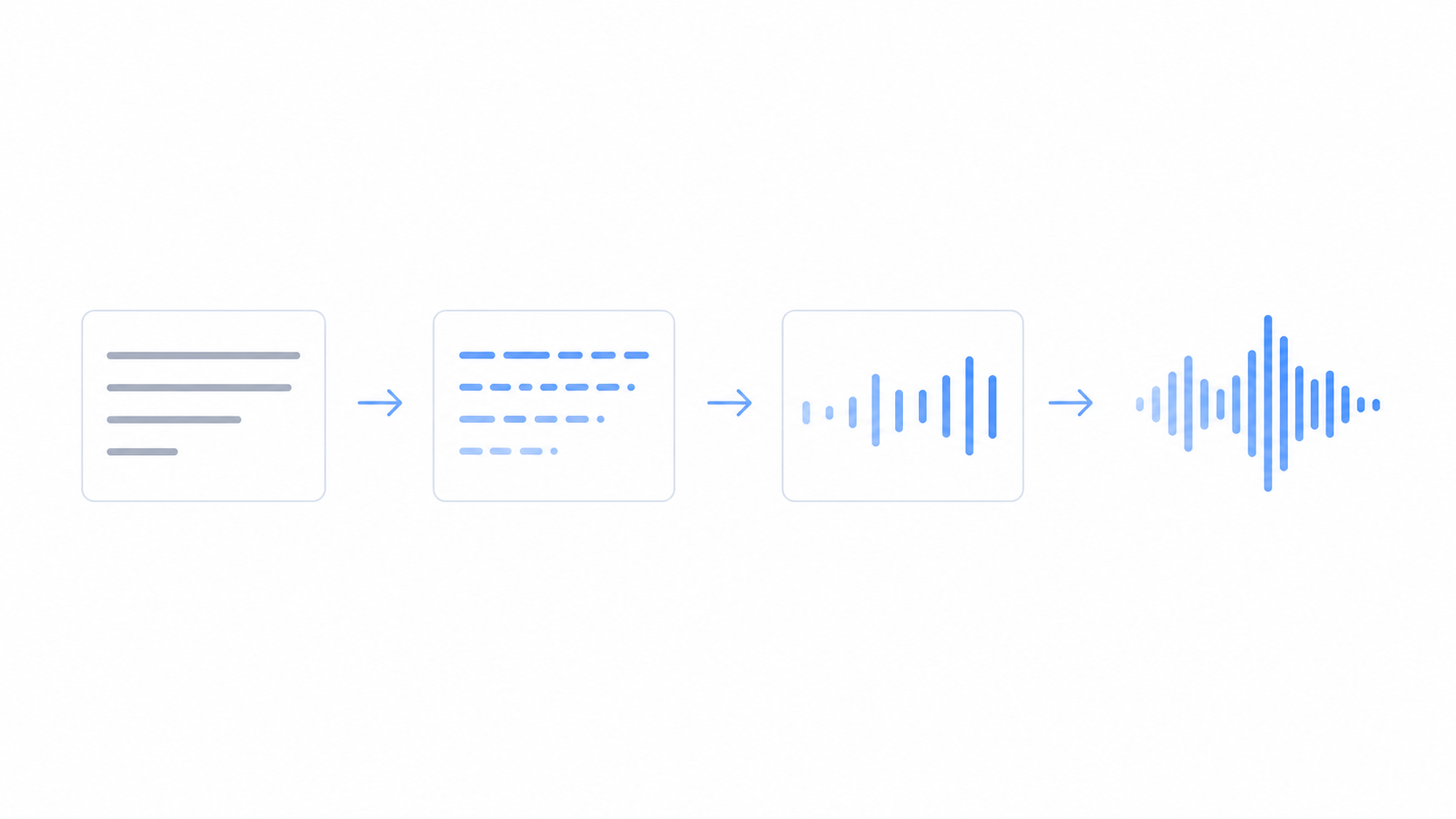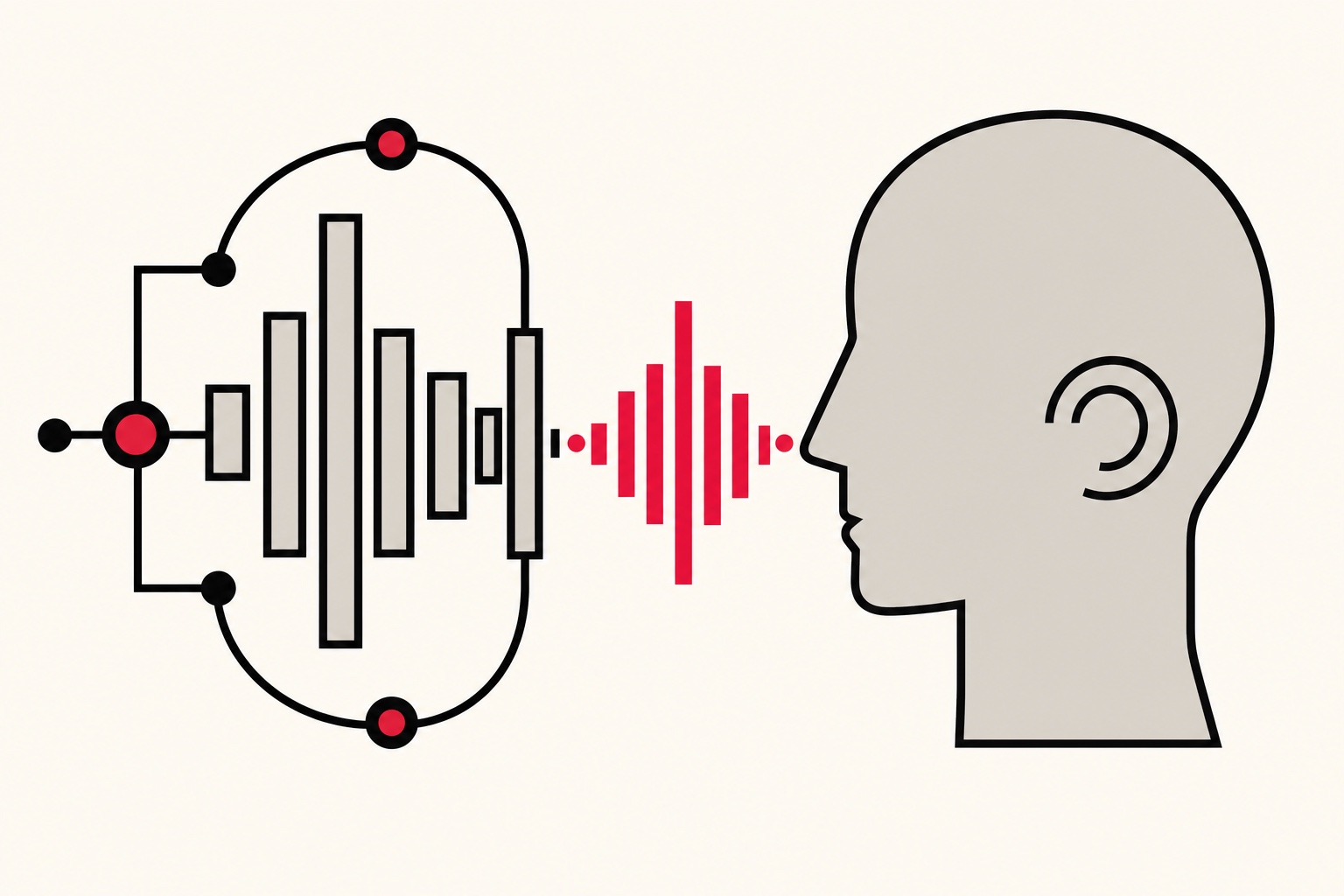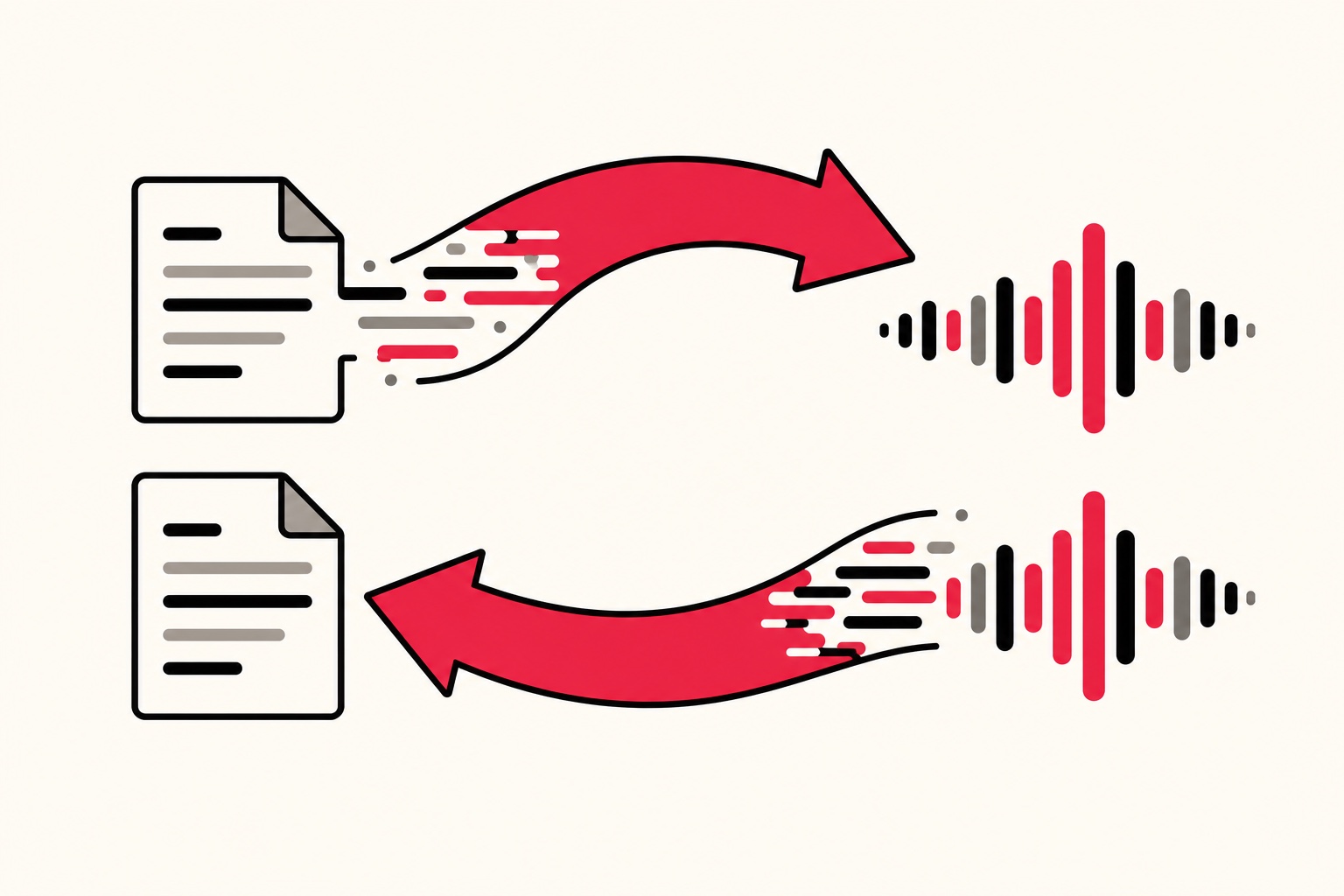
Short answer: Text to speech turns writing into a spoken voice, so you type or paste words and get audio back. Speech to text does the reverse: you talk, and it writes down what you said. FreeTextoSpeech is a text-to-speech tool, so it reads your text aloud in a natural voice.
People mix these two up constantly. The names are almost mirror images, so I get it. But they solve opposite problems, and picking the wrong one wastes a lot of time. I built FreeTextoSpeech, and I still get emails from folks asking why they can't dictate a voice memo into it. That's the confusion I want to clear up here.
The core difference in one sentence
Text to speech reads. Speech to text listens.
That's really it. One takes written words as the input and produces a voice as the output. The other takes your voice as the input and produces written words. Everything else is detail.
Here's a quick way to keep them straight. Think about what you already have and what you want to end up with:
- You have text and want audio - that's text to speech (TTS). A script, an article, study notes, a chapter of a book. You feed in the words, you get a voice file.
- You have your voice and want text - that's speech to text (STT). Talking to your phone, dictating an email, getting a meeting transcribed. You speak, it types.
If you can answer "what do I have right now, and what do I need next," you'll never confuse them again.
What text to speech actually does
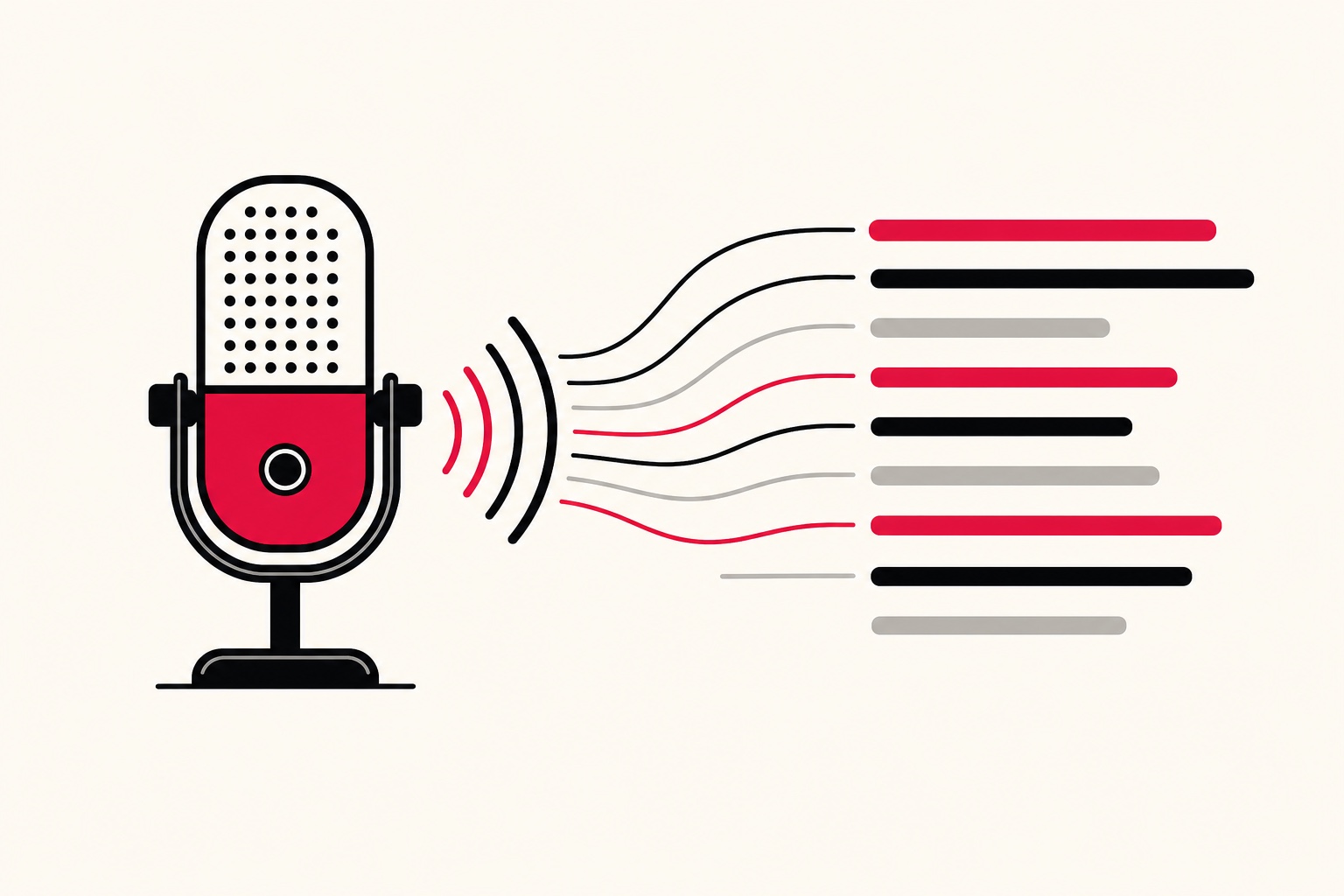
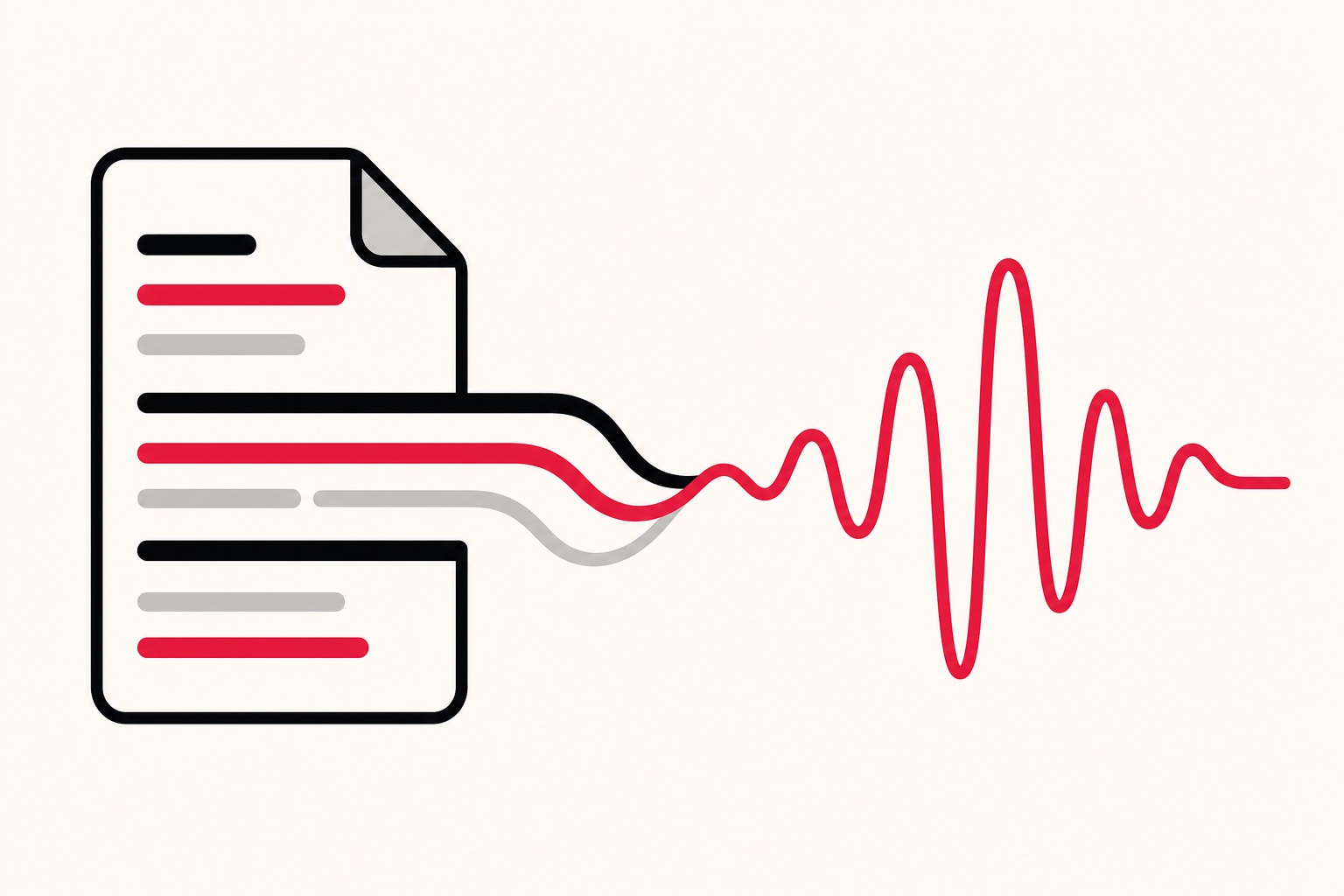
Text to speech is what FreeTextoSpeech does. You paste in some writing, pick a voice, and the tool generates spoken audio. No microphone involved. You're not talking to it at all. You're handing it words on a page and asking it to say them out loud.
The modern versions sound far better than the flat robot voices you might remember from old GPS units. FreeTextoSpeech runs on the open Kokoro model, and it ships with 54 voices across 9 languages: US English, UK English, Spanish, French, Hindi, Italian, Japanese, Brazilian Portuguese, and Mandarin Chinese. US English alone has a wide range of options, from Heart, Bella, and Sarah on the female side to Adam, Michael, and Onyx on the male side. UK voices like Emma, George, and Daniel are there too if you want that accent.
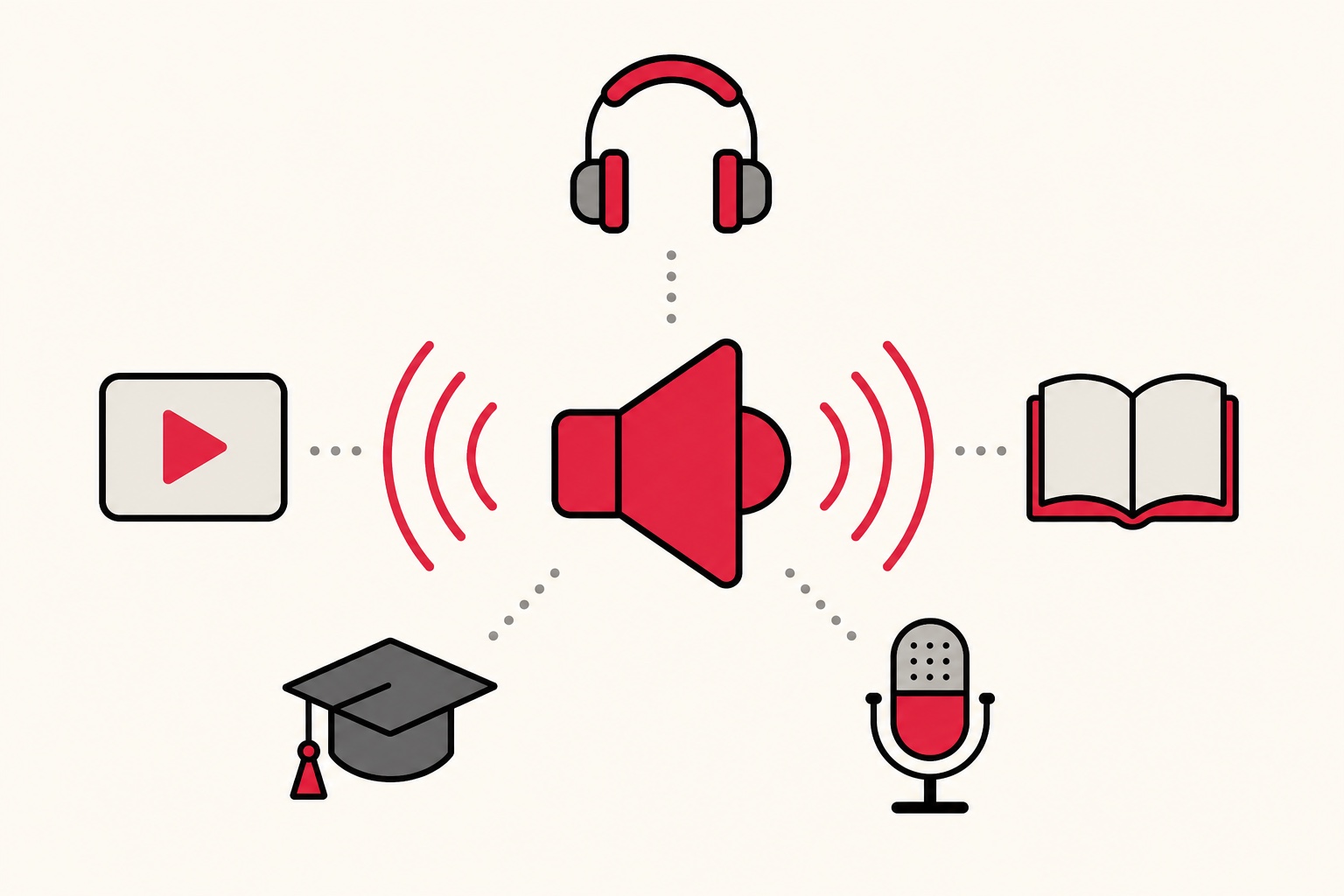
Where does text to speech earn its keep? A few honest examples from people who use the tool:
- Video creators who don't want to record their own voice, or don't like how it sounds. They write a script and generate a clean voiceover. If that's you, my guide on the best AI voices for YouTube goes deeper.
- Students turning readings and notes into audio so they can review while walking or commuting. Reading with your ears instead of your eyes.
- People with dyslexia or visual impairment who find listening far easier than reading long blocks of text.
- Anyone drowning in articles and PDFs who would rather listen than sit and read. You can even convert a PDF to audio and treat it like a podcast.
FreeTextoSpeech downloads MP3 by default, or a 24 kHz WAV if you choose it. So if you need an MP3, there's nothing to convert: just click Download. Pick WAV in the format menu only if you plan to edit. I walk through that in the post on going from text to speech to MP3.
One more thing worth knowing, since people ask: FreeTextoSpeech takes plain text only. No SSML markup, no special code. You control the pacing with normal punctuation and a speed slider that runs from 0.25x up to 4.0x. Commas and periods create natural pauses. You don't need to learn any tags to get a good read.
What speech to text actually does
Speech to text goes the other direction. You speak, and software writes it down. This is the technology behind dictation, live captions, and meeting transcripts. It's the thing that types out your message when you hold the microphone button on your phone keyboard.
You've almost certainly used it without thinking about it:
- Voice dictation - talking to your phone instead of typing a text message.
- Virtual assistants - Siri, Alexa, and Google Assistant all start by converting your speech into text they can act on.
- Meeting and interview transcripts - tools that record a conversation and hand you a written record.
- Captions and subtitles - the live text that appears under a video or during a call.
- Accessibility for people who can't type easily - dictating documents and emails hands-free.
FreeTextoSpeech does not do any of this. It's a text-to-speech tool, full stop. If your goal is to record yourself and get a written transcript, you want a speech-to-text service instead, not this one. I'd rather tell you that up front than have you download an audio file you didn't want.
A small technical note, since the naming gets muddy. Speech to text is sometimes called "voice recognition" or "automatic speech recognition." Those are the same idea. Text to speech gets called "voice generation" or "read aloud." So if a tool advertises "voice recognition," that's the listening kind, and it won't read your writing back to you. Watch the input, not the marketing word, and you'll always land on the right one.
A side-by-side comparison
Since this is a genuine comparison, here's the whole thing laid out in one place:
| Text to Speech (TTS) | Speech to Text (STT) | |
|---|---|---|
| Input | Written text | Spoken voice |
| Output | Audio (a voice) | Written text |
| You need a mic? | No | Yes |
| Common uses | Voiceovers, audiobooks, accessibility, listening to articles | Dictation, transcripts, captions, voice assistants |
| Also called | TTS, voice generation, "read aloud" | STT, transcription, dictation, voice recognition |
| Is FreeTextoSpeech this? | Yes | No |
Read the last row and you'll see where FreeTextoSpeech sits. It reads your text out loud. It doesn't transcribe your voice.
Do they ever work together?
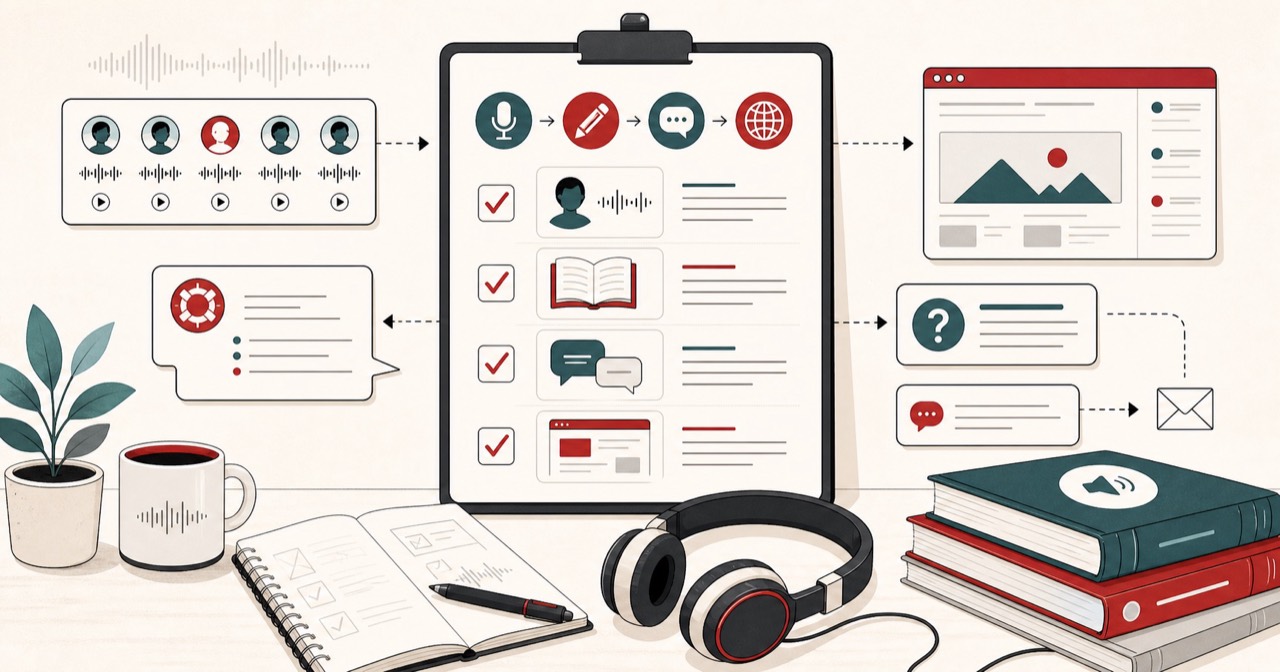
Sometimes, and it's a neat trick when it fits. Say you record a rough voice memo of an idea while driving. You run it through a speech-to-text tool to get a written draft. You clean up that draft, then paste it into FreeTextoSpeech to generate a polished voiceover in a consistent voice. Speech goes to text, text goes back to speech. Two different tools, one workflow. They complement each other, they don't compete.
Podcasters do a version of this too. Record the episode, transcribe it into show notes with STT, then use TTS to generate a short audio intro or an ad read without booking studio time. The written middle step is where the two technologies hand off to each other. Neither one replaces the other, and knowing which does what lets you chain them on purpose instead of by accident.
How to pick the right one for your task
When someone asks me which they need, I ask one question back: what are you starting with?
- Start with the input you already have. If it's written words, you need text to speech. If it's your own voice, you need speech to text.
- Then check the output you want. Want a voice file to play or publish? TTS. Want a document or transcript to edit? STT.
- Match it to the job. Making a YouTube voiceover, an audiobook, or study audio means TTS. Capturing a meeting, dictating a note, or captioning a video means STT.
The thing people get wrong is assuming one tool does both. Most don't. FreeTextoSpeech is built to do one job well: turn your writing into natural speech. If you're weighing free options in general, I compared a bunch in my roundup of the best free text-to-speech tools.
Get started with text to speech
If what you actually have is text, and you want it read aloud, you're in the right place. Paste up to 5,000 characters per request, pick from the 54 voices, and generate your audio. It's free, there's no signup for basic use, and commercial use is allowed with no attribution required. Use it for client videos, courses, whatever you're building.
Want to hear the voices before you commit? Open the AI voice generator and try a few side by side. Once you find one you like, generate your file and download it as an MP3, or as a WAV if you plan to edit.
To sum it up: text to speech reads, speech to text listens. FreeTextoSpeech reads. If that's the direction you need, give it a try and paste in your first bit of text. And if you want the voice to sound as natural as possible, I put together some tips on making text to speech sound human that are worth a read before you hit generate.