Short answer: the best free text to speech tool has natural voices, a character limit you can actually work with, no forced signup, and commercial rights that are spelled out. FreeTextoSpeech does all four, which is why I keep recommending it as a starting point. But I built this thing, so I'm biased. The more useful thing I can give you is a way to judge any free tool in about a minute, because "free" hides a lot of different deals.
Right now every voice AI company is racing to say "free" on the pricing page. That word does a lot of quiet work. Two tools can both call themselves free and hand you completely different things. One gives you a clean, downloadable voiceover you can drop into a paid client video. The other makes you register, stamps a watermark on the audio, and buries a clause that says you can't monetise it. So before you build a whole workflow around a tool, it pays to know which of those two you're actually dealing with.
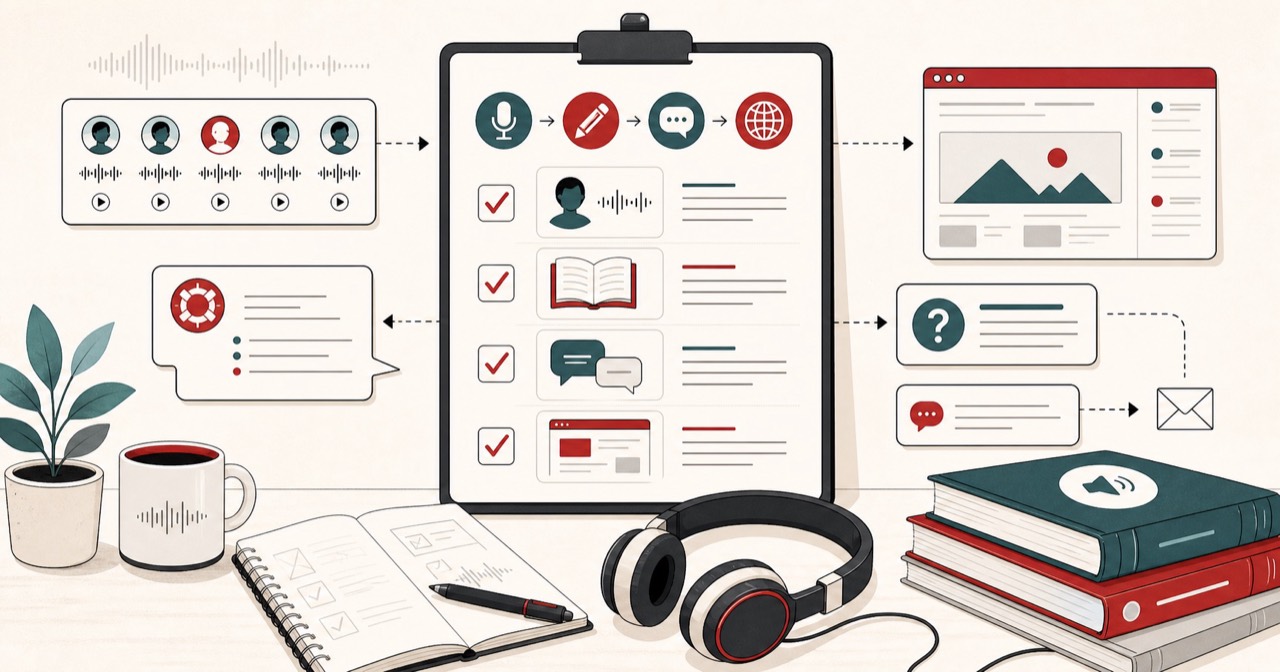
The four things that actually matter
- Voice quality. Modern neural voices or old robotic ones? That's the line between audio people listen to and audio they close after two seconds. Preview a long sentence, not a single word. A lot of voices sound fine for "hello" and then fall apart across a full paragraph.
- Limits. How much can you generate before you hit a wall? Check the per-request limit and the monthly cap separately. Gorgeous voices behind a 200-character limit is a demo, not a tool you can rely on.
- Friction. Do you have to sign up, verify an email, or drop in a card just to hear one voice? Every extra step is a reason to bounce, especially for a quick job.
- Licensing. Can you legally use the audio in monetised or client work? This is the box most people never tick, and it's the one they regret.
Rank those four in whatever order fits your job today. A student reading notes back to themselves cares about limits and friction. A freelancer cutting client videos cares about licensing and voice quality first. There's no single winner for everyone. There's only the right fit for the thing in front of you.
Where the catches hide
Free tiers almost always give you something and take something back. The usual trades are:
- Tight monthly caps that dry up after a handful of videos.
- The best voices locked to paid plans, so the free ones you're allowed to use are the weakest in the set.
- Watermarks or a spoken attribution baked right into the file.
- Personal-use-only licensing that quietly kills YouTube monetisation and client projects.
- No download, so you can hear it in the browser but can't take the file anywhere.
Any one of these can be fine. You just want to know which trade you're signing up for before you lean on the tool. The worst version of this is finishing a project and then finding out the free licence never let you publish it in the first place. I've seen people get burned by exactly that, and it's a bad afternoon.
If you are weighing the paid options too, the ElevenLabs alternative page lays out where each one wins.
What FreeTextoSpeech gives you free
- 54 neural voices across 9 languages, running on the open Kokoro model. The languages are US and UK English, Spanish, French, Hindi, Italian, Japanese, Brazilian Portuguese, and Mandarin Chinese.
- 5,000 characters per request, roughly 1,000 words. Anonymous use gets 25,000 cloud characters every 30 days, and if you sign in that jumps to 500,000 (and 10,000 characters per request).
- No signup for basic use, and no card.
- Commercial use allowed, no attribution required.
- A downloadable MP3 by default, or a 24 kHz WAV from the format menu, that's yours to keep. Our MP3 guide covers when to pick each.
- An in-browser engine that runs on your own device and works offline after a one-time model download, with a bigger 50,000-character limit per request.
One thing I'll flag up front, because people email me about it: you choose the format next to the Download button, MP3 (the default) or 24 kHz WAV. WAV is uncompressed, so the audio is clean and the file is bigger. If you need a small file for a podcast host or to email to someone, just leave it on MP3. Pick WAV when you plan to edit, since the bigger file keeps full quality while you cut and join.
Meet a few of the voices
Knowing the voice names helps when you want to recreate a result weeks later. On the US English side the female voices include Heart, Bella, Sarah, Jessica, Kore, Nicole, Nova, River, and Sky, and the male voices include Adam, Michael, Onyx, Fenrir, Liam, Eric, and Puck. UK English adds Emma, Lily, George, Daniel, and Lewis. Hindi has Alpha, Beta, Omega, and Psi. Try two or three before you commit, because the right voice really depends on the script. A calm explainer wants something softer. A punchy ad read wants a bit more edge. Honestly, the voice matters more than the speed setting, and it's the part people rush.
A quick worked example
Say you've got a 900-word blog intro and you want it as a voiceover for a video. Here's the whole thing:
- Paste the text. At around 4,500 characters it sits under the 5,000 per-request limit, so it goes in one pass. Plain text is all it wants, no tags.
- Pick a voice. Try Sarah for a warm US read, then flip to Michael for something lower, and keep whichever suits the video.
- Set the speed. The slider runs 0.25x to 4.0x. For an explainer I usually nudge it just under 1.0x. It sounds a touch more relaxed and it's easier to follow.
- Generate and download. You get an MP3 by default, or pick 24 kHz WAV in the format menu if you plan to edit. Drop it straight into your editor.
Start to finish that's about a minute, and none of it hides behind a signup or a card.
How to control how a voice sounds
You don't need SSML tags or any special markup here, and you don't need to go looking for them. The tool takes plain text, so you shape the delivery with the words themselves:
- Punctuation sets the pauses. A comma is a short breath, a full stop is a longer one. Break a run-on sentence into two and the read instantly calms down.
- Spelling steers tricky words. If a name or an acronym comes out wrong, respell it the way it should sound. Writing "kass-ohl" instead of the spelling the model keeps tripping over usually fixes it on the next pass.
- The speed slider handles pace. Don't fight the voice. Just move the slider until the rhythm matches your video or podcast.
That's the whole toolkit, and for most scripts it's plenty. Clean text almost always beats clever markup. This is the part people overthink.
Common mistakes to avoid
- Judging a voice on one word. Preview a full paragraph. Weak voices give themselves away over several sentences, never in a single hello.
- Ignoring the licence until the end. Read the commercial-use line before you record a thing. Sorting it out after the project's done is a real headache.
- Assuming every tool gives you an MP3. Plenty of free tools only hand you a WAV. Check the download format first; this one gives you MP3 by default and WAV on request.
- Pasting one giant block of text. If your script is longer than the per-request limit, split it at natural section breaks, generate the parts, and join the clips after.
- Living at the top speed. Past about 1.5x, narration starts to sound rushed. Fast speeds are handy for skimming, not for final audio.
Free vs paid: what you are really paying for
Paid tools mostly sell three things: the most expressive premium voices, voice cloning, and higher volume. If you need a very specific emotional read or you want to clone a particular voice, a paid tool earns its money. But for most voiceover, study, and accessibility work, a good free tool covers you fully. The classic mistake is paying for volume or premium extras you'll never actually touch.
It helps to be honest about your real volume too. If you make one video a week, even a small free monthly cap is plenty. If you're running a daily show or narrating full audiobooks, that's the point where signing in for the larger allowance, or moving to a paid plan, starts to make sense. Match the tool to what you genuinely produce, not to what you imagine you might.
Who each option suits best
- Students and note-takers want low friction and enough monthly room to listen to their readings. Free handles this easily.
- Creators and YouTubers want natural voices, a real download, and a clear commercial licence. A no-attribution free tool fits well.
- Freelancers and agencies want licensing they can stand behind in front of a client. Confirm the commercial-use terms before you quote the job.
- Accessibility users want reliable, natural playback and offline access. The in-browser engine that keeps working offline is worth the one-time setup.
How to choose in under a minute
- Does it sound natural over a full paragraph? Paste four sentences and listen all the way to the end.
- Can I use the output legally for my purpose? Find the licensing line before anything else.
- Can I download the file? If not, it's a reader, not a generator.
- What's the real limit? Check the per-request and monthly caps together.
If a tool fails the first two, the price is irrelevant. If you want a proper head-to-head, read my honest FreeTextoSpeech vs ElevenLabs vs Speechify breakdown, and if MP3 is your end format, the text to speech to MP3 guide covers when to pick MP3 or WAV.
Try it
The fastest way to judge a free tool is to just use it. Paste a paragraph into FreeTextoSpeech, pick a voice, and download the result. No signup, no card, no catch. You'll know within a minute whether it's right for you, and you'll know it with your own ears instead of taking my word for it.