Short answer: Give each character its own voice by matching a personality to one of the 54 voices on FreeTextoSpeech, then shape the delivery with punctuation and the speed slider. A deep Onyx or Fenrir sells a villain, warm River suits a mentor, and a brisk Puck fits a fast-talking rogue. Type the line, generate, download the WAV, and drop it into a soundboard app for game night.
I run a home game most Sundays, and the moment my players remember best from last year was not a boss fight. It was a shopkeeper. I had pre-recorded his greeting in a nasal, slightly-too-fast voice, hit a key when they walked in, and the whole table cracked up. That is the trick I want to hand you here. You do not need a booth, a mic, or a talent for accents. You need a text box and a few minutes of prep.
Why assign voices to characters at all
When you voice every NPC yourself, they blur together. Your barkeep, your dragon, and your dead king all end up sounding like you doing a slightly different throat thing. Distinct audio fixes that. The second a player hears the low gravel of the villain, they know who is talking before you say a name. It does some of the storytelling for you.
This works for more than tabletop. If you write fiction and want to hear your dialogue read back, or you are building a visual novel, an audio drama, or a Twine game, the same approach holds. Different voice per character, controlled with plain text. In my experience the biggest win is consistency. A human actor has an off night. A generated voice sounds identical in session twelve as it did in session one, which matters when a recurring villain shows up months apart.

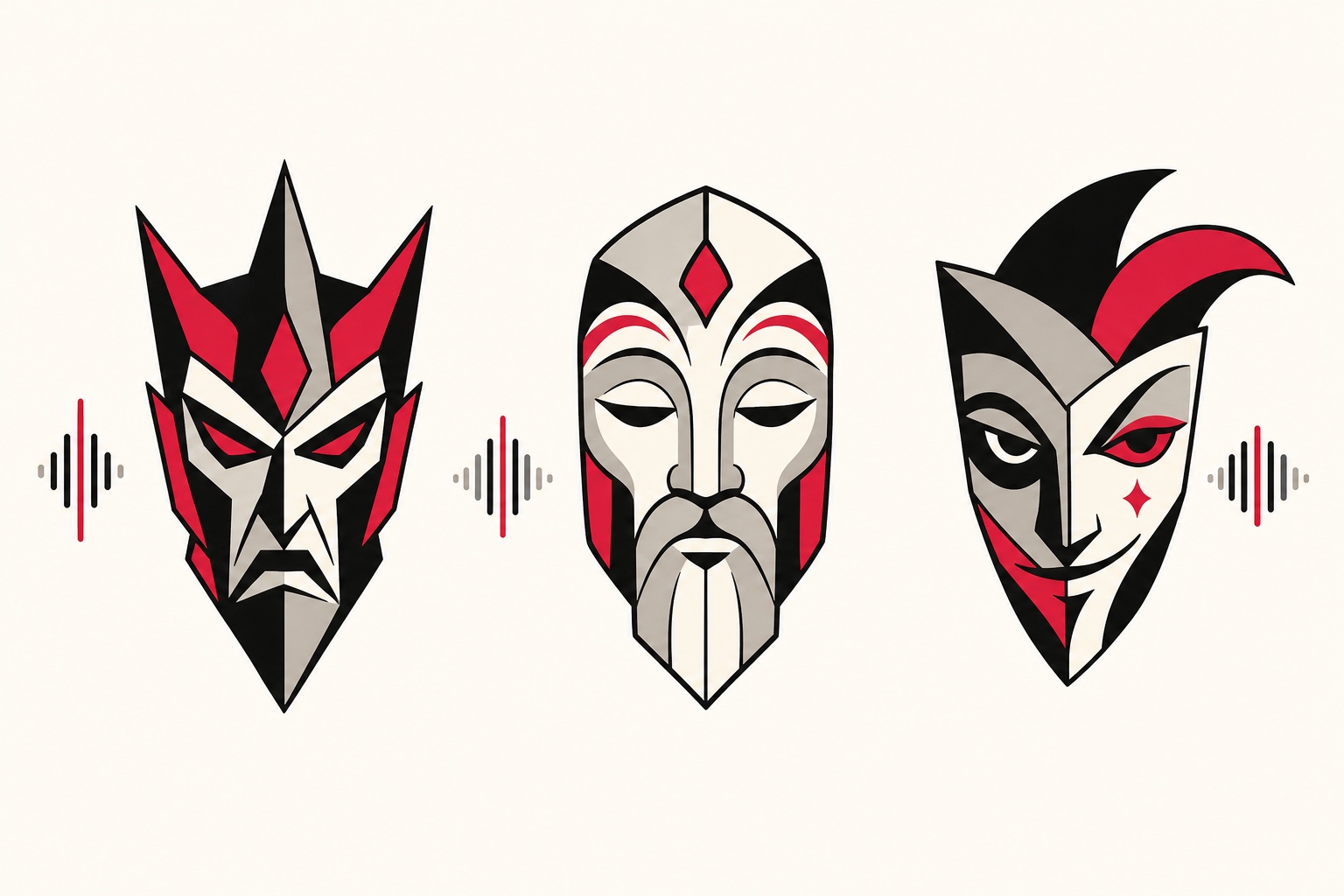
Casting your NPCs: which voice for which archetype
FreeTextoSpeech runs on the open Kokoro model and gives you 54 voices across 9 languages. For English fantasy dialogue you mostly live in the US and UK English sets, and that is plenty. Here is how I cast the common archetypes. Treat it as a starting point, not gospel, because half the fun is auditioning.
The villain
You want weight and calm. A villain who shouts is less scary than one who never raises his voice. Reach for Onyx or Fenrir from the US male set. Both sit low and steady. Slow them down a touch and the menace does the rest. I covered the deeper end of the male roster in more detail in this rundown of deep male AI voices if you want to compare them side by side.
The mentor
Warmth over authority. The wizard who trained your party, the innkeeper who knows more than she lets on, the dying knight passing on a quest. River from the US female set is my default here. It has an even, reassuring quality that reads as wise without sounding stiff. George or Daniel from the UK set also land the older-and-wiser tone well.
The rogue
Quick, light, a little cocky. This is Puck. Bump the speed up slightly and the character starts to sound like he is always three steps ahead of you. For a female rogue or a sly courtier, Sky or Nova work with a small speed bump too.
A quick casting table
| Archetype | Voice | Speed | Feel |
|---|---|---|---|
| Villain / warlord | Onyx or Fenrir | 0.85x - 0.95x | Low, deliberate, cold |
| Mentor / sage | River, George, Daniel | 0.9x - 1x | Warm, steady, patient |
| Rogue / trickster | Puck, Sky | 1.15x - 1.3x | Fast, playful, sharp |
| Herald / commoner | Adam, Michael, Emma | 1x | Neutral, clear |
| Child / sprite | Lily, Nicole | 1.1x | Light, bright |
One honest tradeoff worth naming: the model does not do accents on command. You cannot type "Scottish dwarf" and get a brogue. What you can do is pick a UK voice for your dwarf so at least he sounds different from the American-sounding humans. Lean into contrast between voices rather than chasing a specific accent.
Directing the delivery with punctuation and speed
Here is the part people skip, and it is the part that separates flat robot readings from lines with actual character. The tool takes plain text only. There is no SSML, no tags, no emotion dial. You do not need any of that. You direct with two things: punctuation and the speed slider.
- Commas buy small beats. "You, of all people, should know better." The pauses land the condescension.
- Periods and line breaks buy bigger beats. Break a threat into short sentences and the villain slows down on his own. "I gave you a choice. You chose wrong. Now we are past choices."
- Ellipses stretch a thought. "I wonder... whether you understand what you have done." Good for a mentor being careful, or a villain being smug.
- Question marks and exclamation points shift the pitch. They are not magic, but they nudge the intonation up. Use them where a real reader would.
- Spell things out. Write "the third of Highharvest" instead of "3rd of Highharvest," and write "one thousand gold" instead of "1000 gp." The voice reads letters and words more reliably than symbols and shorthand.
The speed slider runs from 0.25x to 4.0x. For dialogue you almost never leave the 0.85x to 1.3x band, but the small moves matter. Drop your villain to 0.9x and he gains gravity. Push your rogue to 1.25x and he gets that motor-mouth energy. I generate the same line at two or three speeds and keep whichever one made me believe the character. If you want a deeper dive on getting past the flat-robot sound in general, I wrote a whole piece on making text to speech sound human that applies directly here.
Generating lines and downloading WAVs
The mechanics are simple. Each request holds up to 5,000 characters, which is far more than any single line of dialogue needs, so you can batch several lines from one character in a single pass if you like. Basic use is free with no signup, and the audio is cleared for commercial use with no attribution required, so a paid module or a published audio drama is fine.
- Open the tool and pick your character's voice from the list.
- Paste the line and add your punctuation deliberately, the way I described above.
- Set the speed to match the archetype. Start from the table, then trust your ear.
- Generate and preview. Listen once. If a word lands wrong, tweak the spelling or add a comma and regenerate.
- Download the WAV. Choose WAV in the format menu (MP3 is the default) for 24 kHz uncompressed audio. For a soundboard that is exactly what you want, since WAV plays instantly with no decode lag.
Name your files clearly as you go. I use a pattern like villain_greeting.wav, villain_threat.wav, mentor_quest.wav. Future-you, mid-session and scrambling, will be grateful. If you need MP3 for some other purpose, no converter is needed: pick MP3 in the format menu next to Download.
Building a simple soundboard for game night
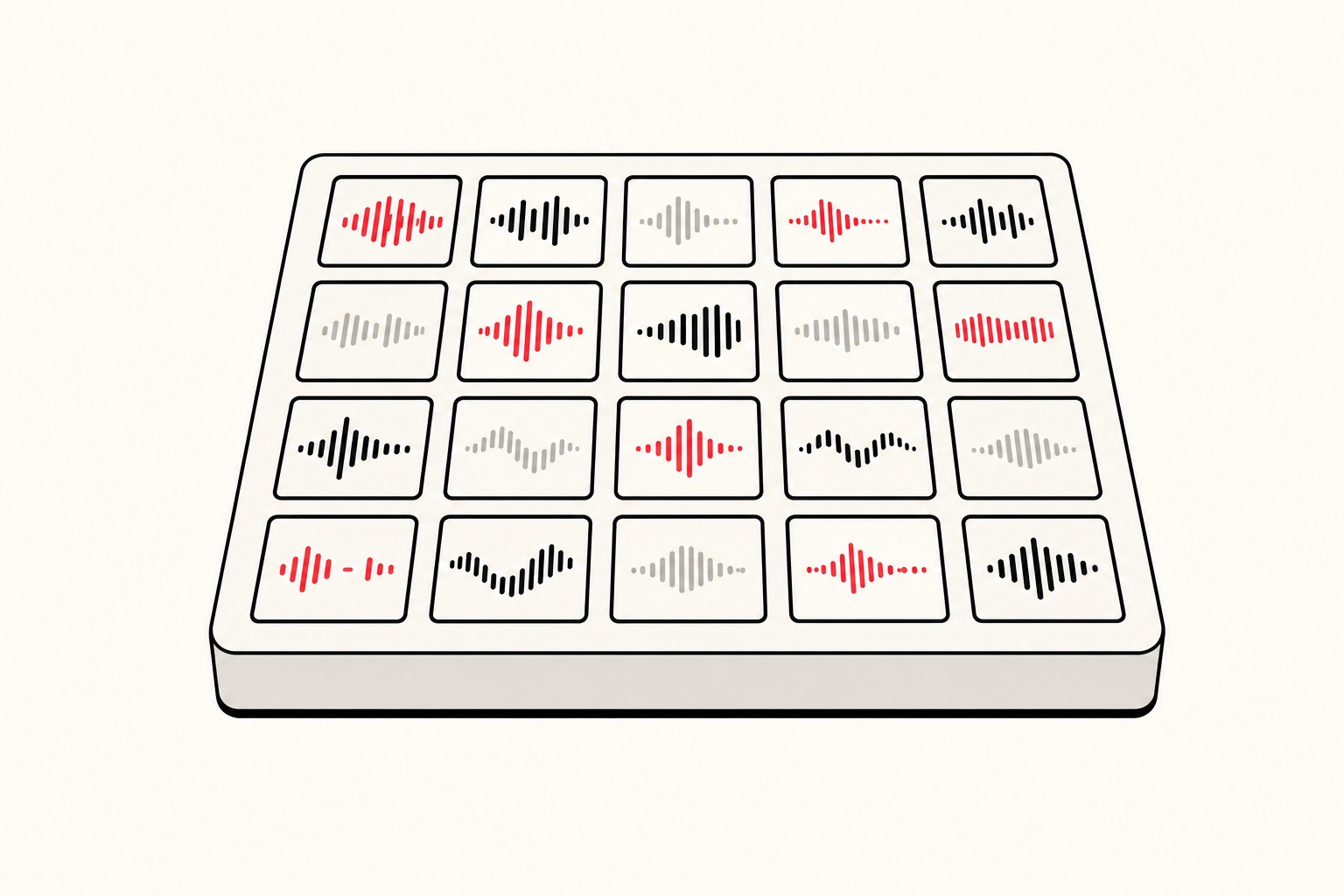
Once you have a folder of named WAVs, a soundboard turns them into one-key drops during play. You do not need anything fancy.
- The cheapest route: a folder and your file browser. Double-click to play. Ugly, but it works for a first session.
- A free soundboard app: tools like Soundpad, Cassette, or a browser-based board let you bind each clip to a hotkey. Load your WAVs, assign keys, and you are set.
- Discord for online play: route a virtual audio cable into your mic input and your soundboard clips go straight into voice chat. Your remote players hear the villain the same way an in-person table would.
My prep routine before a session takes about fifteen minutes. I skim my notes for scenes where a recurring NPC speaks, write out three or four likely lines each, generate them, and drop the WAVs into the board grouped by character. During play I improvise most dialogue live in my own voice, and then hit the board for the moments I want to hit hard: the villain's first line, the mentor's send-off, a reveal. Used sparingly, a pre-recorded line has real weight. Used constantly, it gets old fast, so pick your spots.
If your game leans more on scripted back-and-forth, or you are writing a scene with two or three characters trading lines, our AI dialogue generator is built for exactly that, letting you assign voices per speaker and hear a whole exchange play out in order.
A few things I learned the hard way
- Audition before you commit. A voice you love in your head can fall flat on the line you actually wrote. Test the real dialogue, not a placeholder.
- Keep a character's speed consistent. If your villain is 0.9x in one scene and 1.1x in the next, he sounds like two different people. Write the speed into your notes next to the voice name.
- Short lines beat long ones. A four-word threat lands harder than a monologue, and it is easier for the voice to nail. Save the speeches for moments that earn them.
- Match the volume. Different voices export at slightly different loudness. A quick normalize pass in Audacity keeps your board even so nobody blows out the table's ears.
Try it for your next session
Pick one NPC you know will show up next game. A villain is the easiest place to feel the payoff. Cast Onyx or Fenrir, drop the speed to about 0.9x, write two or three of his lines with real punctuation, and generate. Download the WAVs, bind them to keys, and wait for the moment. When the table goes quiet at the sound of that voice, you will get why I bother. Head over to FreeTextoSpeech, it is free and needs no account, and cast your first character in the next five minutes.