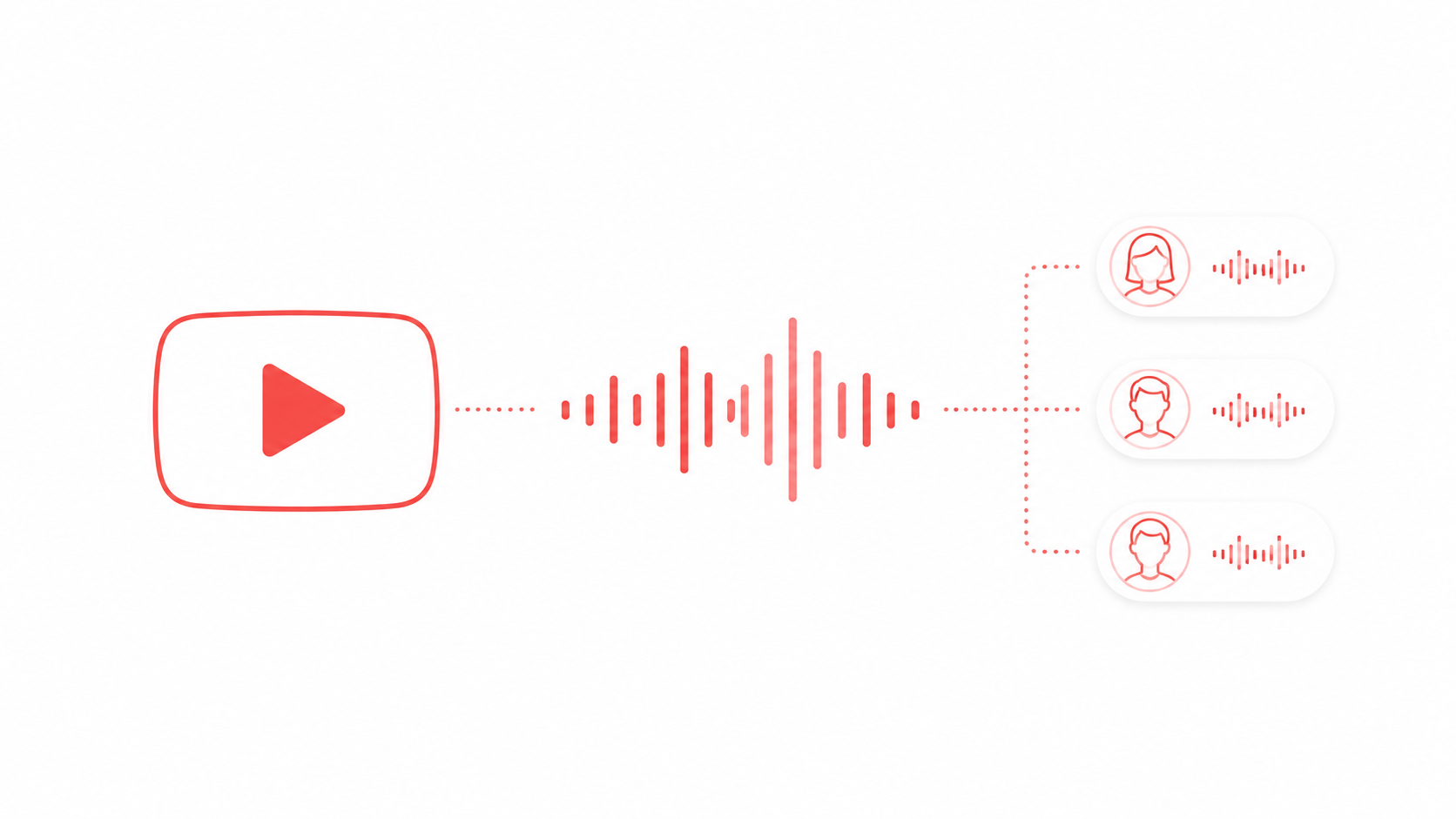
Short version: write your script, generate the voiceover in FreeTextoSpeech, download the WAV, and drop it into your editor. The audio is yours to use commercially with no attribution, so the voice track itself carries no copyright risk. And you never touch a microphone or hunt for a quiet room.
I built FreeTextoSpeech because I kept hearing the same two worries from creators. They did not want to use their own voice, and they were scared of getting a copyright strike. Both of those are fixable. This is the workflow I'd hand a friend who wants clean voiceover on short-form video without the recording grind. It works the same way for TikTok, Reels, and Shorts, because the file you make is just a plain audio file you own and can reuse anywhere. If Reels are your main platform, the page on Instagram Reels text to speech covers what changes there.
Why generate your own voiceover
- No microphone and no quiet room. You type and generate, so you can make content anywhere, even on a lunch break.
- Consistency across every video. Same voice on every clip helps your channel feel like a brand, and it makes you recognisable when someone is scrolling fast.
- Ownership. You download the audio and reuse it wherever you want, across platforms and future edits.
- No copyright strike from the voice. The voiceover comes from a synthetic voice, not lifted from another creator, so the voice track is safe.
- Speed. Once you have a script, the voiceover is about a minute of work. You can batch a week of videos in one sitting.
- No face required. If you are shy on camera or just getting started, a generated voice lets you post without ever showing yourself or recording your own audio.
The copyright-safe workflow
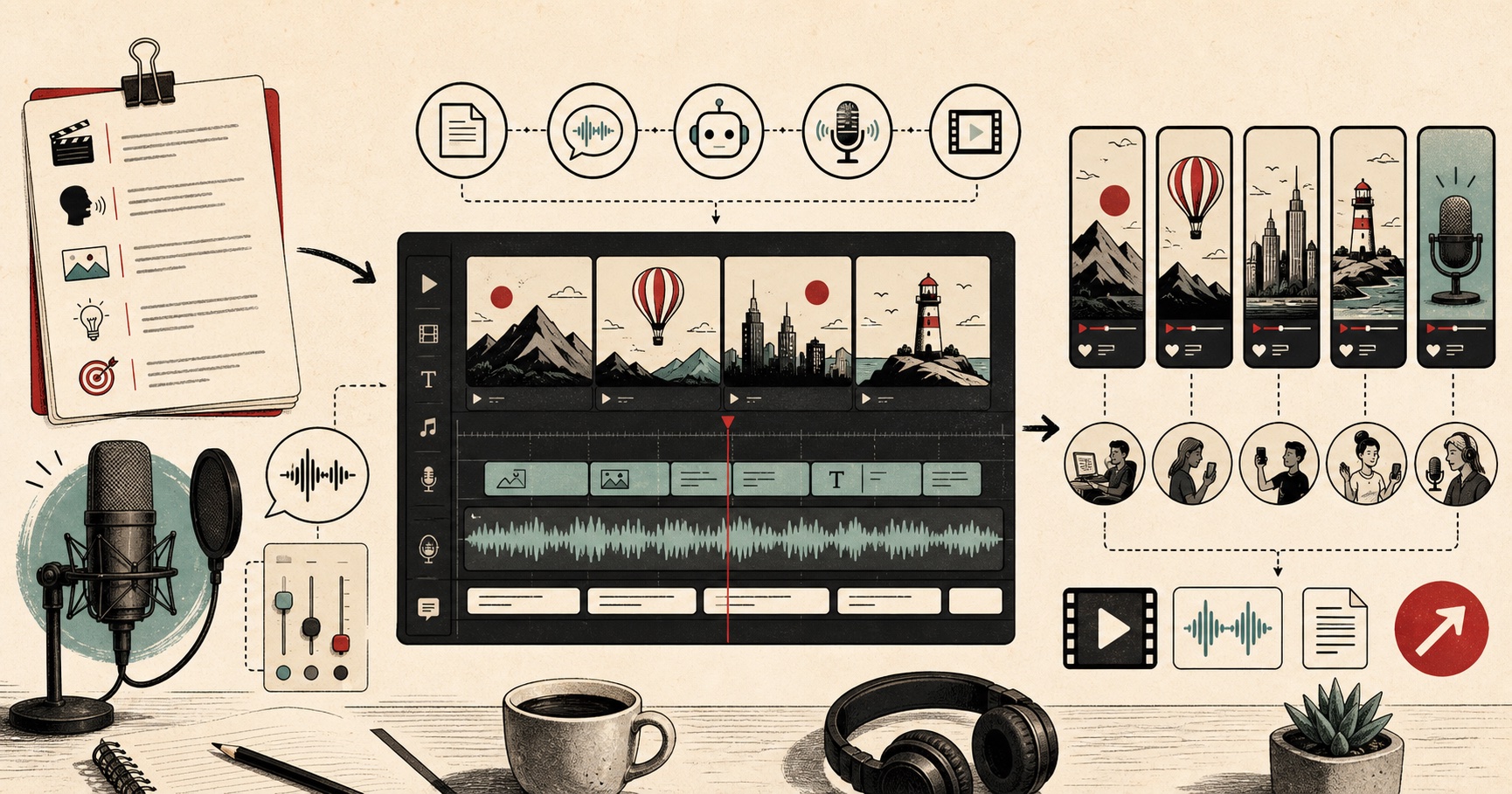
- Write a tight script. Short sentences, one idea per line. This also improves the read itself, because the voice pauses cleanly between lines.
- Generate the voice. Paste up to 5,000 characters into FreeTextoSpeech, pick a voice, and set the speed. For punchy content, 1.1x usually sounds right. For storytelling, keep it at 1.0x.
- Download the WAV. You now have a clean, high-quality audio file at 24 kHz, ready to edit.
- Import and sync. Drop the WAV into CapCut, your editor of choice, or TikTok directly, and line it up with your clips.
- Add captions. A lot of short-form viewers watch on mute, so pair the voiceover with on-screen text.
The whole loop takes a couple of minutes once your script is ready. A 5,000 character limit is roughly 1,000 words, which is far more than a 30-second clip needs, so a single request usually covers a full video with room to spare. Anonymous use gives you 5,000 characters per request and 25,000 cloud characters every 30 days for free, no signup and no credit card. If you post daily and start bumping into that ceiling, signing in raises the monthly allowance to 500,000 characters, and the in-browser engine handles up to 50,000 characters per request and keeps working offline after a one-time model download.
There is a full text to speech for TikTok page if you want the platform-specific setup.
Understanding copyright: voice vs music
Keep two things separate in your head. Your generated voiceover is safe, because it is synthetic and you have the right to use it commercially. Background music is a different animal, with its own licensing rules inside each platform. Use the in-app music library where you can, and never assume a trending song is cleared for monetised use just because everyone is using it. The voice is yours. The music follows the platform's terms.
This matters most the moment you try to make money. A brand deal, an affiliate link, or a video you cross-post to your own website all count as commercial use, and that is exactly where a borrowed music track gets you in trouble. The voice never does. FreeTextoSpeech allows commercial use with no attribution and no license to track, so you do not need to credit the tool, buy a plan, or add a line in your description. Honestly, the simplest habit is to treat music as the only thing you have to clear, and clear it before you publish rather than after a strike lands.
Picking a voice that stands out
Most short-form videos reuse the same default app voices, so choosing a distinctive one is an easy edge. FreeTextoSpeech has 54 voices across 9 languages, including US English, UK English, Spanish, French, Hindi, Italian, Japanese, Brazilian Portuguese, and Mandarin Chinese. Preview a few and pick one you can commit to across your channel. That consistency is part of what makes a creator recognisable. For a warm US female read, voices like Heart, Bella, or Nova work well. For something with more weight, try US male voices such as Adam, Michael, or Onyx. And for a crisp UK sound, Emma, George, and Daniel are strong picks. If you are curious which voice a rival uses, here is how to identify AI voices, and if you want a deep, authoritative sound, our list of free deep male voices is a good shortcut.
Scripting tips for short-form
- Hook in the first line. The voice should deliver your strongest sentence first, before anyone scrolls.
- One idea per line keeps the pacing snappy and the captions clean.
- Spell out numbers and brand names so the voice does not stumble, which matters even more at speed.
- Read it aloud before generating, to catch anything that sounds awkward.
- Punctuation is your control panel. A comma buys a short pause, a full stop a longer one, so break sentences where you want the voice to breathe.
Controlling how the voice sounds
You do not need any special code to shape the read. FreeTextoSpeech takes plain text only, so there is no SSML to learn and nothing to paste in. That sounds like a limit, but in practice it is a relief. You get natural results with three simple levers.
- Punctuation for pacing. Commas and full stops set the rhythm. Break a long line into two short ones and the voice will pause where you want emphasis.
- Spelling for pronunciation. If a name or acronym comes out wrong, respell it the way it sounds. Writing "en-bee-ay" instead of "NBA" is a quick fix, and it is more reliable than any tag would be.
- The speed slider for energy. It runs from 0.25x to 4.0x. Nudge it up slightly for high-energy hooks and back to 1.0x for calmer storytelling. Small changes read as intentional. Large ones start to sound robotic.
A worked example: a 20-second hook
Say you are making a quick tip video. Your script might read: "Stop scrolling. Here is the fastest way to add a voiceover to your next TikTok. No mic. No copyright worry. Just type, generate, and download." Notice the short lines and the full stops doing the work of pauses. Paste that into FreeTextoSpeech, pick a voice like Bella or Adam, set the speed to 1.1x for a punchy feel, and generate. Download the WAV, drop it into CapCut, and stretch or trim your clips to match. Add captions on top, since plenty of viewers watch on mute, and you have a finished video in a few minutes with zero recording.
Common mistakes to avoid
- Cranking the speed too high. Above roughly 1.3x the read starts to lose clarity. If you need it shorter, cut words instead of rushing them.
- Downloading WAV when you don't need it. MP3 is the default and fine for posting. Pick WAV (24 kHz) in the format menu next to Download when the audio is going onto an editing timeline; the files are bigger, but the quality holds up through edits.
- Forgetting captions. A great voiceover still needs on-screen text, because a large share of your audience keeps the sound off.
- Switching voices every video. A consistent voice is part of your brand. This is the thing most people get wrong. Pick one and stick with it so viewers start to recognise you.
- Trusting trending audio blindly. The voice is safe, but a hot song may not be cleared for monetised use. Check before you build a campaign around it.
Batching a week of videos
Because generating audio is so fast, the smart move is to batch. Set aside 30 minutes, write five or six short scripts in one document, then run them through the tool one after another and save each WAV with a clear name. Now you have a small library of voiceovers ready to pair with clips whenever you have a spare moment. This is where a synthetic voice really earns its keep. There is no studio to set up, no takes to re-record, and no background noise to fight. You keep a steady posting schedule without the recording grind, and every clip sounds like it came from the same channel.
Try it
Write a 20-second script, run it through FreeTextoSpeech, and export the WAV. You will have a copyright-safe voiceover ready to edit in minutes, free, with no signup, and a voice you can keep using on every video you make.