Faceless YouTube Shorts
Daily uploads on a niche channel without ever recording your own voice, the modern Shorts playbook.
You've hit the free limit
Free tier: 5,000 characters/month
You've used all 5,000 free characters for this month. Sign in with Google to get 500,000 characters per month, free, no credit card.
You've used your 500,000 characters for this 30-day window. Your allowance resets automatically, thanks for using FreeTextoSpeech.
Fresh AI voices for short-form video. Skip the overused defaults, pick a Kokoro voice, push to 1.1×, and ship a Short before lunch.
The TikTok and CapCut default voices have become so widespread that viewers tune out the moment they hear them. FreeTextoSpeech's 54 Kokoro voices give your Shorts a fresher sound, natural enough that viewers stay engaged, varied enough to build a recognizable channel sound.
Paste a hook+body+payoff script under 60 seconds, pick a fresh voice (Sky, Liam, River, Echo), set speed to 1.1×, generate, and drop the WAV into CapCut. Monetized Shorts are covered, disclose AI in sensitive niches (news, health).
Total under 60 seconds. Open with a question or claim, deliver the goods, end with a clear next action.
Sky, Liam, River, or Echo for US English. Skip the TikTok / CapCut defaults, viewers tune them out instantly.
Punchy short-form pace. Generate, preview, download the WAV. No signup, no watermark.
Drop the WAV in, align with your footage, export 1080×1920 at 9:16, upload as a Short to YouTube.
Daily uploads on a niche channel without ever recording your own voice, the modern Shorts playbook.
Adam or Onyx for "did you know" facts, history hooks, and science snippets. Authority sells the click.
Generate punchy reads from your YouTube long-form clips and ship them as 60-second Shorts.
Pick 2–3 voices and reuse them across all uploads, viewers learn your sound the way they learn a host.
Shorts reward energy and freshness. Skip the over-circulated defaults, these six Kokoro voices give you punchy openings, hook authority, and dramatic depth without sounding like every other faceless channel.
High-energy presenter
Best for
Hook-first reads, list videos, fast-cut editorial. The default pick when the goal is "make them not scroll."
Bright, conversational
Best for
Lifestyle takes, opinion clips, "wait until you hear this" hooks. Sounds like a friend texting you a hot take.
Comedic, expressive
Best for
Skit narration, sarcastic voice-overs, reaction clips. Holds emotion across short reads better than the flat defaults.
Authority hook
Best for
"Did you know" facts, history clips, science snippets. Authority voice is what sells the click in the first 2 seconds.
Cool, confident
Best for
Tech, finance, productivity Shorts. Sounds informed without slipping into lecture mode.
Deep, dramatic
Best for
Dark-mode storytime, mystery hooks, true-crime snippets. The bass adds gravity that thin voices cannot fake.
Want to hear them? Browse all 54 voices →
Short-form is a different sport from long-form YouTube. Hook speed, pacing, and silence-cutting matter more than picking the perfect voice. These six tips are the difference between a 30 percent and a 70 percent average view duration.
Shorts retention is decided before second 3. Open on the punchline, the question, or the most counter-intuitive fact in the script. "Most people don't know that..." beats "Today we're going to talk about..." every time. Cut anything before the hook in the edit.
Default playback sounds slow against fast cuts. Bump speed to 1.1× for explainers, 1.2× for high-energy hooks. Anything past 1.25× starts to sound chipmunked and viewers bail. Generate first, then nudge speed in the editor so you can A/B without re-rendering.
Open the WAV in your editor, snap the playhead to every gap longer than ~250 ms, and ripple-delete. Even Kokoro inserts breath pauses that work in long-form but stall a 45-second clip. Tight gaps = tight retention curve.
3 seconds hook + 40 seconds body + 15 seconds payoff/CTA = 58 seconds. At 150 wpm that is roughly 145 words, ~830 characters, well under the 5,000-character generation cap. Write to the time budget before you generate, not after.
CapCut's default and TikTok's built-in TTS voices are recognized within half a second by any active short-form viewer. The instant they hear it the brain registers "another faceless clip" and the swipe rate spikes. Pick from the Kokoro pool, Sky, Puck, Echo, and your hook gets a fair hearing.
Auto-caption the rendered WAV in CapCut or Premiere, do not paste your written script. TTS pacing differs from typing pacing, and out-of-sync captions kill perceived production quality faster than anything else.
The CapCut and YouTube Shorts built-in voices are convenient but instantly recognizable. Here is the trade-off, fresher sound and a portable file vs. one less browser tab.
Voice freshness
FreeTextoSpeech
54 Kokoro voices, not yet over-circulated on Shorts.
Default YouTube Shorts TTS / CapCut built-in
A handful of voices used in millions of clips, viewers tune out instantly.
Expressiveness
FreeTextoSpeech
Kokoro neural model handles emotion, sarcasm, dramatic beats.
Default YouTube Shorts TTS / CapCut built-in
Built-in robotic monotone, flat affect across long sentences.
Commercial-use clarity
FreeTextoSpeech
Explicit commercial-use license, no attribution required.
Default YouTube Shorts TTS / CapCut built-in
In-app TTS terms tie usage to the host platform, fuzzy if you cross-post.
Watermark
FreeTextoSpeech
No watermark, no attribution.
Default YouTube Shorts TTS / CapCut built-in
CapCut adds a watermark on free exports unless removed.
File ownership
FreeTextoSpeech
You own the WAV. Use it on YouTube, IG, TikTok, podcasts, ads.
Default YouTube Shorts TTS / CapCut built-in
Audio is rendered inside the host app, porting it cleanly is awkward.
In-app convenience
FreeTextoSpeech
Browser tab, paste, download. One extra step vs. in-app.
Default YouTube Shorts TTS / CapCut built-in
Built right into the editor, zero context switch.
In-app TTS evolves; check current platform terms before assuming commercial-use coverage on built-in voices.
Still wondering? Get in touch →
Studio-quality reads for full YouTube videos.
Copyright-safe TikTok voiceovers without the default sound.
Punchy AI voices tuned for Instagram Reels.
Convert text into a downloadable MP3 file directly.
Skip the overused defaults.
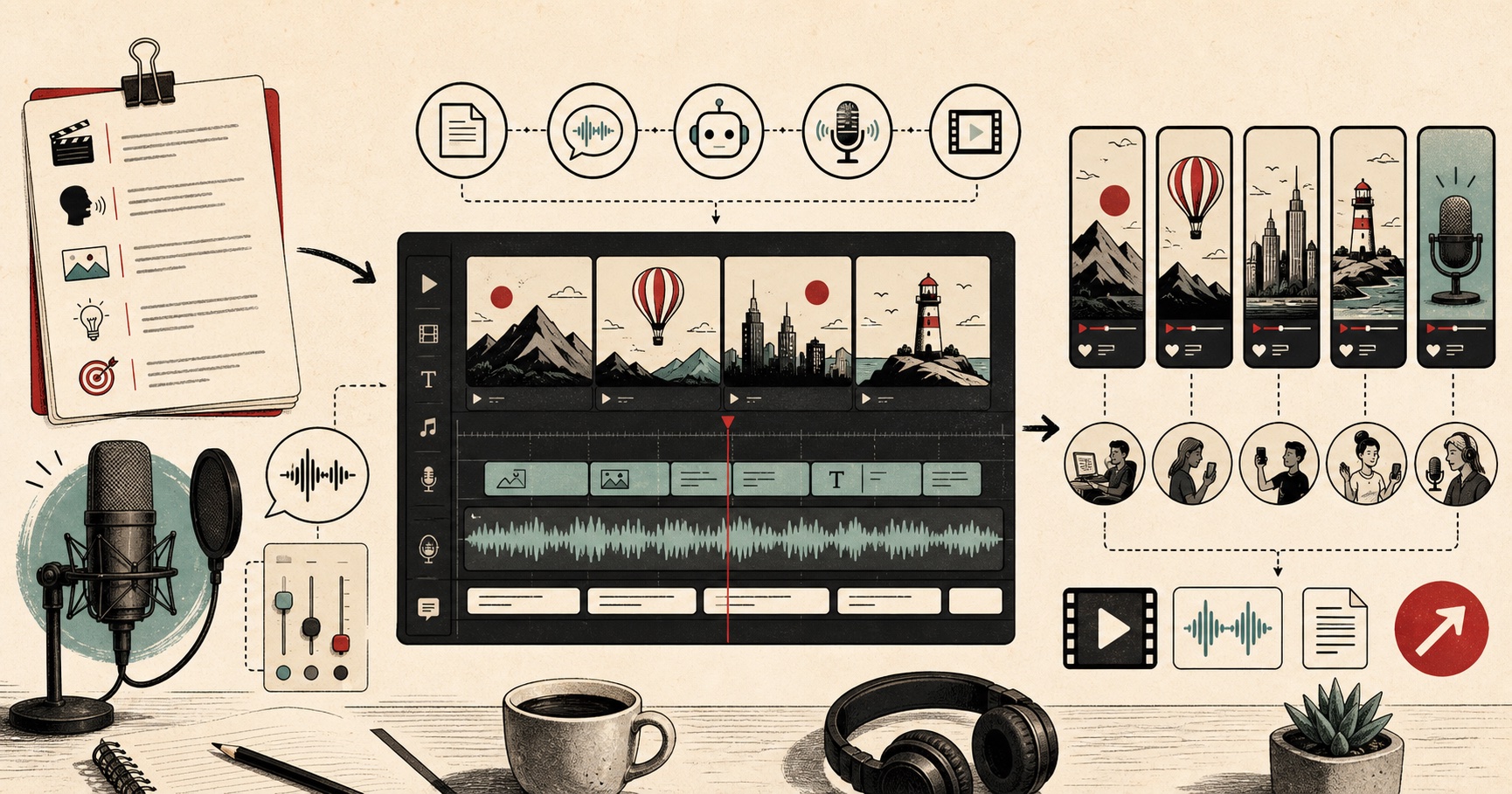
Visual guide
A creator workflow for turning scripts into publishable AI voiceovers.